Gemini CLI Video Creation: Crealix AI for Developers
Create short-form videos directly from your Gemini CLI with Crealix AI's MCP connector. Automate production, review scenes in chat, and publish with ease.
Developers and power users can streamline short-form video creation for platforms like TikTok, Instagram Reels, and YouTube Shorts by integrating an AI video generator with command-line interfaces (CLIs). This guide demonstrates how to produce content directly from your terminal using Gemini CLI and Crealix AI.
How to Create Videos with Gemini CLI and Crealix AI
Integrate Crealix AI with your Gemini CLI via its MCP connector. This enables full AI video production—script generation, voiceovers, visual scene creation, and captions—all through text commands in your terminal.
1. Connect Crealix to Your Gemini CLI
Establish a one-time connection between Crealix AI and your Gemini CLI, linking your Crealix account to your AI assistant.
- Access Crealix Settings: Navigate to your Crealix account settings at Connected Apps.
- Connect Gemini CLI: Use the provided one-line command in the Connected Apps section to link terminal agents like Gemini CLI. Sign in to Crealix securely via a web link; your Gemini CLI will not access your password.
- Set Spending Limits: Define daily credit caps, cost thresholds for approval, and publishing permissions for your Gemini CLI. Adjust limits or disconnect the assistant at any time.
2. Plan and Generate Videos by Chatting in Gemini CLI
Once connected, initiate video creation by chatting with your Gemini CLI. The AI assistant will guide the production process.
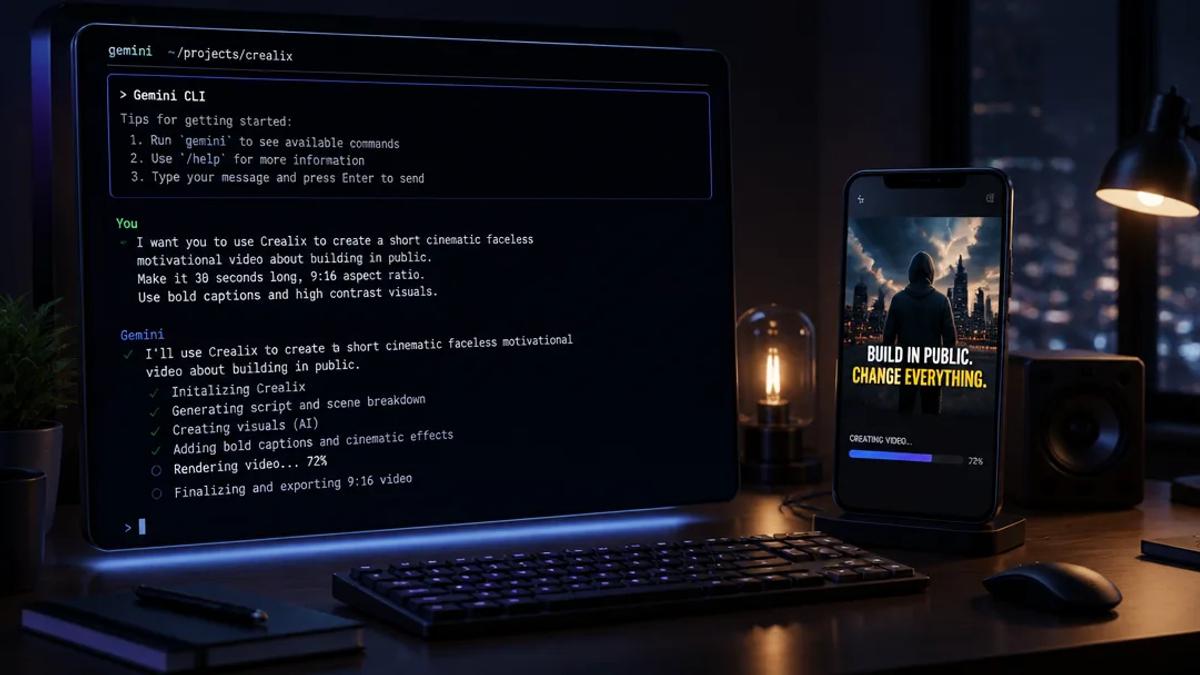
- Plain Language Prompts: Describe your desired video, e.g., "make a 60-second faceless video about the history of coffee" or "create an AI movie trailer about a rogue AI." The assistant interprets your intent and begins planning.
- Interactive Options: Your Gemini CLI will present interactive cards (if supported by your client) offering visual styles, voiceovers, background music, and caption styles. Crealix's AI assistant proposes a complete video plan, including script, voice, visual style, captions, music, format, and estimated credit cost. Production begins only after your approval.
3. Review and Refine Scenes in the Terminal
After proposal approval, Crealix generates video scenes. Review and refine these scenes directly within your Gemini CLI or switch to the Crealix web editor for detailed adjustments.
- Scene Review: Crealix processes generation through the same pipeline as the web app, displaying live progress in chat. Review individual scenes in the terminal. Options include animating a scene with a video model, generating new images, changing dialogue, retrying failed generations, or reverting to earlier versions.
- Seamless Editing: Projects are identical across terminal and web app interfaces; changes in one reflect in the other.
4. Render and Publish Your Video
Once satisfied, instruct your Gemini CLI to render and, if permitted, publish the video.
- On-Demand Rendering: The final video renders only upon explicit command.
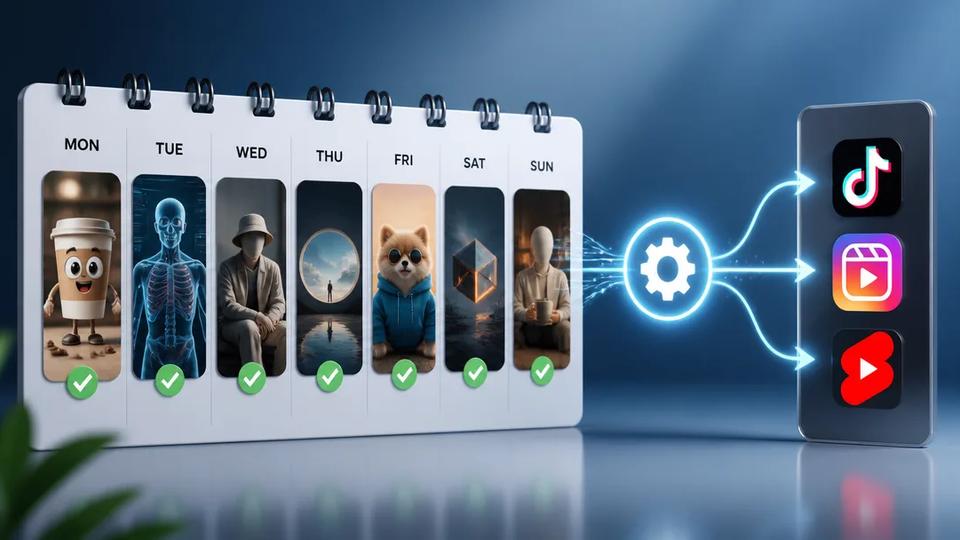
- Automated Publishing: With approved publishing permissions, the video can be automatically posted to connected TikTok, Instagram, or YouTube accounts, ideal for managing daily content schedules.
Automating Video Series with Gemini CLI
For creators managing content at scale, Crealix's Autopilot feature, combined with Gemini CLI, fully automates recurring video series.
While Autopilot is typically configured in the Crealix web app, Gemini CLI integration allows programmatic management and initiation of production pipelines. Autopilot handles recurring planning, production, approval, and scheduled publishing of video episodes, ensuring variety in voices, music, caption styles, and visual styles from predefined pools. This enables daily or weekly content production and publishing without manual intervention.
Benefits for Developers and Power Users
Integrating Crealix AI with Gemini CLI offers significant advantages for command-line workflows:
- Scripted Automation: Automate video production within larger scripts or workflows, ideal for data-driven content or integrating video creation into existing tools.
- Efficiency: Bypass graphical interfaces for faster, text-based interactions, especially for repetitive tasks or managing multiple channels.
- Control and Transparency: Maintain full control over spending with per-assistant credit caps and approval thresholds. Every paid action reports its cost directly in the chat.
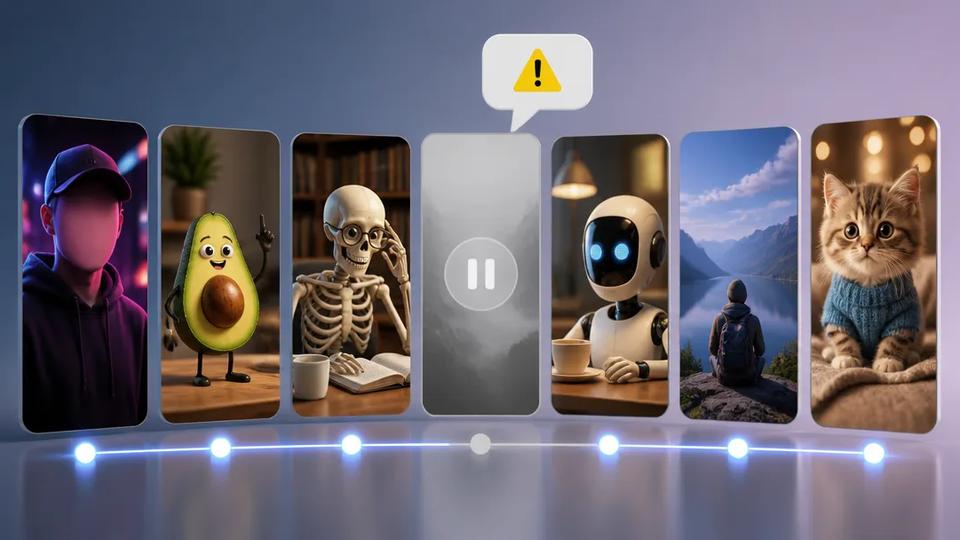
- Full Crealix Stack: Access all Crealix AI video generation capabilities, including Faceless Video, Talking Objects, AI Movies, AI Skeleton, Animated Stories, and AI Voice Cloning.
This integration transforms video content creation into a programmable task, simplifying the scaling of short-form video output.
Ready to streamline your video production workflow? Connect Crealix AI to your Gemini CLI today and start creating videos by chatting.