AI Agent Workflows for Agencies: Briefing a Month of Videos
Agencies can leverage AI agents like ChatGPT or Claude to brief and produce a month's worth of client short-form videos from a single chat, drastically scaling content creation.
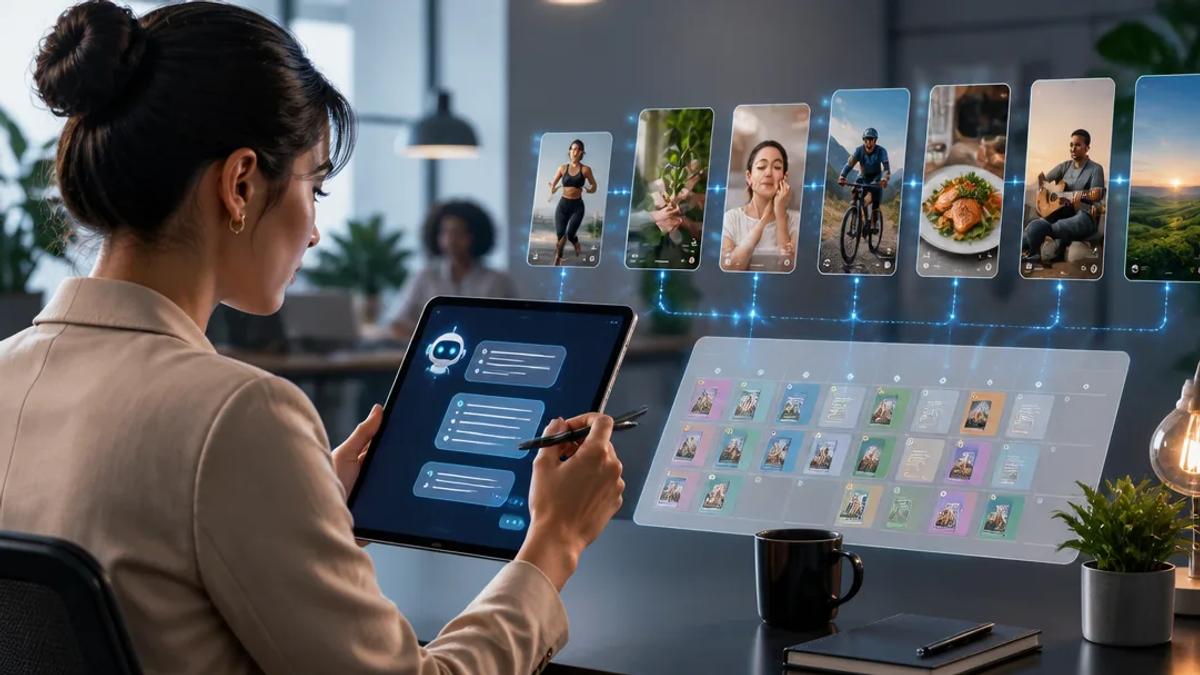
For social media agencies and content teams, scaling video production for multiple clients while maintaining quality and consistency is a constant challenge. Traditional video creation is time-consuming and expensive, making it difficult to meet the daily demands of platforms like TikTok, Instagram Reels, and YouTube Shorts. AI agent workflows offer a significant advantage, allowing agencies to brief and automate an entire month's worth of video content from a single chat interface.
Why AI Agent Workflows are a Game-Changer for Agencies
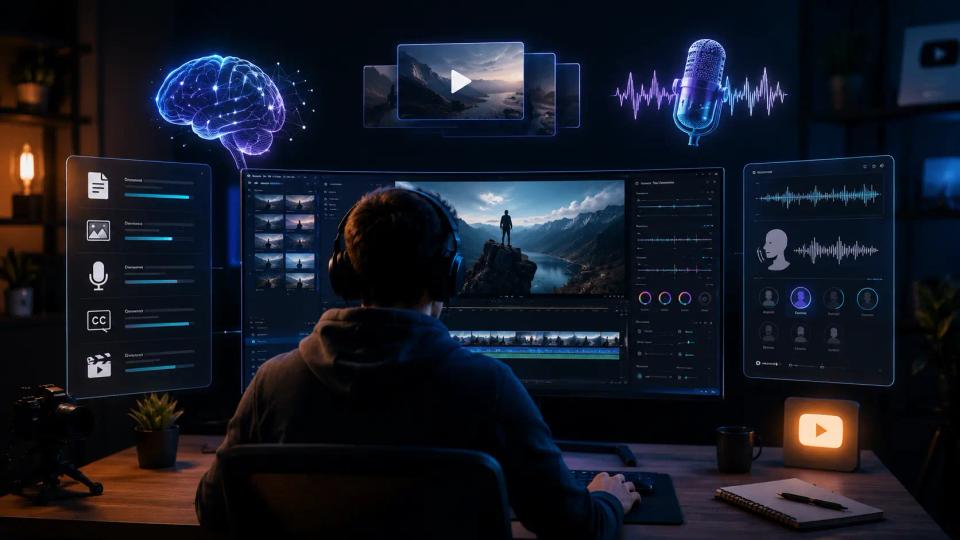
AI agents, when integrated with powerful video generation platforms, transform the content creation pipeline. Instead of a multi-step process involving scriptwriters, animators, and editors, agencies can leverage AI to handle ideation, scripting, visual generation, voiceovers, and even publishing. This drastically reduces production time and cost, enabling agencies to deliver high volumes of diverse video content without expanding creative teams.
Key benefits for agencies include:
- Scalability: Produce content for numerous clients simultaneously.
- Efficiency: Drastically cut production time per video.
- Consistency: Maintain brand voice and visual style across all client content.
- Cost-Effectiveness: Reduce overhead associated with manual video production.
- Innovation: Experiment with new formats and styles quickly.
Briefing a Month of Client Videos with AI Assistants
The core idea is to use a conversational AI assistant (like ChatGPT, Claude, or Cursor) as the central hub for your client's video content strategy. Instead of creating each video individually, you can brief the AI assistant with a comprehensive content plan for the entire month. The AI then translates this brief into actionable video projects, which are produced by a connected AI video generator.
Here’s how an agency can set up a monthly video content plan using an AI assistant:
1. Connect Your AI Assistant to a Video Generator
The first step is to establish a connection between your chosen AI assistant and a robust AI video platform. Crealix AI offers an MCP connector that allows you to link your Crealix account to Claude, ChatGPT, Cursor, or other MCP clients. This integration means your AI assistant can directly interact with Crealix's video generation capabilities.
Once connected, set specific limits for each assistant: a daily credit cap, a cost threshold for requiring approval, and whether it's allowed to publish directly. This ensures control over spending and content output.
2. Develop a Comprehensive Monthly Content Brief
Within your AI assistant, provide a detailed brief for your client's monthly content. This brief should include:
- Client Goals: Objectives for the month (e.g., brand awareness, lead generation, product launches).
- Target Audience: Demographics, interests, and pain points.
- Key Themes/Topics: List of topics or product features to cover.
- Video Formats: Specify desired formats (e.g., faceless videos, talking objects, AI dramas, split-screen reactions, Twitter threads, fake text messages).
- Call-to-Actions (CTAs): What should viewers do after watching?
- Brand Guidelines: Tones, styles, and any specific visual or audio preferences (e.g., preferred voices from My Voices, background music genres).
- Scheduling: Desired publishing frequency and days.
Example prompt for your AI assistant:
"*Plan and produce 20 short-form videos for Client X's TikTok channel for next month. Goal: increase engagement around their new eco-friendly product line. Focus on 5 videos explaining product benefits (faceless style), 5 videos featuring customer testimonials (split-screen reactions), 5 videos with fun facts about sustainability (talking objects), and 5 quick tips (script-to-video). Use a friendly, informative tone. Ensure all videos use the 'GreenEarth' visual style and a consistent female narrator from our cloned voices. Propose ideas first, then create.*"
3. AI Assistant Plans and Proposes Videos
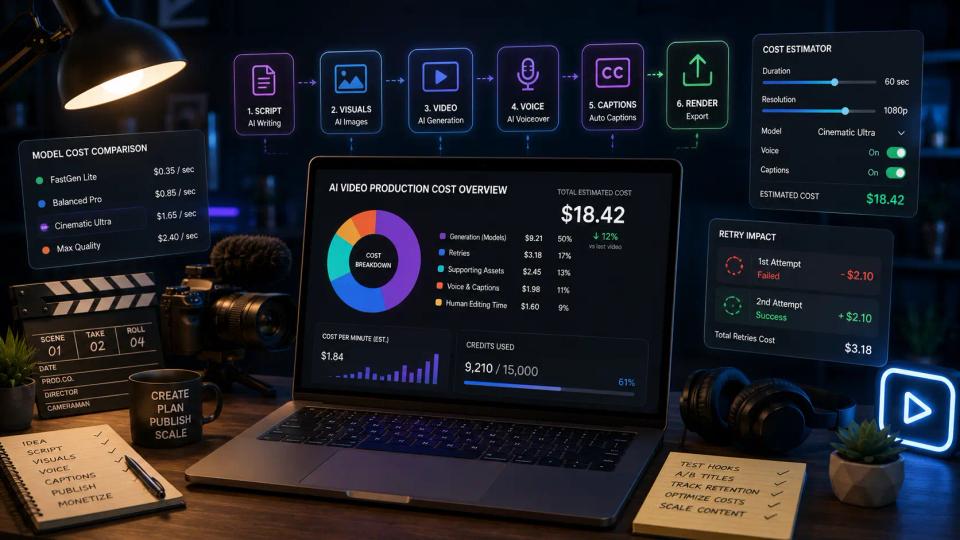
The AI assistant, leveraging its connection to Crealix, will then interpret your brief. It will propose individual video ideas, including scripts or scene outlines, suggested voices, visual styles, captions, music, and estimated credit costs. Nothing is created until you approve the proposal. This allows agencies to review the content strategy at a high level before production begins.
4. Automated Production and Review
Once you approve the proposals, Crealix AI generates each video through its standard pipeline. The AI assistant keeps you updated with live progress cards directly in the chat. You can review the generated scenes, make adjustments, or even animate specific scenes with different video models right within the chat interface. If needed, switch to the Crealix web editor for more detailed adjustments.
This workflow ensures that while production is automated, agencies retain full creative control and can ensure brand alignment for their clients.
5. Scheduled Publishing or Manual Download
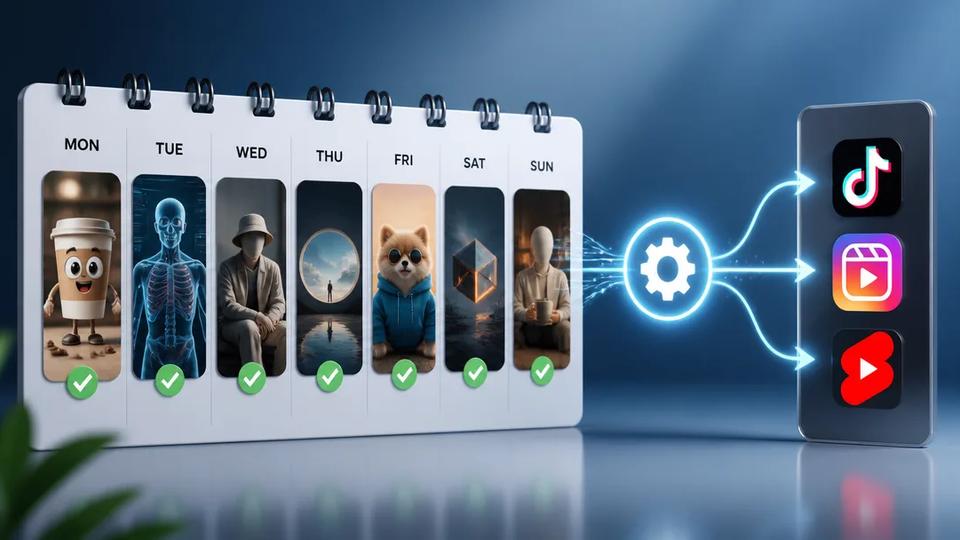
After final review and approval, the AI assistant can render the videos. If publishing permissions were granted and approved, it can then publish the finished videos directly to the client's connected TikTok, Instagram, or YouTube accounts at the scheduled times. Alternatively, download the videos for manual publishing or client review.
For ongoing, recurring content series, agencies can also leverage Crealix's Autopilot feature. This allows you to set up recurring video series based on any Crealix format, define a creative brief, specify variety pools for voices, music, and visual styles, and set a weekly schedule. Autopilot then plans ideas, produces episodes ahead of time, waits for your approval, and publishes at the exact scheduled minute, ensuring a continuous content flow without daily intervention.
Real-World Impact for Agencies
By adopting AI agent workflows, agencies can transform their video production capabilities. Imagine onboarding a new client and, within a single chat session, setting up their entire month's short-form video content. This level of efficiency allows agencies to:
- Take on more clients: Expand their client roster without proportional increases in headcount.
- Offer more services: Provide daily video content as a standard offering, not a premium.
- Focus on strategy: Free up creative teams to focus on high-level strategy and client relationships rather than manual editing tasks.
- Respond to trends faster: Quickly generate topical content based on emerging trends identified by the AI assistant.
AI agent workflows, powered by tools like Crealix AI's MCP connector, are not just about automation; they enable agencies to scale their impact and deliver consistent, high-quality video content at a pace previously unimaginable.
---
Ready to streamline your agency's video production? Connect Crealix AI to your favorite AI assistant today.