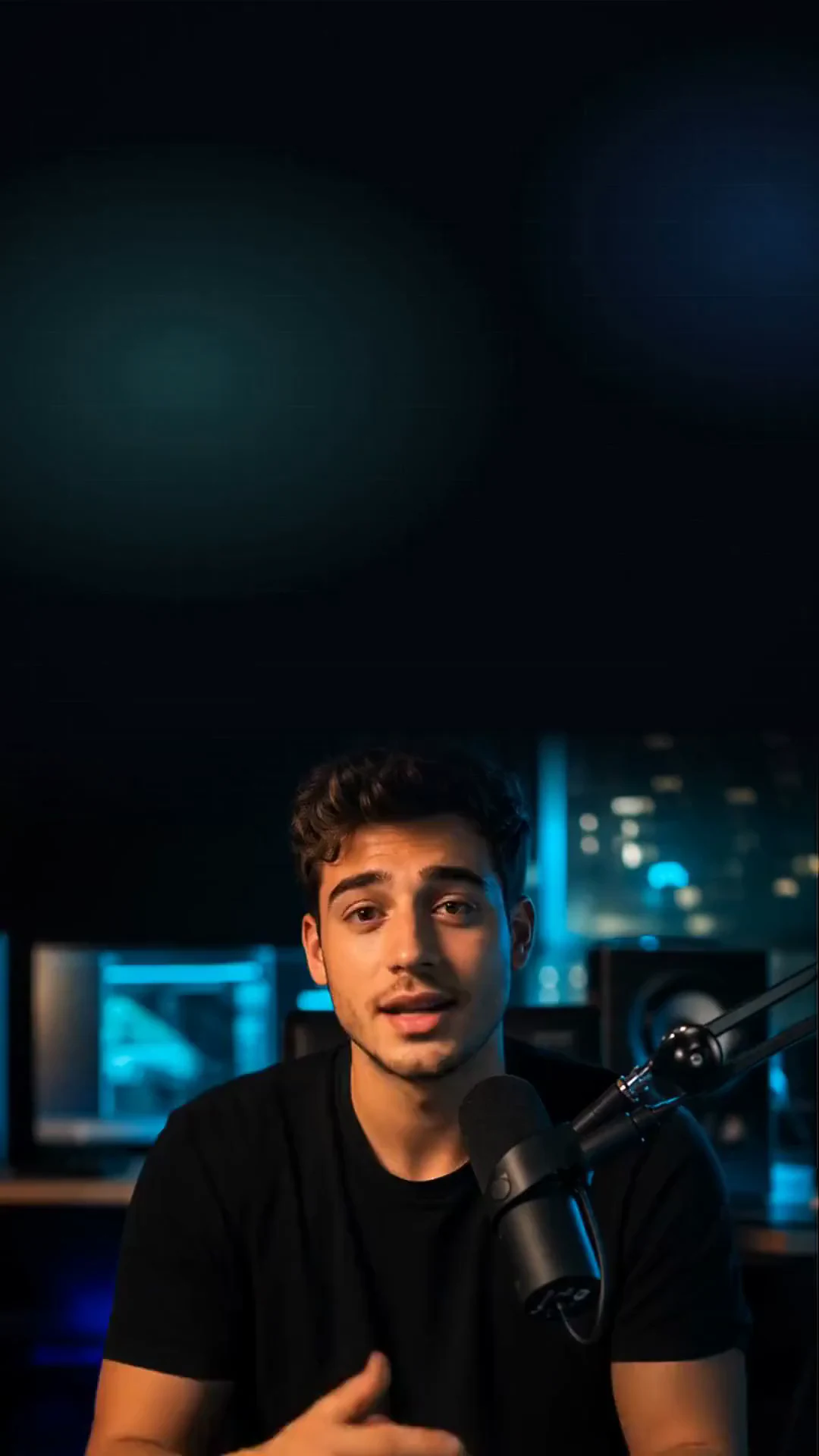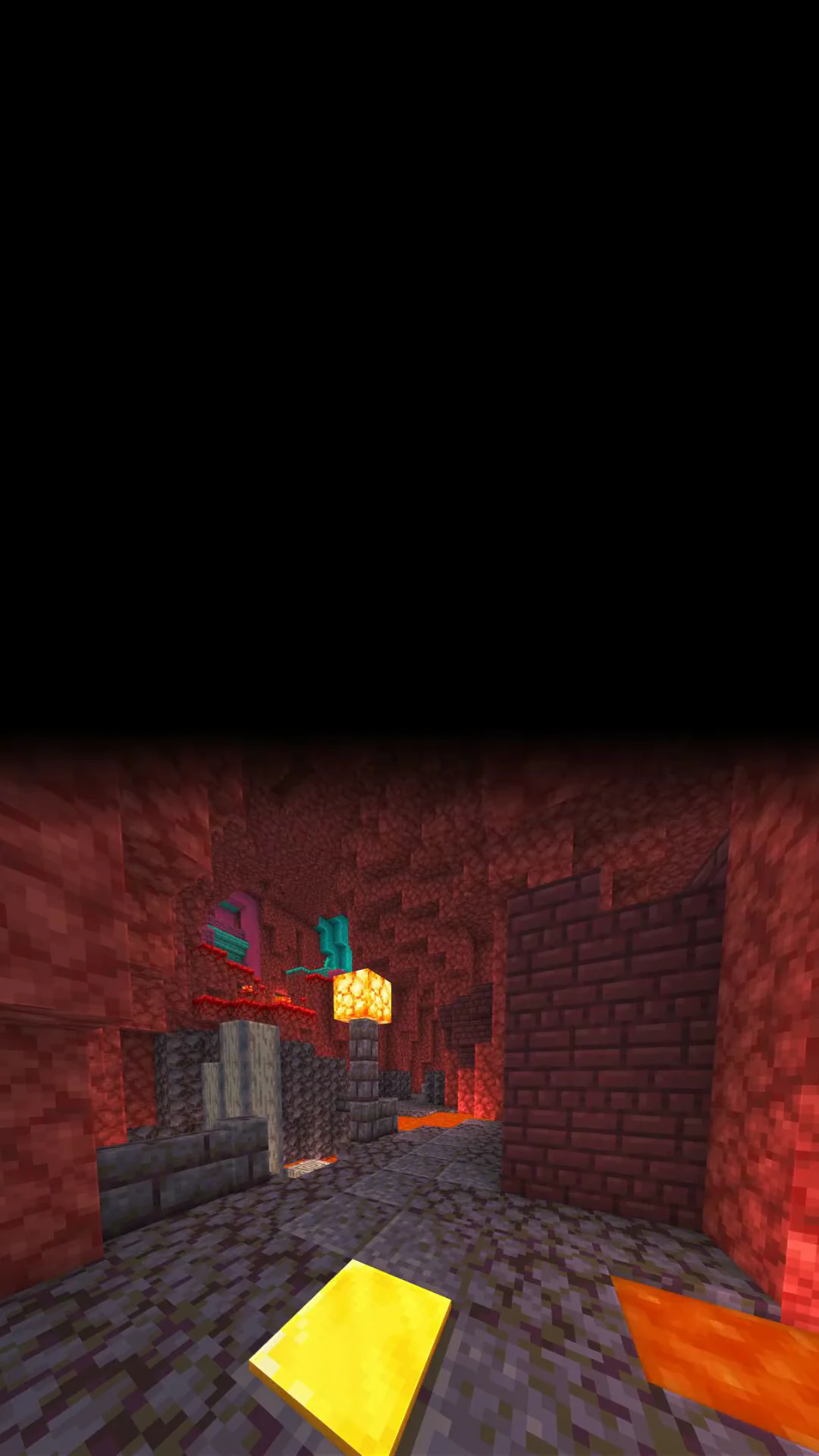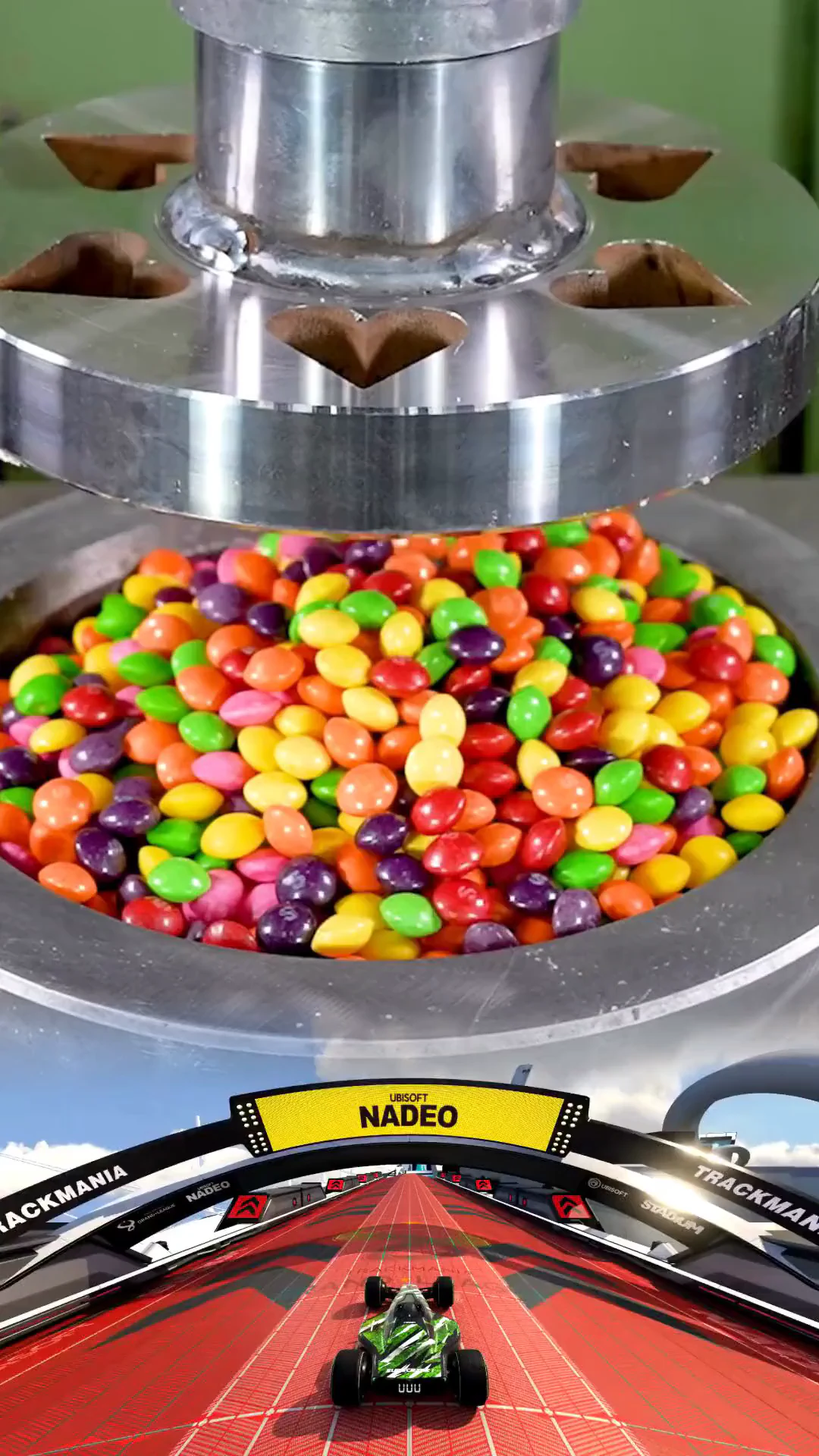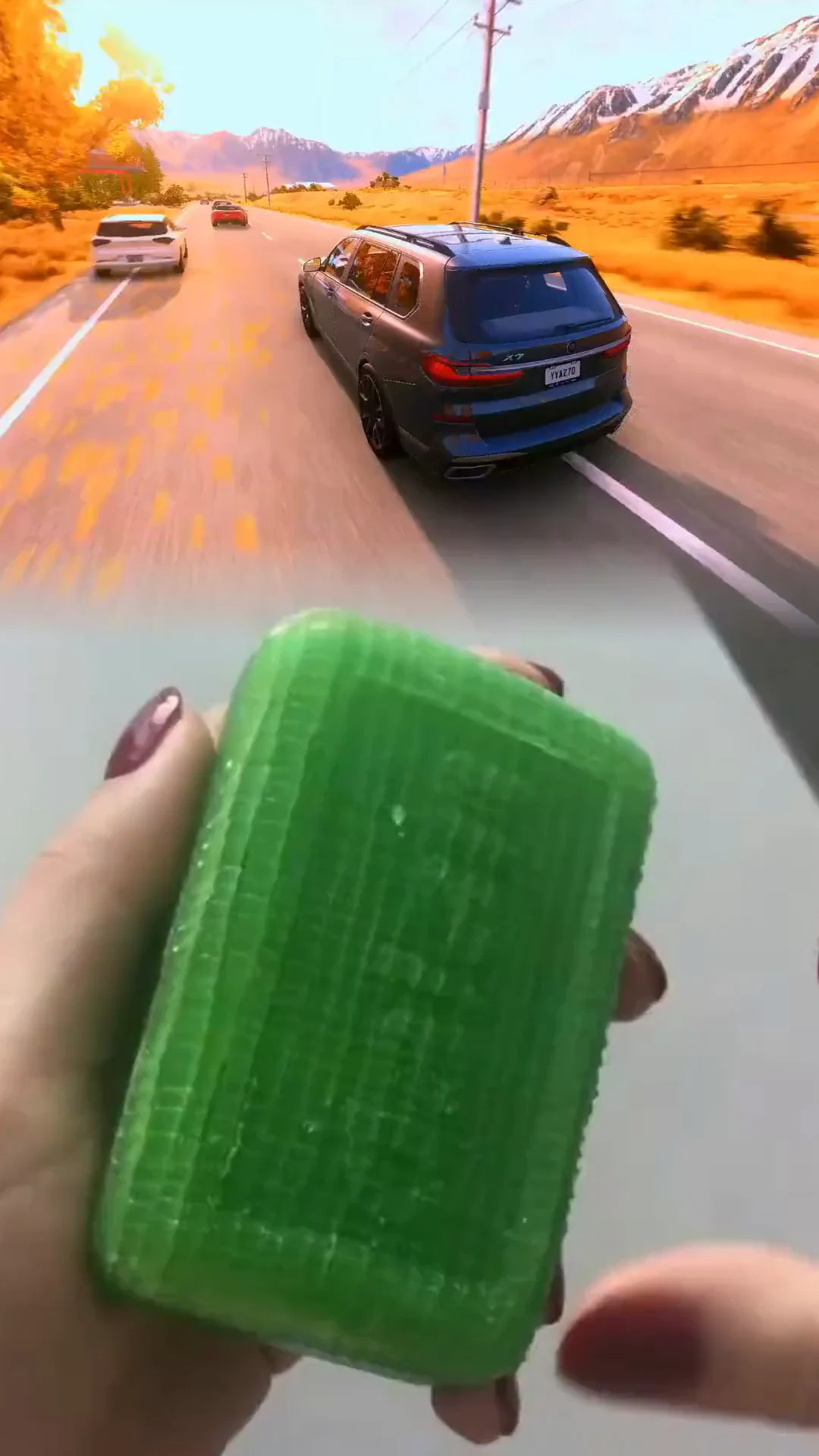
Any two sources
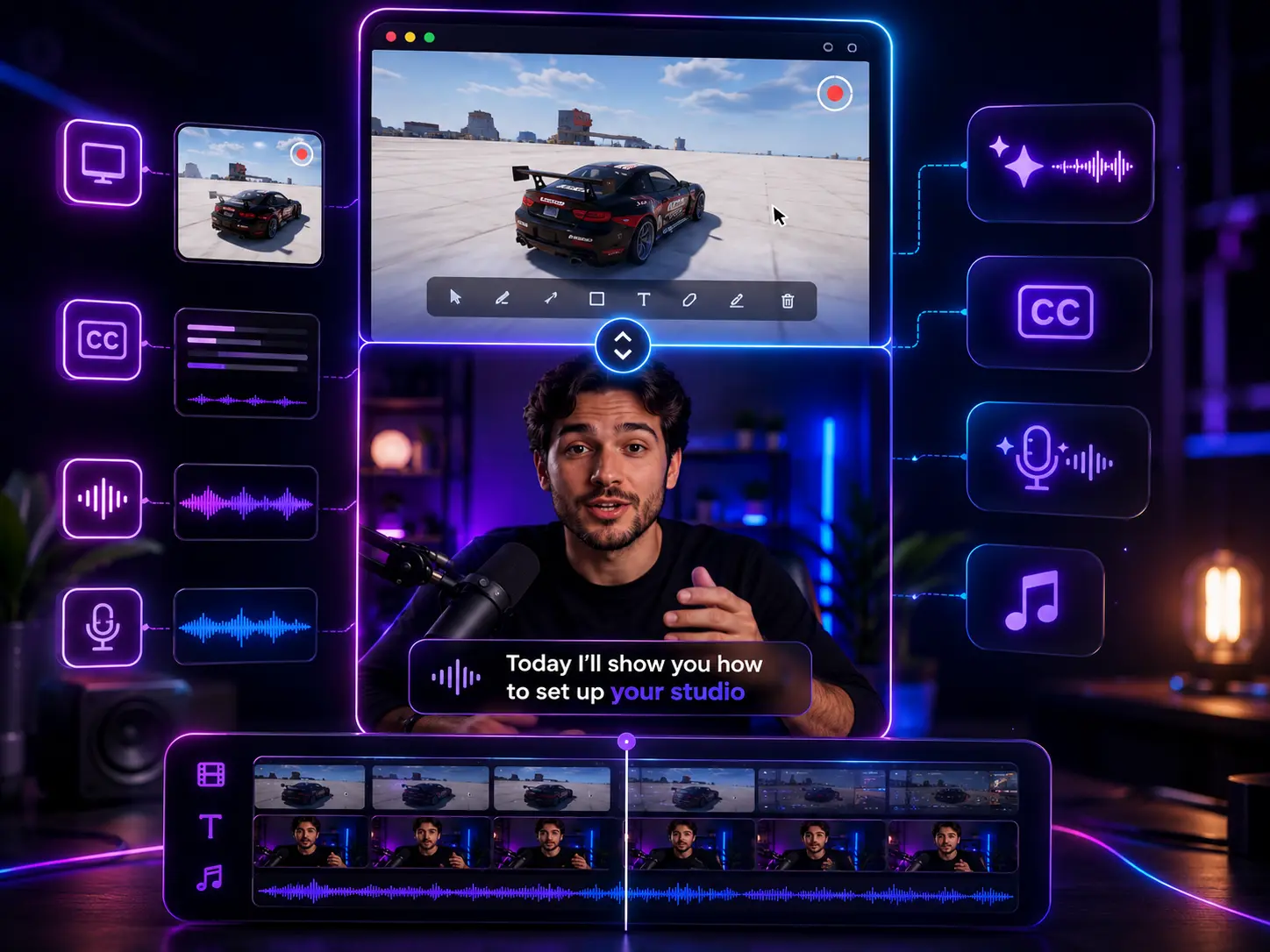
Combine a finished project, an avatar video, an AI clip, a curated gameplay clip, or a direct upload — in either half.
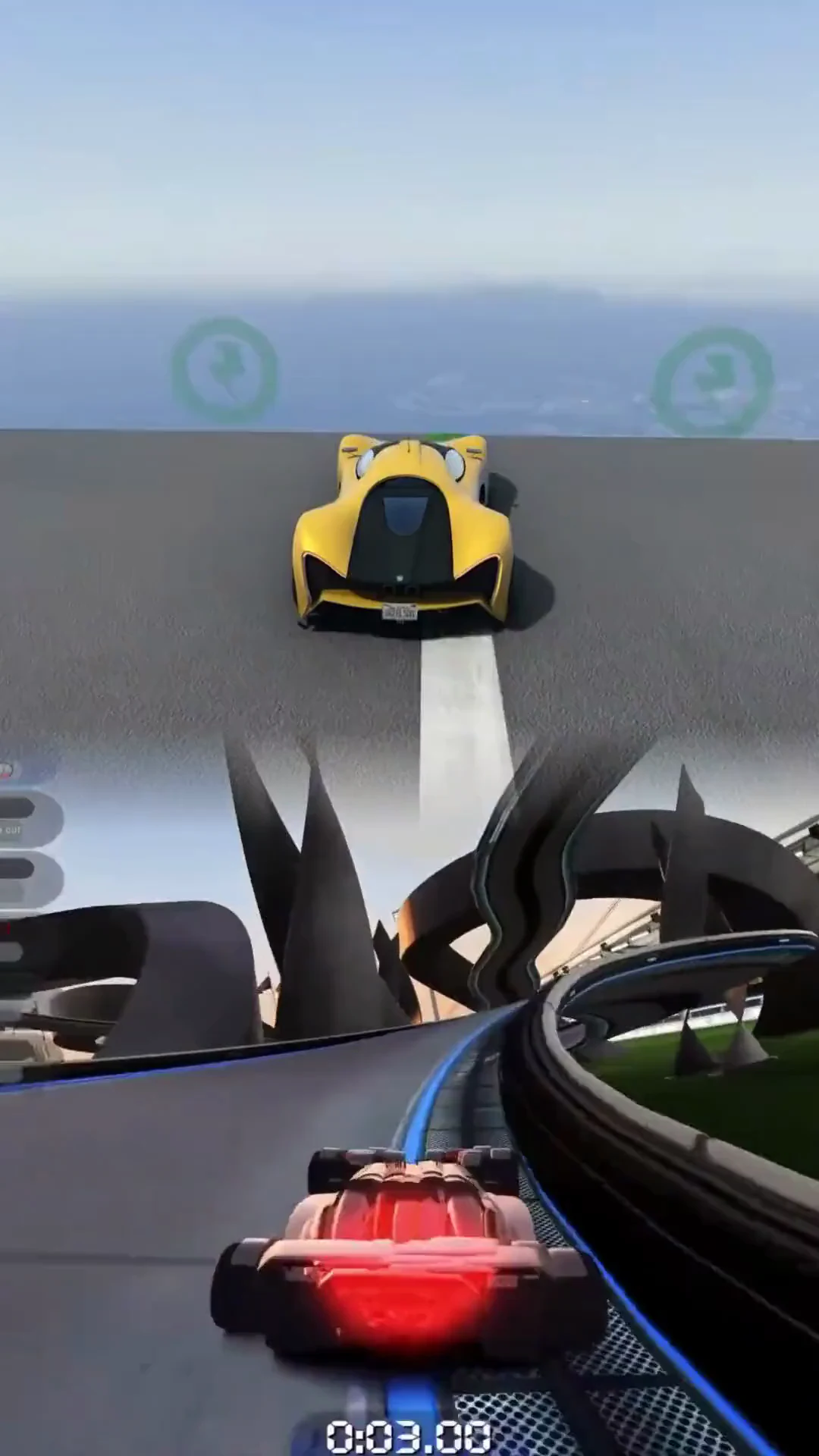
The split-screen / reaction format prints on TikTok and Reels — a talking head or app demo on one half, gameplay or B-roll on the other. But building it by hand means importing two clips, lining them up, masking, syncing audio, adding captions and music, and re-rendering every time you tweak the split.
Pick two videos — a finished Crealix project, an avatar, an AI clip, a gameplay clip, or an upload — and Crealix stacks them into one split-screen short. Drag the split, choose which half you hear, add optional AI narration, captions, music and SFX, and even spotlight one video full-frame for a beat. Render a clean vertical short in minutes.
Three steps from two clips to a finished split-screen short.
Choose the two halves from your projects, avatars, AI clips, gameplay library, or an upload — top/bottom or side-by-side.
Drag the split ratio, pick which clip is heard, and optionally add an AI-written narration, captions, music and SFX.
Add spotlight moments that cut to one video full-frame, then render a clean vertical short and post it anywhere.
From the two source clips to captions and spotlights, the whole composition is handled for you.
Combine a finished project, an avatar video, an AI clip, a curated gameplay clip, or a direct upload — in either half.
Top/bottom or side-by-side, with a draggable divider and quick 50/50, 60/40 and 70/30 presets in any aspect ratio.
Each half has its own audio. Avatars keep their voice automatically; mute or unmute any clip, or narrate over the whole thing.
Cut to one video full-frame for chosen moments, and auto-generate captions from whatever audio is heard.
Anyone who wants the split-screen / reaction format without the editor grind.
Pair a talking clip or avatar with gameplay or an app demo and post the format that keeps people watching — daily.
Put a screen recording on one half and a reaction or narration on the other to make product demos actually watchable.
Produce split-screen short-form for clients at volume without rebuilding the layout and re-rendering by hand each time.
Two clips, one short — talking heads, avatars, app demos and gameplay, composed end to end.
An editor makes you rebuild the split every time. Crealix composes and finishes it for you.
Crealix
Manual editor
Crealix
Manual editor
Crealix
Manual editor
Crealix
Manual editor
Autopilot
Write one brief, set the days and times, and Autopilot produces and publishes a new Split Videos video on schedule — you approve each episode first.