Object personality
Turn a prop or product into a character with mood, conflict, tone, and a clear comedic role.
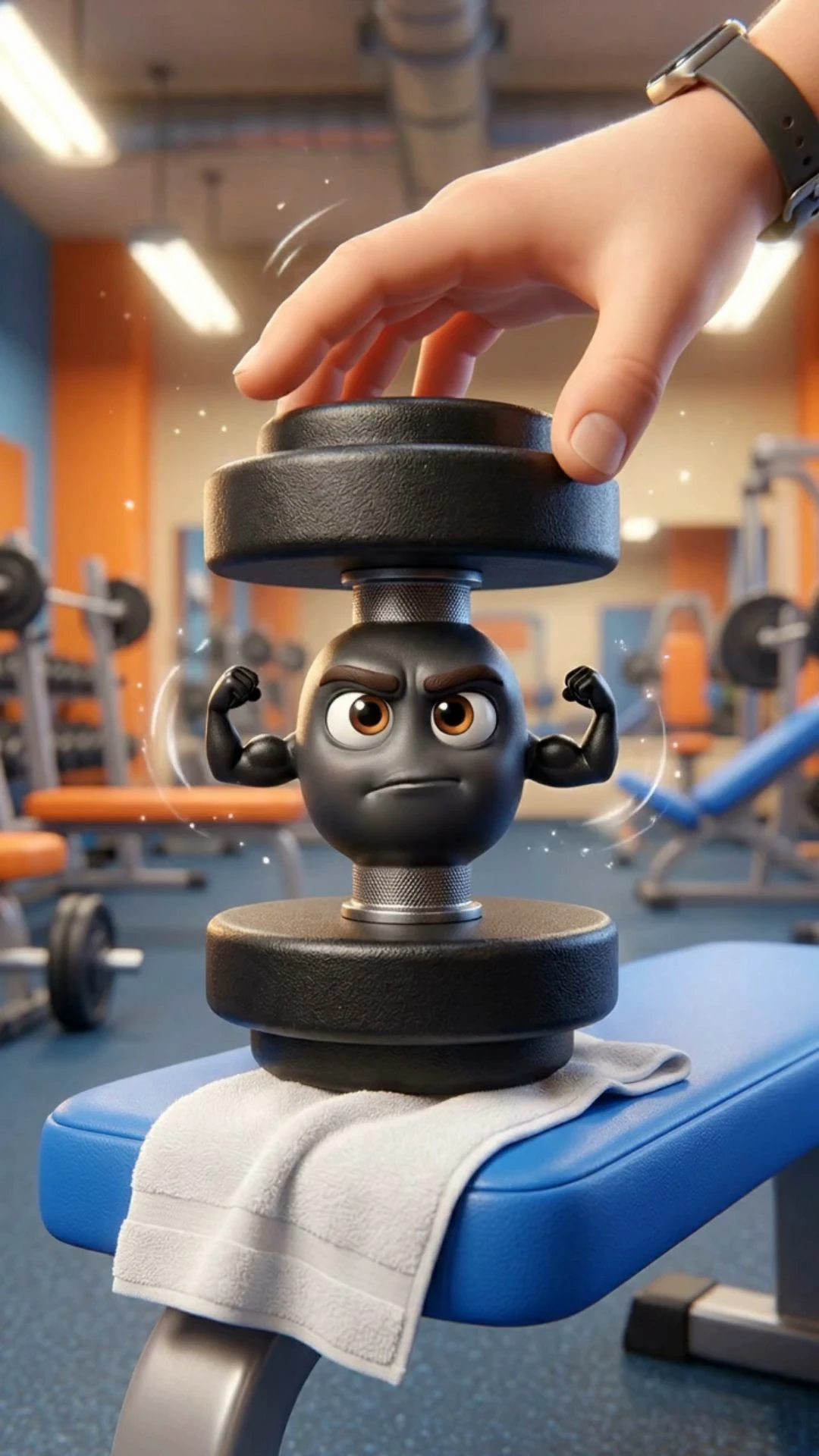
Make a banana complain, a toaster roast the morning, or a product sell itself with attitude. Crealix helps you plan the character first, preview the images, then render the final video with editable scenes and model choice.
01Results
Use the marquee to show the range: ugly props, everyday tools, food objects, and products can all become scroll-stopping characters.
02How it works
Instead of jumping straight to a final render, Crealix helps you shape the character and preview the visual direction before spending credits on the complete video.
01
Choose the object, mood, setup, audience, language, and type of joke or product angle.
02
Preview how the character, face, scene, and visual style will look before committing to video.
03
Crealix prepares scene prompts, caption direction, and voice guidance so every beat supports the joke.
04
Generate the final talking-object clips and continue editing scenes, timing, captions, and media in your project.



03Features
The workflow keeps the object, joke, visuals, voice direction, and final video connected in one place.
Turn a prop or product into a character with mood, conflict, tone, and a clear comedic role.
See the character direction before rendering the final video, so iteration stays cheaper and clearer.
Regenerate images, adjust scene prompts, refine captions, and improve timing before exporting.
Choose the model that fits the object, format, duration, style, and quality target.
Keep the joke readable with captions and a scene structure built around the final payoff.
Every generation stays in a project, so you can revise the short instead of starting over.
04Demo
Before generating the final video, Crealix helps you shape the object as a character: face, environment, scene prompts, voice direction, captions, and punchline all stay editable.

05Before and after
Without Crealix
A lot of product content starts from the same pattern: clean shot, polished promise, predictable demo. The viewer recognizes the format before the first line lands.
With Crealix
Talking Objects turns the product itself into the hook. Give it a mood, a conflict, a voice direction, and a punchline, then build the short as native comedy for TikTok, Reels, and Shorts.
06Use cases
Talking object videos work especially well when the product, prop, or asset is already the center of attention.
Turn packaging, skincare, supplements, gadgets, or apparel into direct-response hooks for ads and product launches.
Create recurring comedy characters from props, toys, collectibles, food, or desk objects without filming yourself.
Pitch multiple product angles quickly and show clients a polished creative direction before committing to a shoot.
Let objects explain rules, benefits, mistakes, or product features with a lighter, more memorable tone.
07Compare
The goal is not a novelty clip. It is a repeatable production workflow inside your AI studio.
 Crealix
Editable video project
Regenerate scenes, captions, and voice
Object personality workflow
Mood, voice, scenes, and message
Part of a full creator stack
Images, video, music, motion, media library
Built for commercial use
Ads, launches, product content, social posts
08FAQ
Products, packaging, food, toys, collectibles, tools, accessories, desk items, and almost any object that can carry a face, voice, or joke.
Yes. The workflow is designed to generate images and scene direction first, so you can check the character and visual style before rendering the final clips.
Yes. You can revise prompts, regenerate scene images or videos, adjust captions, and continue editing inside the project.
Yes. It works well for product hooks, launch content, social ads, explainers, and recurring brand characters.
Autopilot
Write one brief, set the days and times, and Autopilot produces and publishes a new Talking Objects video on schedule — you approve each episode first.
See how Autopilot worksMy Voices
Clone your voice from a 20-second recording, or design one from a description, and every Talking Objects video comes out narrated by you — captions synced word by word.
See how voice cloning works