Automate LinkedIn Video Series with Crealix Autopilot
Learn how to automate AI video series for LinkedIn using Crealix Autopilot. Create consistent, engaging short-form video content effortlessly and schedule posts
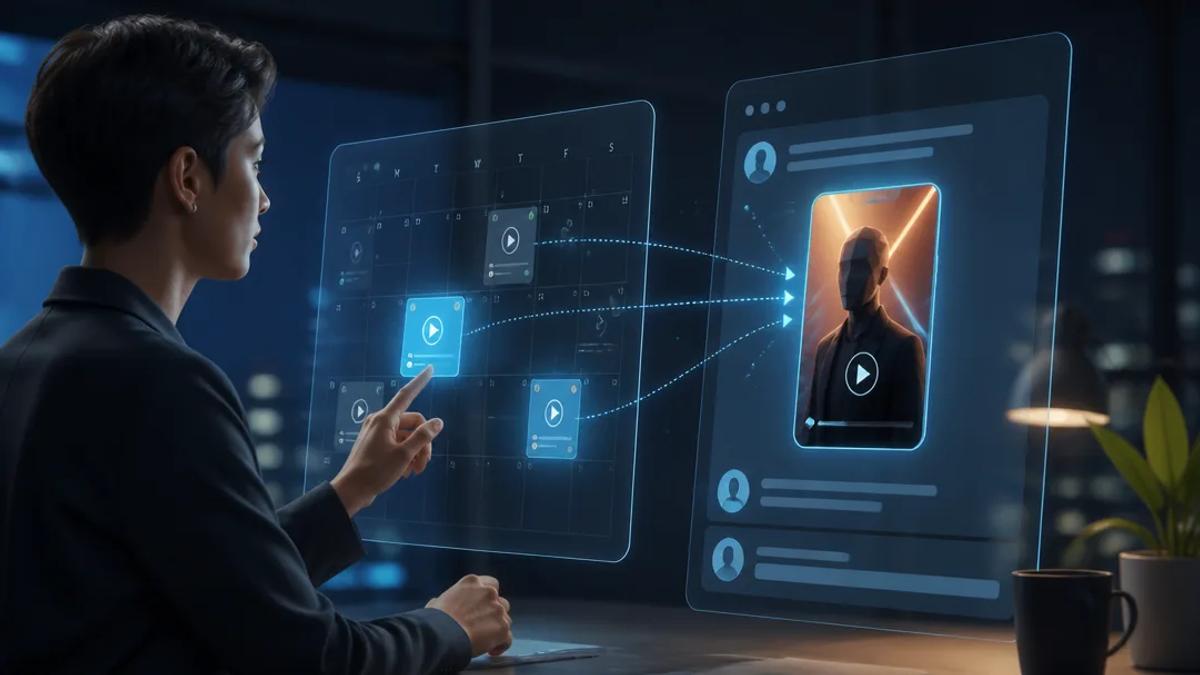
Automating your LinkedIn video series can transform your professional presence, allowing you to consistently share valuable insights, build thought leadership, and engage your network without daily manual effort. AI-powered tools make it possible to generate high-quality short-form videos and schedule them for automatic posting, ensuring your content strategy remains active and impactful.
Why Automate LinkedIn Video Content?
LinkedIn's algorithm favors video, and consistent posting keeps your audience engaged. However, producing daily or weekly videos can be time-consuming. Automation solves this by streamlining content creation and scheduling, allowing you to focus on strategy rather than execution. This is especially valuable for B2B marketers, solopreneurs, and agencies managing multiple client accounts.
Benefits of Consistent LinkedIn Video Series:
- Increased Visibility: Regular video posts improve your chances of appearing in your network's feed, driving more impressions and engagement.
- Thought Leadership: Consistently sharing expertise through video establishes you as an authority in your field.
- Time Efficiency: Automating the creation and scheduling frees up significant time, making it feasible to maintain a robust video strategy.
- Audience Engagement: Videos are more dynamic and often lead to higher interaction rates compared to static posts.
- Scalability: Produce content at scale for multiple topics, clients, or personal brands without increasing manual workload.
How Crealix Autopilot Automates LinkedIn Video Series
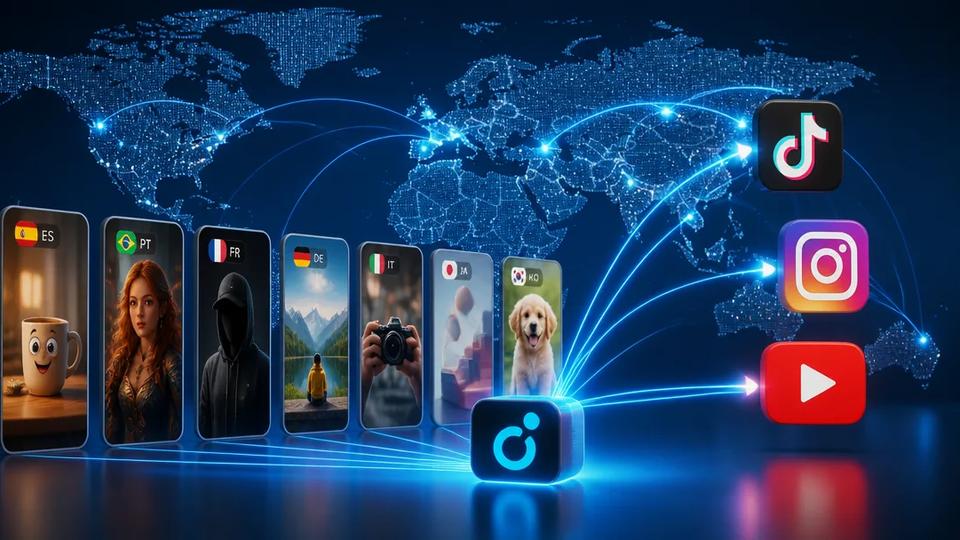
Crealix Autopilot is designed for creators who need to publish short-form video content at scale, including for LinkedIn. It allows you to set up recurring video series that plan ideas, produce episodes, and publish them automatically, ensuring a consistent flow of content without daily intervention.
Here's how you can use Crealix Autopilot for your LinkedIn video strategy:
- Define Your Series: Start by creating a new series in Autopilot. You'll pick a video format that suits your LinkedIn content goals, such as faceless videos for educational content, script-to-video for specific topics, or even talking objects for a unique approach. Explore Crealix video formats.
- Craft Your Creative Brief: Provide a creative brief for your series. This includes the core themes, target audience, and desired tone. You can also add sources like free-text notes, URLs for Crealix to digest, or a list of ideas that will be consumed one per episode.
- Set Up Variety Pools: To ensure each episode feels fresh and unique, define variety pools for voices, background music, caption styles, and visual styles. Autopilot will select different elements from these pools for each video, so your series never looks identical.
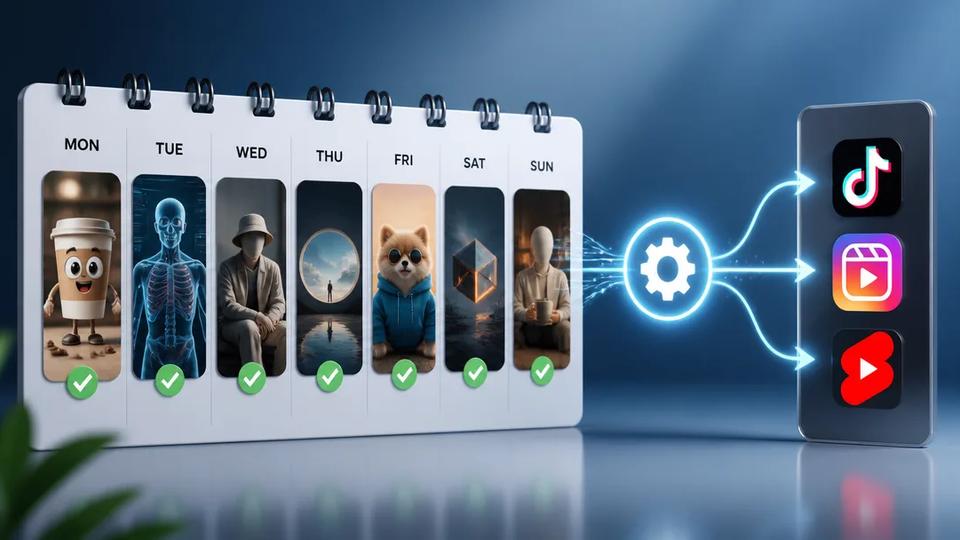
- Schedule and Connect: Choose your weekly schedule, specifying days and times in your local timezone. Then, connect your LinkedIn account as a destination. Crealix will then manage the entire production and publishing process.
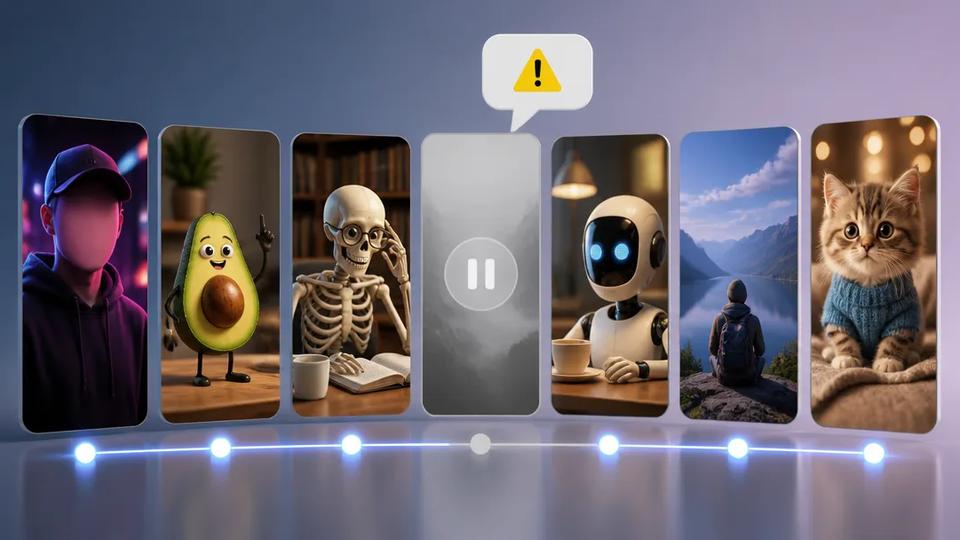
- Review and Approve: Autopilot keeps a queue of planned ideas and produces episodes ahead of time. By default, each episode will wait for your approval. You can watch a preview, and render credits are only spent on videos you approve. This gives you full control while still benefiting from automation.
- Automatic Publishing: Once approved, Crealix publishes the episode at the exact scheduled minute to your connected LinkedIn account. You can monitor your upcoming queue on a calendar, where you can edit ideas, reorder them, or skip them if needed.
Set up your first automated series with Crealix Autopilot.
Examples of AI Video Content for LinkedIn
Crealix supports various video formats that are highly effective for LinkedIn:
- Faceless Videos: Ideal for sharing industry news, quick tutorials, or expert insights without needing to be on camera. Create a faceless video.
- Script-to-Video: Transform written articles, reports, or thought pieces into engaging video summaries. Just paste your script, and Crealix generates the video. Turn your script into a video.
- Stock Video: Create professional-looking videos using real footage assembled from a brief. Perfect for product showcases or company updates. Generate stock-footage videos.
- Talking Objects: For a unique and memorable approach, animate objects to narrate your B2B stories or explain complex concepts in an engaging way. Make a Talking Objects video.
- Split Videos: Combine two videos into one split-screen short, ideal for reaction videos, comparing data, or showcasing a product alongside a user's perspective. Create a split-screen video.
Incorporating Your Own Voice
For a more personal touch, you can clone your own voice from a 20-second recording or design a new voice from a description. This allows you to narrate any Crealix format with your unique voice, maintaining brand consistency across your automated LinkedIn series. Clone or design your voice.
Streamlining Your LinkedIn Video Strategy with AI Assistants
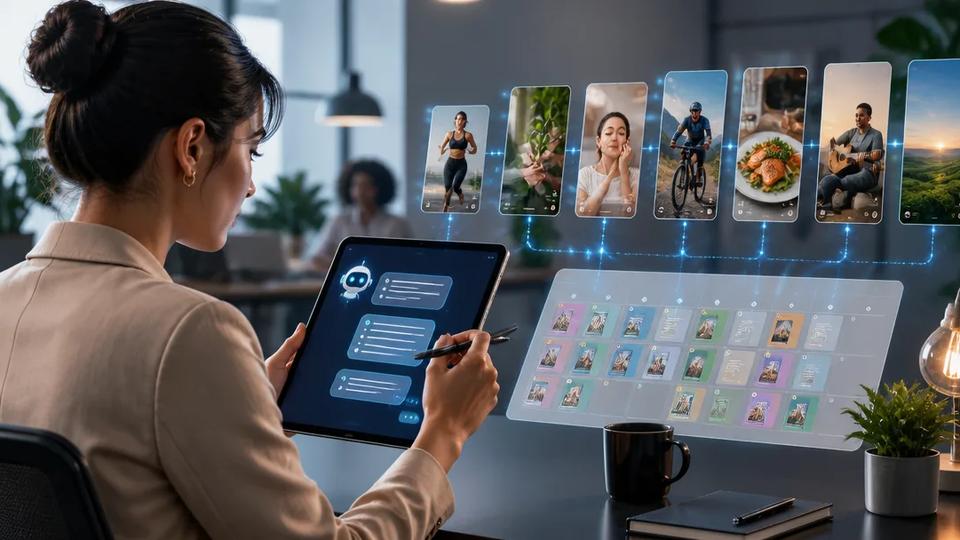
For creators who prefer a conversational workflow, Crealix integrates with popular AI assistants like Claude and ChatGPT through its MCP connector. This allows you to plan and produce your LinkedIn videos by simply chatting with your preferred AI assistant.
- Connect Crealix: Link Crealix to your AI assistant once from your settings, setting daily credit caps and publishing permissions. Connect Crealix to your AI assistant.
- Chat Your Way to Video: Ask your assistant in plain language to create a video, for example, "make a 60-second faceless video about the latest marketing trends." The assistant will guide you through options for voices, visual styles, and music.
- Review and Refine: The assistant will propose a video (script, voice, style, etc.). Nothing is created until you approve it. You can review scenes directly in the chat, make changes, or refine elements before rendering.
- Publish Directly: Once you're satisfied, instruct the assistant to render the final video and publish it to your connected LinkedIn account, provided publishing is allowed.
This approach gives you granular control over each video while leveraging the speed and efficiency of AI, making it easier to maintain a consistent LinkedIn video strategy.
Get Started with Automated LinkedIn Videos
Automating your LinkedIn video series with Crealix Autopilot means you can maintain a strong, consistent presence on the platform without the daily grind of manual production. Focus on your content strategy and let AI handle the execution.
Ready to elevate your LinkedIn video strategy? Start creating your automated video series for free.