Viral X-Thread Video Templates & AI Creation Guide
Transform X (Twitter) threads into viral short-form videos using proven templates and AI. Expand your content reach on TikTok, Reels, and Shorts.
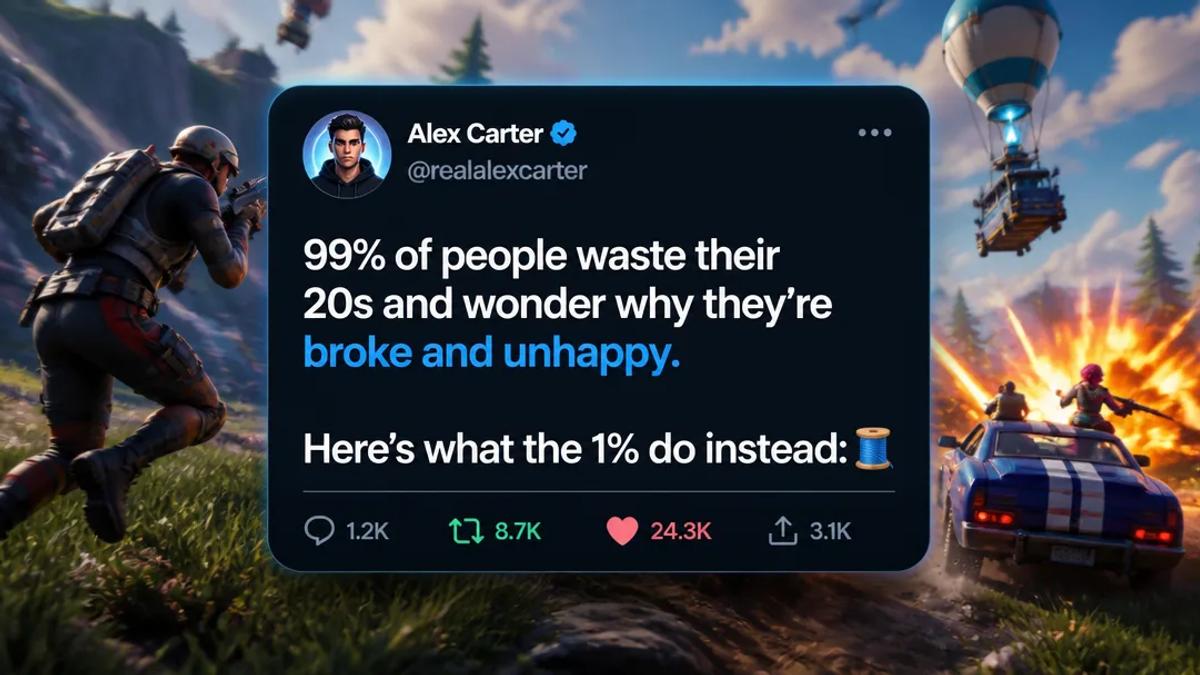
Turning compelling Twitter (now X) threads into engaging short-form videos is a powerful strategy to expand your content's reach beyond the platform. These videos, often featuring a narrated tweet or thread over dynamic visuals, capture attention on TikTok, Instagram Reels, and YouTube Shorts. The key is to select high-impact threads, craft a clear narrative, and use visuals that complement the text without distracting from it.
Why Convert X Threads into Videos?
Converting X threads into video format allows creators to repurpose successful content, reach new audiences on different platforms, and leverage the visual appeal of short-form video. It also offers an opportunity to add narrative depth through voiceovers and dynamic backgrounds that might be missed in text-only posts.
- Expanded Reach: Tap into visual-first platforms like TikTok, Instagram Reels, and YouTube Shorts.
- Content Repurposing: Maximize the value of high-performing written content.
- Enhanced Engagement: Visuals and narration make complex ideas more accessible and engaging.
- Brand Consistency: Maintain your brand voice across multiple social media channels.
Viral X-Thread Video Hooks and Templates
Viral X-thread videos often leverage curiosity, controversy, education, or personal anecdotes. Here are several templates and hooks that consistently perform well:
1. The "Unpopular Opinion" Thread
Hook: Start with a bold, potentially controversial statement challenging common beliefs. Each subsequent tweet elaborates on the reasoning and evidence.
Video Approach: Present the initial opinion clearly, then reveal each supporting tweet with a narrator explaining the nuance. Use a looping background that is thought-provoking but not distracting, such as abstract patterns or relevant stock footage.
Example: "Unpopular opinion: Remote work is actually making us less productive. Here's why..." followed by a thread detailing arguments and observations.
2. The "Here's What Nobody Tells You About X" Thread
Hook: Promise to reveal hidden truths or overlooked aspects of a common topic, creating immediate curiosity and positioning the creator as an expert.
Video Approach: The video opens with the intriguing hook, then sequentially displays each "secret" or "unspoken truth" from the thread. A calm, authoritative voiceover works best. Background visuals could be relevant B-roll or dynamic graphics illustrating the points.
Example: "Here's what nobody tells you about starting a side hustle..." followed by practical, often challenging, realities.
3. The "X Things I Learned From Doing Y" Thread
Hook: Share valuable lessons derived from a specific experience, project, or challenge. This template taps into the human desire for self-improvement and learning.
Video Approach: Each tweet represents a distinct lesson. The video can use a consistent visual theme, perhaps showing the creator's journey metaphorically, or using simple text animations to highlight each lesson. A clear, encouraging narration style is effective.
Example: "5 things I learned from launching my first online course..." listing actionable takeaways.
4. The "What If X Happened?" (Hypothetical Scenario) Thread
Hook: Pose an intriguing hypothetical question that sparks imagination and discussion. The thread then explores the potential consequences or outcomes.
Video Approach: This format thrives on engaging visuals. For instance, if the hypothetical is about a natural disaster, the background could be a subtly animated scene of the scenario unfolding. The narration should build suspense as each tweet reveals a new twist or consequence.
Example: "What if all social media disappeared tomorrow? The surprising ripple effects..." detailing societal and personal impacts.
5. The "Myth vs. Reality" Thread
Hook: Debunk common misconceptions about a topic, contrasting popular belief with factual information. This positions the content as educational and authoritative.
Video Approach: Visually, use a split screen or quick transitions between a "myth" text overlay and a "reality" text overlay. The narration should clearly explain the difference, with background visuals supporting the factual information.
Example: "Myth: You need to work 80 hours a week to succeed. Reality: It's about smart work, not just hard work..." followed by evidence-based counter-arguments.
How to Create AI-Generated Tweet Videos with Crealix AI
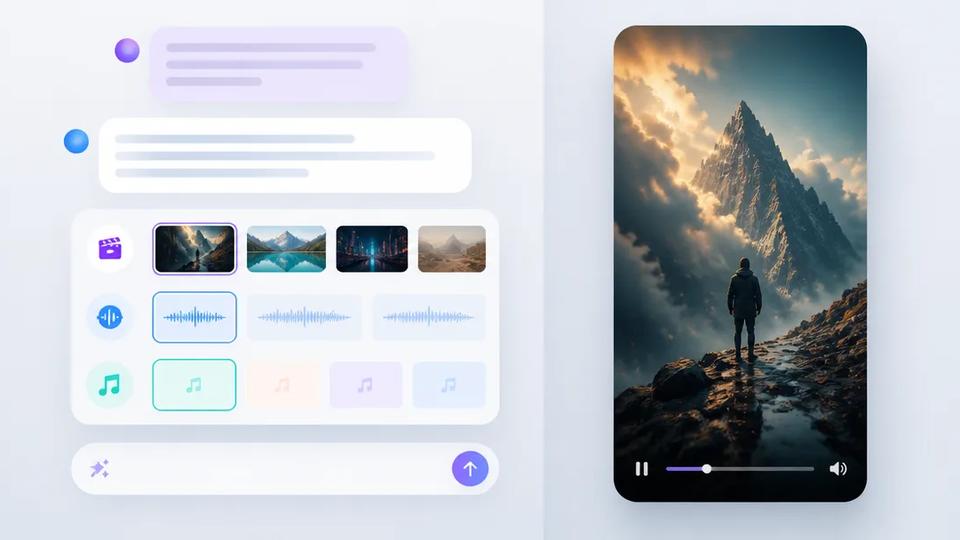
Crealix AI simplifies the process of turning your X threads into dynamic short-form videos. No editing skills or complex setup are required. The platform takes your idea or script and generates a full video.
Here's the general workflow with Crealix AI:
- Choose the Twitter Videos Module: Navigate to the Twitter Videos feature within Crealix AI.
- Input Your Thread: Write your main tweet and replies directly, or use the AI thread writer to draft a viral hypothetical-scenario thread from a one-line idea. This is where you'd input your chosen "viral hook" template content.
- Customize Visuals: Set the display name, @handle, avatar, verified badge, and engagement counts. Pick between light or dark X themes. Select a looping gameplay background that complements your thread's tone.
- Add Narration & Audio: Choose an ElevenLabs narrator (you can use a different voice per tweet for dynamic storytelling). Crealix automatically narrates each tweet. Add optional captions, background music, and sound effects to enhance engagement.
- Generate and Render: Crealix AI records the narration, reveals each tweet word by word in sync with the voiceover, and renders your finished short-form video. The platform recreates the X cards in-app, requiring no actual Twitter/X account or API.
This process allows you to quickly create professional-looking X-thread videos without manual editing, ideal for high-volume content production.
Best Practices for Viral X-Thread Videos
- Keep it Concise: Short-form videos thrive on brevity. Get to the point quickly and maintain a fast pace.
- Strong Hook: The first few seconds are crucial. Use a compelling question, statement, or visual to grab attention.
- Clear Narration: A high-quality, engaging voiceover is essential for conveying the message of your thread.
- Relevant Visuals: Choose background videos or images that support your text without being overly distracting. Looping gameplay or abstract motion graphics often work well.
- Captions are Key: Many users watch videos without sound. Auto-generated captions ensure your message is accessible.
- Call to Action (Optional): Encourage viewers to comment, share, or check out your profile for more content.
By leveraging these templates and an efficient AI video generator like Crealix AI, you can transform your insightful X threads into viral short-form video content, expanding your reach and engagement across platforms.
Ready to turn your best X threads into engaging videos? Start creating your first Twitter video with Crealix AI today.