Beat AI Video Fatigue: Daily Posting Strategies
Combat AI video content fatigue for daily posting. Learn scalable strategies, automation, and creative approaches to maintain fresh, engaging short-form content.

AI video content fatigue is a significant challenge for creators aiming for daily posting. While AI tools accelerate production, the sheer volume can lead to repetitive content and creator burnout. The key to overcoming this fatigue lies in strategic automation, diverse content formats, and maintaining a creative edge while leveraging AI efficiency.
What is AI Video Content Fatigue?
AI video content fatigue occurs when creators, despite using AI tools for speed, struggle to consistently produce fresh, engaging, and varied short-form videos daily. This manifests as repetitive visual styles, predictable scripts, or a general lack of originality that disengages audiences and exhausts the creator. It's not merely about producing more; it's about producing more *effectively* and *creatively*.
Strategies to Avoid AI Video Content Burnout
To sustain a daily posting schedule and maintain engaging content, implement these core strategies:
1. Diversify Your AI Video Formats
Sticking to one AI video type quickly leads to monotony. Explore a range of formats to keep your audience and yourself interested. Instead of only faceless narration, consider:
- Talking Objects: Animate everyday objects to deliver messages. Crealix generates Pixar-style 3D characters from your ideas. Learn more about Talking Objects.
- AI Dramas & Movies: Create short, narrative cartoon-style videos or cinematic AI short films with scene-to-scene continuity for deeper storytelling. Explore AI Dramas and AI Movies.
- AI Skeleton Survival Stories: Feature a recurring stylized skeleton character in photorealistic 3D scenes, narrating escalating survival stories. Discover AI Skeleton videos.
- Split Videos: Combine two existing videos into a dynamic split-screen format for reactions, comparisons, or tutorials. Create Split Videos.
- Twitter & Fake Text Message Videos: Transform tweets or text conversations into narrated shorts for engaging storytelling or commentary. Generate Twitter Videos or Fake Text Message Videos.
- Music to Video: Convert a song into an AI music video with visual storytelling synced to the beat. Make a Music Video.
Rotating these formats introduces novelty and prevents content from appearing identical daily.
2. Implement Scalable AI Video Production Workflows
Efficiency is critical for daily posting. Your workflow should minimize manual intervention and maximize AI's generative power.
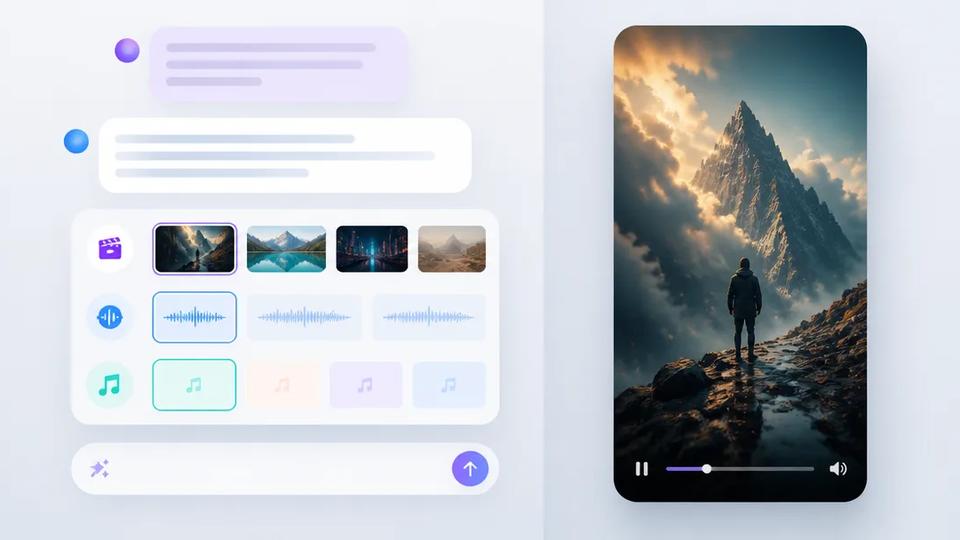
- Prompt-Driven Creation: Focus on refining ideas and prompts. Tools like Crealix are idea-driven: describe your desired output, and the AI generates the script, voiceover, visuals, and captions. This eliminates manual animation or frame-by-frame editing, which are significant time sinks.
- Script-to-Video: For existing content ideas or scripts, use a direct script-to-video workflow. Paste your script, and the AI handles voiceover to scene generation. Start with Script-to-Video.
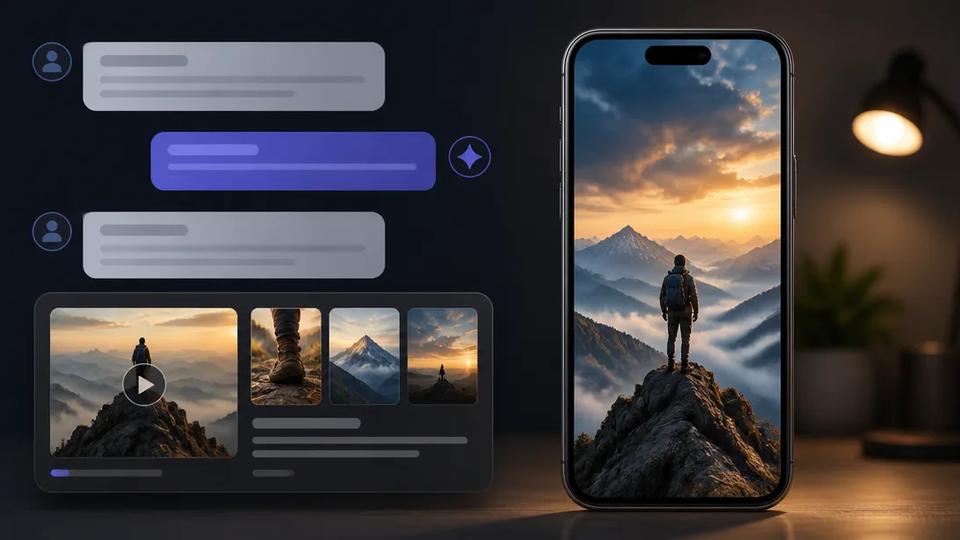
- AI Assistant Integration: Integrate video creation directly into your AI assistant workflow. Crealix connects to Claude, ChatGPT, Cursor, and other MCP clients. Chat with your assistant to plan videos, review options as interactive cards, approve proposals, and even review and animate scenes within the chat. This streamlines ideation and production approval without leaving your primary AI workspace. Connect Crealix to your AI Assistant.
3. Automate Your Content Calendar with AI Series
The most effective way to combat daily posting fatigue is through true automation. Instead of manual video creation, set up recurring series.
Crealix's Autopilot feature allows you to define a video series once. Choose the video format (any Crealix type), provide a creative brief, optional sources (URLs, idea lists), select variety pools (different voices, music, caption styles, visual styles), set a weekly schedule, and connect your social accounts. Crealix then:
- Plans ideas for upcoming episodes, ensuring variety.
- Produces each episode ahead of its scheduled slot, using different elements from your variety pools for unique outputs.
- Waits for your approval on a preview, ensuring quality control (credits are spent only on approved videos).
- Publishes the video at the scheduled minute to your connected TikTok, Instagram, or YouTube accounts.
This enables running a faceless channel or diverse content stream without daily hands-on production. It's designed for volume creators needing consistent, scaled publication. Set up an automated series with Autopilot.
4. Maintain Creativity and Freshness with AI Support
AI augments creativity, it doesn't replace it. Use it to explore new angles and ideas.
- Leverage AI for Ideation: Use AI tools to brainstorm new topics, script variations, or unique hooks. Many platforms, including Crealix, offer built-in ideation features.
- Experiment with Visual Styles: Avoid a single aesthetic. AI image and video generators offer diverse visual styles. Regularly experiment with cinematic, cartoon, anime, or photorealistic looks to keep content visually fresh. Crealix allows selecting different AI models per project for diverse outputs.
- Curate Engaging Narratives: Even with AI-generated scripts, focus on the core story or message. AI assists in drafting, but your unique perspective or compelling narrative structure makes content stand out.
Building a Sustainable AI Video Content Strategy
To maintain a daily posting schedule without succumbing to AI video content fatigue, integrate these elements into a cohesive strategy:
- Content Calendar with Format Rotation: Plan content weeks in advance, consciously scheduling different video formats throughout the week. For example, Monday could be a Faceless Video, Wednesday a Talking Object, and Friday an AI Movie.
- Batch Ideation: Dedicate specific time blocks for brainstorming and generating ideas, potentially using an AI assistant. This feeds your Autopilot series or manual creation pipeline.
- Utilize Autopilot for Core Volume: Let an automated series handle the bulk of your daily posting, freeing you to focus on experimental or high-effort content when inspired.
- Review and Refine: Regularly review content performance. Identify which formats and visual styles resonate most. Use these insights to refine AI prompts and content strategy.
By strategically leveraging AI for both creation and automation, you can overcome content fatigue, maintain a consistent daily posting schedule, and keep your audience engaged with fresh, diverse short-form video content.