AI Video with Claude Code: Developer Workflow for Short-Form Content
Integrate AI video generation into your developer workflow for short-form content using Claude Code and Crealix's MCP connector.
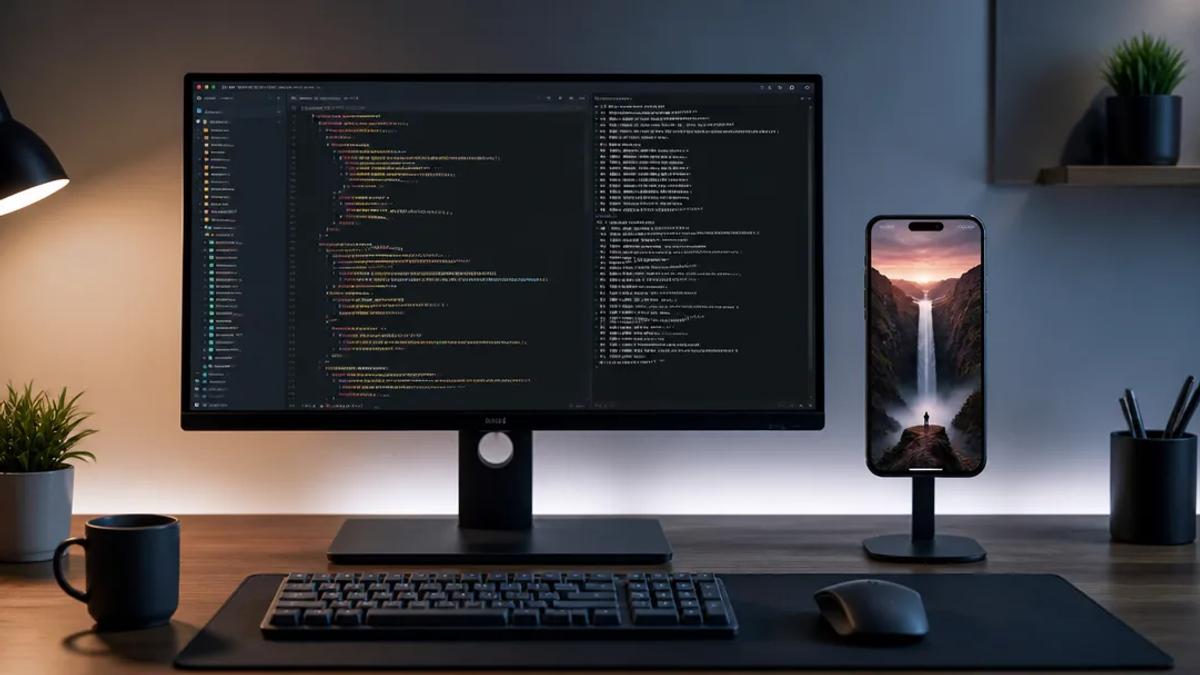
Integrating AI video generation directly into a developer's workflow, especially for short-form content, streamlines creation and allows for rapid iteration. Tools like Claude Code, combined with specialized AI video platforms, enable developers to script, visualize, and produce videos without leaving their coding environment.
Why Developers Need AI Video for Short-Form Content
Developers frequently require video content for:
- SaaS Demos: Showcasing new features or product updates.
- Tutorials: Explaining complex concepts or code snippets.
- Marketing & Outreach: Generating engaging short videos for social media to attract users or talent.
- Internal Communication: Creating quick explainers for team members.
Traditional video production is time-consuming and requires specialized skills. AI video generation removes these barriers, allowing developers to focus on content and logic.
How to Create Short-Form Video with Claude Code and Crealix
Crealix AI offers an MCP connector for direct integration with AI assistants like Claude Code. This transforms your chat interface into a video production studio, enabling video creation via chat using Crealix's robust AI generation capabilities.
1. Connect Crealix to Claude Code
Establish the connection between Crealix and your Claude Code environment. This is a one-time setup that securely links accounts.
- In Crealix, navigate to Settings > Connected apps.
- For terminal agents like Claude Code, use a one-line command to connect.
- Sign in to Crealix securely (Claude Code never sees your password).
- Set specific usage limits for Claude Code, such as a daily credit cap, a cost threshold requiring approval, and permission for direct social media publishing. These limits ensure control over spending and content distribution.
Once connected, Claude Code accesses Crealix's video generation tools within your chat interface. Manage settings or disconnect Claude Code anytime via Connected apps.
2. Plan Your Video by Chatting with Claude Code
With Crealix connected, instruct Claude Code in plain language to create your video. For example:
- "Make a 60-second faceless video about the new API endpoint for user authentication."
- "Draft a script for a short explaining how to use the latest Python library update."
- "Show me visual styles for a cinematic AI short film about debugging a complex system."
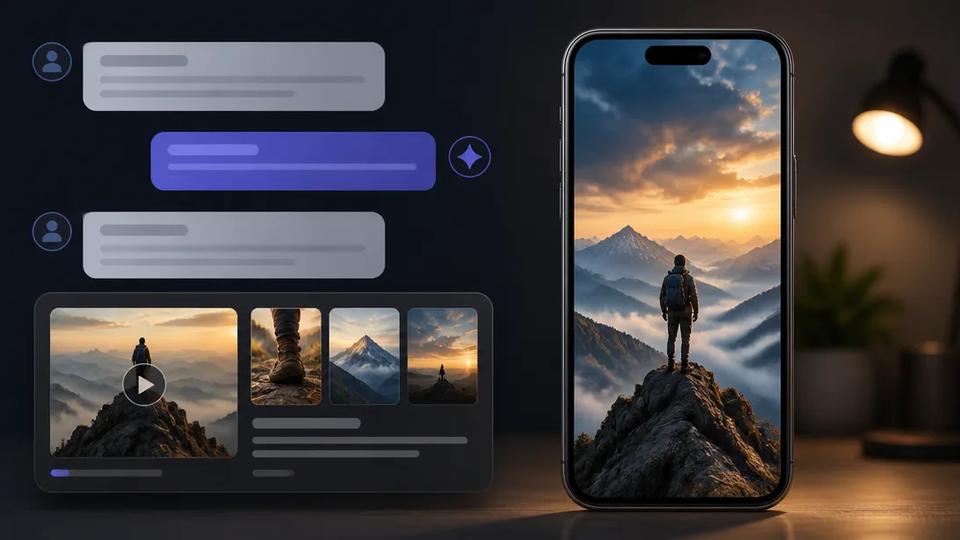
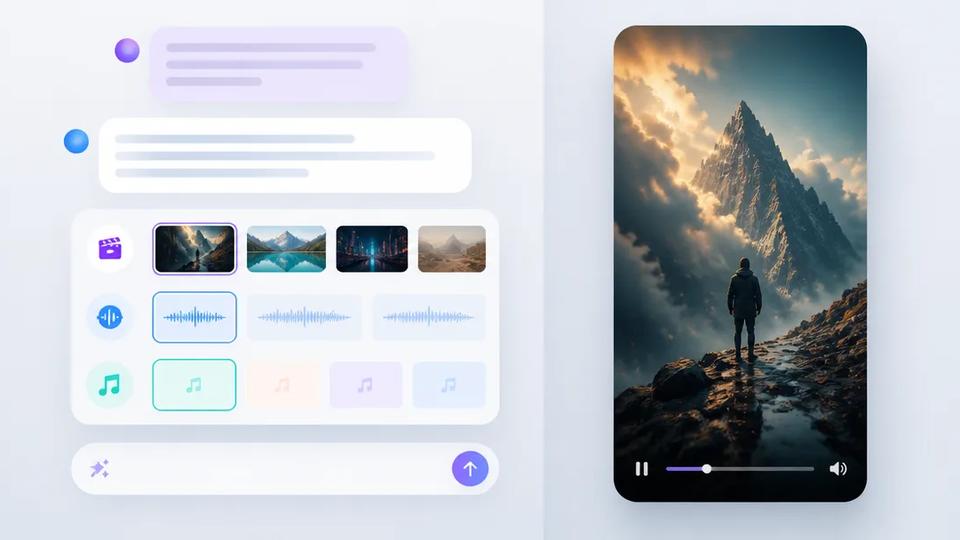
Claude Code, leveraging Crealix's capabilities, will plan the video. It presents options for visual styles (with image previews), voiceovers (with audio samples), background music, and caption styles as interactive cards within the chat. This interactive process refines your vision without leaving your coding environment.
3. Review and Approve the Video Proposal
Before resource expenditure, Crealix generates a detailed proposal within your Claude Code chat. This proposal includes the script or scene breakdown, chosen voice and delivery style, visual style, captions, music, and estimated credit cost. Nothing is created until explicit approval.
4. Generate and Refine Scenes in Chat
Upon approval, Crealix begins generation, with live progress updates appearing in your Claude Code chat. Review generated scenes directly within the chat interface. For instance:
- "Animate scene 2 and 5 with the MiniMax H3 model."
- "Generate a new image for scene 3, focusing on a futuristic UI."
- "Change the narration for scene 4 to be more energetic."
- "Retry the generation for scene 6; it looks off."
This iterative process allows precise control over visual and narrative elements. For further adjustments, seamlessly transition to the Crealix Studio editor.
5. Render and Publish Your Short-Form Video
Once satisfied, instruct Claude Code to render the final video. If publishing permissions are enabled and approved, it can directly publish the video to your connected TikTok, Instagram, or YouTube accounts. This end-to-end workflow enables going from idea to published short-form video without leaving developer tools.
Automating Video Creation with Autopilot
For developers requiring a consistent stream of short-form content, Crealix's Autopilot automates the entire process. This is ideal for recurring updates, daily tips, or ongoing series.
With Autopilot, set up a series once, defining video format (e.g., faceless video, AI Movies, Twitter Videos), a creative brief, optional source material, and variety pools for voices, music, and visual styles. Then set a weekly schedule and connect social media accounts.
Autopilot will then:
- Plan ideas: Generate unique content ideas for each episode, ensuring variety.
- Produce episodes: Create each video using the defined format and drawing from variety pools.
- Await approval: Pause production and notify you to review a preview, only spending credits on approved videos.
- Publish automatically: Post the approved video to your social media accounts at the scheduled minute.
This hands-off approach maintains a consistent video presence without daily manual intervention, ideal for content at scale.
Conclusion
Integrating AI video generation into a developer workflow using Claude Code and Crealix's MCP connector transforms short-form content creation. It provides an efficient, code-native way to produce high-quality videos for demos, tutorials, and marketing. Leveraging AI assistants and automation like Autopilot significantly reduces the time and effort associated with video production, freeing developers to focus on core work.
Ready to integrate AI video into your developer workflow? Connect Crealix to your AI assistant today.