Make TikToks with Claude: AI Assistant Video Creation Guide
Generate TikToks and short-form videos using Claude as an AI video generator. Leverage the Crealix MCP connector for a seamless chat-to-video workflow.
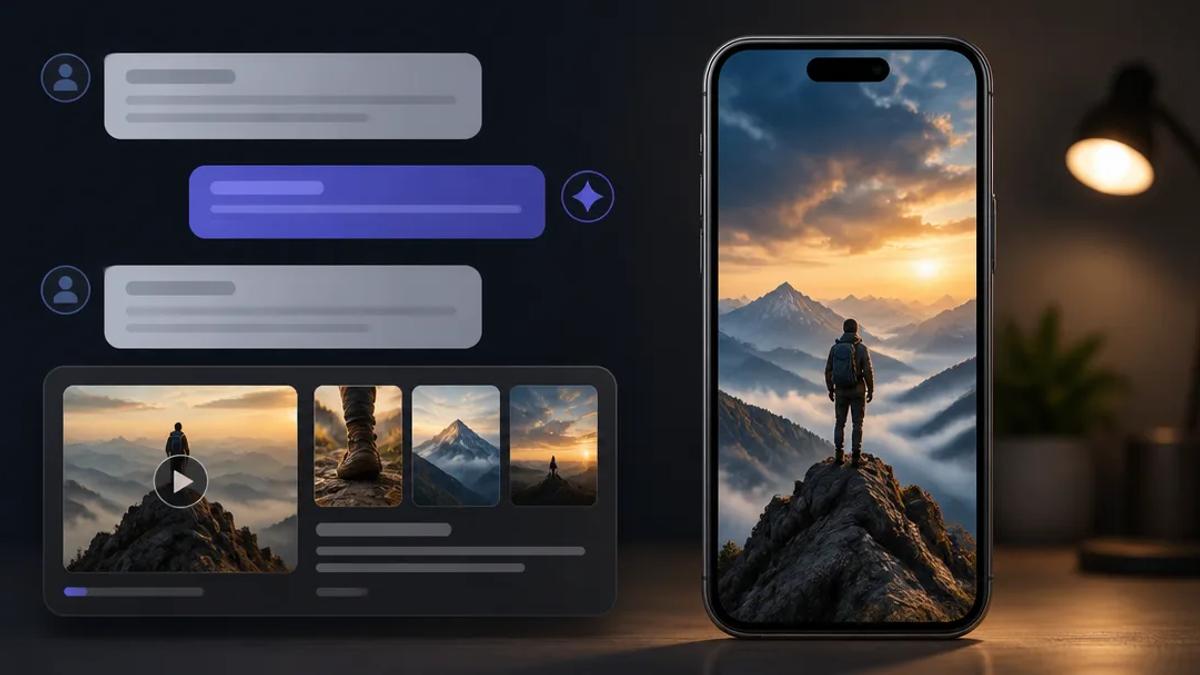
Creating short-form videos for platforms like TikTok, Instagram Reels, and YouTube Shorts is time-consuming. AI assistants like Claude streamline video production directly through chat. This guide details how to leverage Claude as an AI video generator, specifically using the Crealix MCP connector, to efficiently produce engaging short-form content.
Claude: Your AI Video Generator
Claude, or any compatible AI assistant, functions as a personal video production assistant when integrated with a powerful video generation platform. Seamless integration allows users to describe video ideas in natural language and receive a finished video without leaving the chat interface.
Crealix MCP Connector: Bridging Chat and Video Production
Crealix AI offers an MCP (Multi-Platform Connector) to link your Crealix account to AI assistants like Claude, ChatGPT, and Cursor. This connection transforms your chat interface into a video creation studio, enabling a "chat-to-video" workflow. Connect Crealix to your AI assistant via your Connected Apps settings.
Setting Up Your AI Assistant for Video Creation
Once connected, define how your AI assistant interacts with Crealix. This includes setting a daily credit cap, specifying a cost threshold for approval, and granting permission to publish videos directly to social media accounts. This maintains control over spending and content output.
Making TikToks with Claude: A Step-by-Step Workflow
Producing TikToks with Claude via the Crealix MCP connector is prompt-driven and straightforward.
- Initiate Your Video Idea in Chat: Tell Claude the video you want to create. For example, "Make a 60-second faceless video about hippos," or "Animate scenes 2 and 5 with MiniMax." Claude interprets your request using Crealix's capabilities.
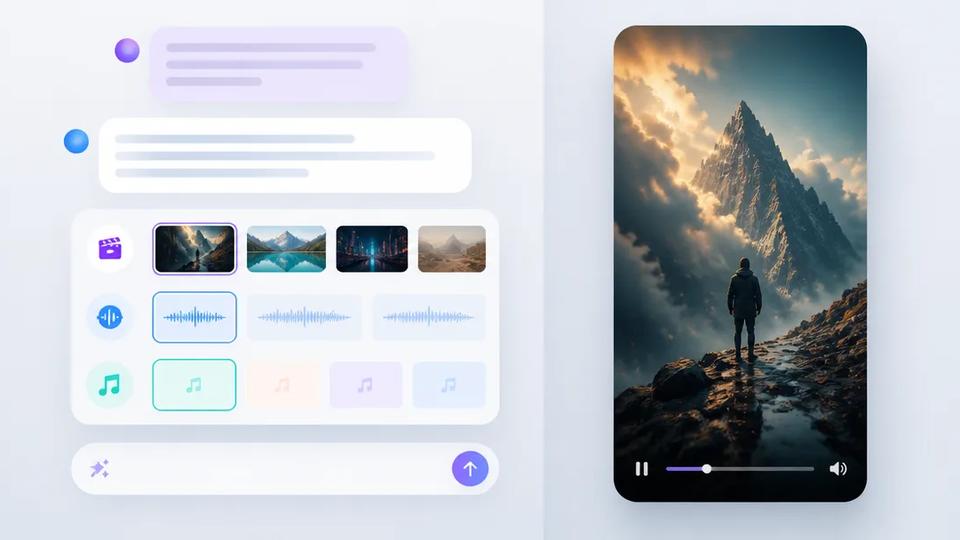
- Interactive Planning and Proposal: Claude follows Crealix's guidelines for the requested video type. It presents interactive cards in chat for selecting visual styles (with previews), voice options, music, and caption appearance. Based on your choices, Claude provides a detailed proposal including script/scenes, voice/delivery, visual style, captions, music, video format, and estimated credit cost. Generation begins only after your approval.
- Real-time Review and Animation: Upon approval, Crealix starts generation. A live progress card appears in your chat. Review generated scenes directly within the chat interface. Make changes by opening a scene, animating it with a different model, generating a new image, modifying dialogue, or reverting to an earlier version. This iterative process ensures video alignment with your vision.
- Final Render and Publication: When satisfied, instruct Claude to render the video. If publishing is enabled for that assistant and approved, the finished video can be automatically published to connected TikTok, Instagram, or YouTube accounts.
Examples of Videos You Can Make with Claude
Crealix's comprehensive tools enable your AI assistant to create diverse short-form content:
- Faceless Videos: Generate narrated and subtitled videos from a topic or script, ideal for educational content. Learn more about Faceless Videos.
- Talking Objects: Create viral videos featuring animated objects with unique voices and stories. Explore Talking Objects.
- AI Skeleton Videos: Produce engaging "survival" or "what if" scenarios with a recurring stylized skeleton character. Discover AI Skeleton.
- Split Videos: Combine two existing videos into a dynamic split-screen short, perfect for reaction content or comparisons. See how to make Split Videos.
- Twitter Videos: Convert tweets or X threads into narrated shorts with custom visuals and sound. Create Twitter Videos.
- Fake Text Message Videos: Generate engaging texting stories with character voices, sound effects, and chat skins. Explore Fake Text Message Videos.
Automating TikTok Production with Autopilot
For creators scaling short-form content, Crealix's Autopilot feature automates video production directly from AI assistant instructions. Set up recurring video series that plan ideas, produce episodes, and publish at scheduled times, incorporating varied voices, music, and visual styles from pre-selected pools. This enables running a faceless channel without daily manual intervention. Learn more about Autopilot.
Safe AI Assistant Spending and Control
Crealix prioritizes user control and transparent spending. Every paid action by your AI assistant reports its cost. Actions exceeding your set threshold require explicit approval. The daily credit cap is never exceeded, and limits can be adjusted or assistants disconnected at any time through your Connected Apps settings. This ensures a secure and predictable AI agent video production experience.
Conclusion
Integrating Claude as an AI video generator via the Crealix MCP connector offers an efficient way to produce short-form video content for TikTok and other platforms. This chat-to-video workflow empowers creators to generate high-quality, engaging videos with minimal effort, allowing focus on creative ideas over complex editing. Connect Crealix to your AI assistant today to start making TikToks with Claude.