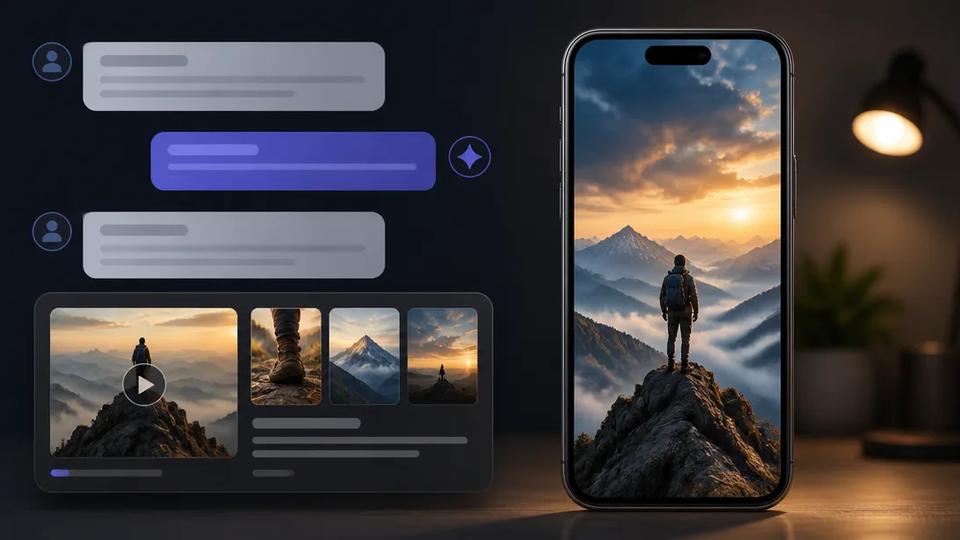
AI Assistants for Short-Form Video Production | Crealix AI
Leverage AI assistants like ChatGPT and Claude for short-form video planning and production. Discover Crealix AI's MCP connector for seamless workflow integration and automated content creation.
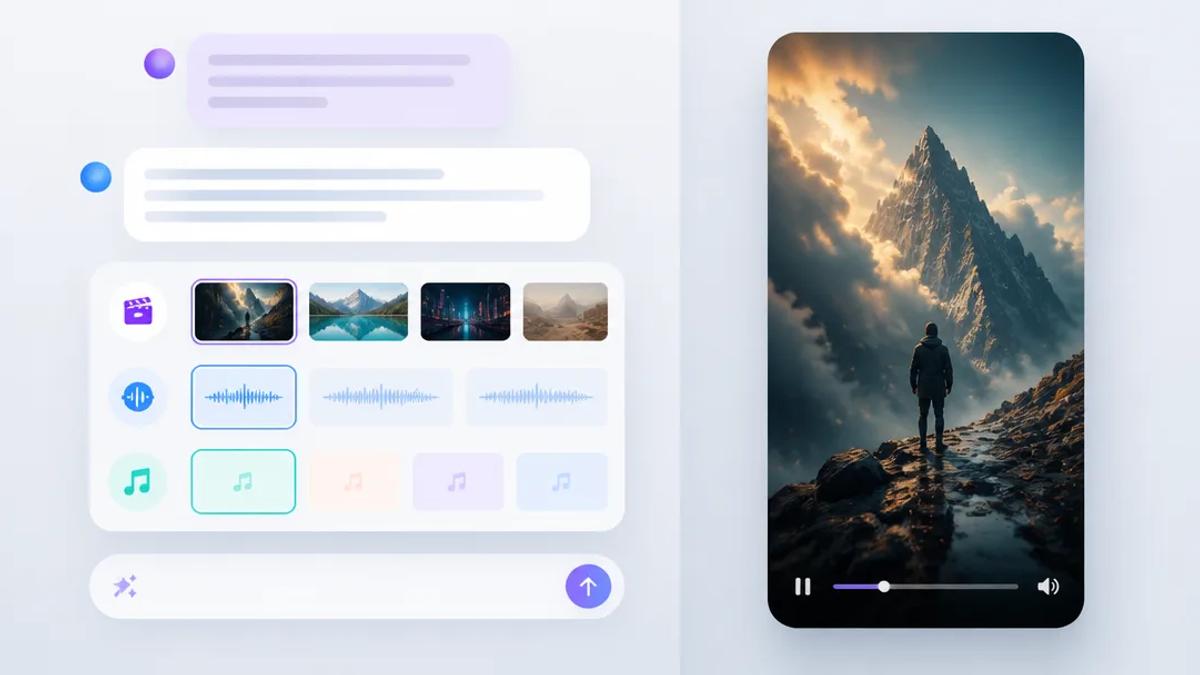
AI assistants are transforming short-form video production, offering a streamlined workflow from idea generation to final render. Integrating with specialized video AI tools, these assistants aid in scripting, visualization, and production management for platforms like TikTok, Instagram Reels, and YouTube Shorts.
How AI Assistants Enhance Video Production Workflows
AI assistants excel at understanding natural language prompts, significantly accelerating video creation. Instead of manual brainstorming, scripting, and visual coordination, these tasks can be delegated to AI.
Idea Generation and Scriptwriting
AI assistants generate creative ideas and draft scripts. Prompt an assistant with a topic, target audience, or desired video style to receive multiple script options, complete with scene descriptions and dialogue. This eliminates writer's block and provides a strong content foundation.
Visual Planning and Storyboarding
AI assistants aid in video visualization. While not creating visuals, they describe scenes in detail, suggest visual styles, and propose specific shots. This digital storyboard guides the subsequent AI video generation process.
Workflow Automation and Management
For high-volume content creators, AI assistants manage the entire production pipeline. They track projects, suggest optimizations, and interface with video generation platforms to initiate production upon approval.
Integrating AI Assistants with Video Generators: The MCP Connector
To transition from planning to video creation, AI assistants require connection to video generation tools. Crealix AI offers an MCP (Multi-Client Protocol) connector, enabling popular AI assistants like Claude, ChatGPT, and Cursor to interface directly with its video production stack.
How the Crealix MCP Connector Works
- Connect Crealix to Your Assistant: Connect your chosen AI assistant via Crealix settings. This is typically a one-click link or a server URL (`https://mcp.crealix.ai/mcp`). You sign in to Crealix through this connection; your assistant never accesses your password. Set spending limits and publishing permissions for each assistant to maintain budget and content control.
- Chat to Create: Once connected, use plain language prompts. For example, "Make a 60-second faceless video about the history of coffee" or "Animate scene 3 with a cinematic style."
- Interactive Planning: The assistant, guided by Crealix, plans the video. It presents interactive cards within your chat interface, showing visual styles with examples, playing voice samples and music, and previewing caption styles. It then proposes a complete video plan, including script/scenes, voice, visual style, music, and estimated credit cost.
- Approve and Generate: Nothing is created without your approval. After reviewing the proposal and giving approval, Crealix initiates generation through its standard pipeline. Live progress updates appear in your chat.
- Review and Refine: Review generated scenes directly in the chat. Animate a specific scene with a different video model, generate a new image, tweak dialogue, or revert to an earlier version. Seamlessly switch to the Crealix Studio editor for further adjustments, as it's the same project.
- Render and Publish: The final video renders only upon your request. If publishing permissions are enabled and approved, the video can be directly published to connected TikTok, Instagram, or YouTube accounts.
This integration leverages AI assistants' conversational power for planning and iterative feedback, while Crealix handles complex AI video generation. Connect your AI assistant at Crealix Settings > Connected Apps.
Managing AI Agent Spending and Control
Crealix's MCP connector provides robust controls for managing AI-driven workflow costs:
- Daily Credit Caps: Set a maximum daily credit spend for your assistant.
- Approval Thresholds: Define a cost threshold requiring explicit approval from the assistant before proceeding.
- Publishing Permissions: Control the assistant's authority to publish videos to social media.
- Transparent Reporting: Every paid action reports its cost for full transparency.
- Flexible Limits: Change limits or disconnect assistants anytime from Crealix settings.
This ensures full control over production, even when delegating tasks to an AI agent.
Automating Short-Form Video Series with Autopilot
Crealix's Autopilot feature complements AI assistant workflows by automating entire video series for consistent, high-volume content. While AI assistants create individual videos, Autopilot manages recurring production schedules.
How Autopilot Works for Series Production
- Set Up a Series: Define a series in Crealix by choosing a video format (e.g., Faceless Video, Talking Objects, AI Skeleton), providing a creative brief, and optionally adding sources (free-text note, URL, idea list). Select 'variety pools' for voices, music, caption styles, and visual styles to ensure unique episodes.
- Schedule and Destinations: Set your weekly publishing schedule (days and times) and choose target social media platforms (TikTok, Instagram, YouTube) or email delivery.
- Automated Production: Crealix generates a queue of planned ideas and, for each scheduled slot, produces an episode using the chosen format and variety pools. This ensures diverse episodes.
- Approval and Publishing: By default, each episode awaits your approval. Review a preview; upon approval, credits are spent, and the video publishes at the scheduled minute. The upcoming queue is visible on a calendar, allowing editing, reordering, or skipping ideas.
Autopilot is ideal for running a faceless channel without daily manual intervention, ensuring a steady stream of diverse content. Learn more about setting up an automated series with Autopilot.
Start Creating with AI Assistants
Leveraging AI assistants for short-form video production makes high-volume content creation accessible and efficient. Combining conversational AI tools like ChatGPT and Claude with Crealix AI's robust generation capabilities streamlines your workflow from concept to publication.
Ready to integrate your AI assistant with Crealix? Connect your AI assistant today and experience a new way to create short-form videos.