Generate AI Video Clips from Text Prompts
Create AI video clips from text prompts for short-form content. Discover tools and workflows for generating compelling visuals and motion with AI.

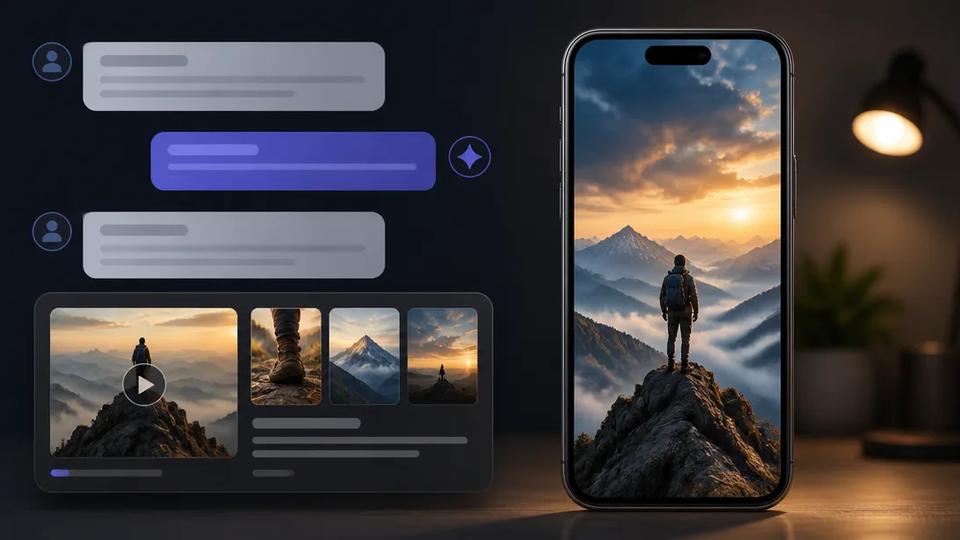
Generating AI video clips from text prompts involves using artificial intelligence models to interpret written descriptions and synthesize corresponding visual sequences. This process streamlines video production, allowing creators to produce short-form content rapidly without extensive filming or editing.
How AI Video Clip Generation Works from Text Prompts
AI video generation from text prompts typically involves a user providing descriptive text, which the AI model then interprets to create a video. This process follows several steps:
- Prompt Interpretation: The AI model analyzes the text prompt to understand the desired scene, objects, actions, and mood.
- Visual Synthesis: Based on the interpretation, the AI generates a series of images or frames depicting the scene. This can involve creating new visuals or assembling elements from a vast dataset.
- Motion Generation: The AI then adds motion and transitions between frames, creating a fluid video sequence. Advanced models animate characters, objects, and camera movements.
- Refinement: Users can refine the generated video by adjusting parameters, adding more descriptive prompts, or selecting different styles.
This technology is particularly useful for creating short, engaging video clips for platforms like TikTok, Instagram Reels, and YouTube Shorts.
Key Features for Text-to-Video AI Tools
When selecting an AI video generator, prioritize features that enhance efficiency and creative control for short-form content:
- Prompt-Driven Generation: Generate entire video concepts directly from text, including script, visuals, and voiceover.
- Variety of Visual Styles: Support diverse aesthetic outputs, from photorealistic to animated or stylized. Crealix AI, for example, allows users to select specific AI models for varied visual outcomes.
- Automated Voiceovers and Captions: Essential for short-form content, these features significantly reduce post-production time.
- Motion and Animation Controls: Tools for basic control over camera movement, object animation, or character actions enhance production value. Crealix AI offers an AI Video / Motion Studio for this purpose.
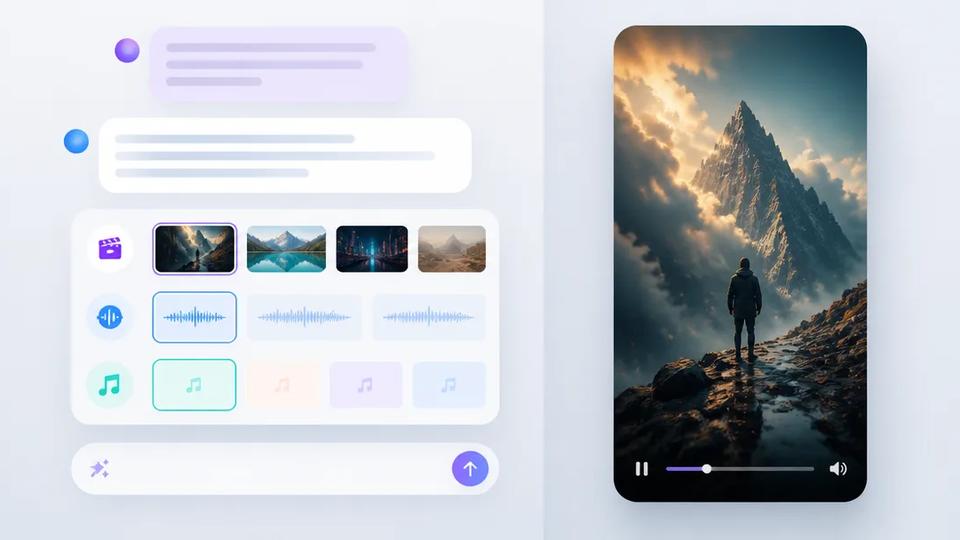
- Integrated Workflows: An all-in-one platform combining text-to-video with other AI tools like image generation, music creation, and editing capabilities. This eliminates the need for fragmented tools.
- Scalability for Volume: For creators publishing frequently, the tool should optimize for high-volume production, enabling rapid iteration and output.
Generating AI Video Clips with Crealix AI
Crealix AI is designed for efficient AI video clip generation from text prompts and ideas, focusing on short-form content. Here’s how to use Crealix for various AI video clip types:
1. Generating General AI Video Clips from a Prompt
To create a standard AI video clip, provide a text prompt or idea. Crealix AI will interpret this to generate visuals, script (if needed), voiceover, and captions. This is ideal for quick explanatory videos, product highlights, or conceptual shorts. Access the AI Video Generator directly.
2. Creating Faceless Videos from Text
For faceless or cash-cow channels, Crealix AI generates complete videos from a topic or script. Provide the text, and Crealix handles AI scene generation, voiceover, and captions. This is a core feature for high-volume content creators. Learn more about Faceless Video generation.
3. Animating Talking Objects from Text
Create viral content with animated objects using the Talking Objects feature. Provide Crealix AI an idea or prompt, and it generates a 3D cartoon character based on an object, writes the script, generates the voiceover, and renders scenes into a finished video. This brings inanimate objects to life for engaging shorts.
4. Producing AI Skeleton Survival Videos
For a specific viral format, the AI Skeleton Generator creates survival-style shorts. Select a skeleton character and provide an idea or script. Crealix AI then generates photorealistic scenes with the consistent skeleton character, a staged narration, voiceover, and captions, all from your text input.
5. Leveraging AI Motion Control
For projects requiring specific animations or camera movements, Crealix AI offers an AI Motion Studio. While Crealix is prompt-driven and doesn't require manual keyframing, this studio provides controls to influence motion and animation within your generated video clips.
Advantages of All-in-One AI Video Production
Using a unified platform like Crealix AI for generating video clips from text prompts offers several advantages:
- Efficiency: Consolidates multiple steps into one platform, reducing time spent switching between tools.
- Cost-Effectiveness: Eliminates the need for separate subscriptions for image generation, voiceovers, music, and video editing.
- Consistency: Maintains a consistent workflow and output quality across diverse content types.
- Scalability: Enables creators to produce a high volume of diverse short-form videos rapidly, crucial for audience engagement on platforms like TikTok and Reels.
By leveraging AI video generators that start from a simple text prompt, creators can focus more on content ideas and less on the technical complexities of video production.