Fix Inconsistent AI Video Style in Short-Form Content
Maintain visual consistency in AI-generated short-form videos for faceless channels. Create an AI video style guide and streamline your workflow.

Inconsistent visual styles undermine the professional appearance and branding of short-form AI videos, especially for faceless channels aiming for high volume. While AI offers speed, managing its creative output for a cohesive look is crucial for audience recognition and engagement.
Why Visual Consistency Matters for AI Video
For short-form content, where attention spans are fleeting, a consistent visual identity helps viewers instantly recognize your content. This is vital for:
- Brand Recognition: A unified look reinforces your brand, even for faceless channels.
- Professionalism: Consistent quality signals a reliable and trustworthy content source.
- Audience Retention: Familiar visual cues make it easier for viewers to follow your content and return.
- Scalability: A defined style guide simplifies production, allowing content creation to scale without sacrificing quality.
Creating an AI Video Style Guide
Developing a clear style guide is the first step to fixing inconsistent AI video styles. This guide should outline the aesthetic parameters for all AI-generated content.
Key Elements of an AI Video Style Guide
- Visual Styles: Define preferred visual aesthetics (e.g., cinematic, cartoon, anime, photorealistic). For Crealix users, specify which AI video models and image generation models to use consistently.
- Color Palettes: Establish primary and secondary color schemes. Apply this to captions, text overlays, and general scene mood.
- Typography: Choose specific fonts for on-screen text and captions. Ensure readability and consistency across all videos.
- Voice and Narration: Select a consistent voice actor or a small pool of distinct voices for narration. Crealix allows selection of specific ElevenLabs voices for recognizable auditory branding.
- Music and Sound Effects: Define genres or specific tracks for background music and establish guidelines for sound effect usage.
- Pacing and Editing Style: Guide AI by specifying desired video lengths, scene transitions, and overall rhythm.
- Character Design (if applicable): For formats like AI Dramas or AI Skeleton videos, define recurring character traits or visual styles for consistent representation.
Streamlining Your AI Video Production Workflow for Consistency
Integrate your style guide into your production workflow. AI video generators like Crealix help maintain consistency at scale.
Leveraging AI Tools for Consistent Output
- Preset Visual Styles: Consistently select the same visual styles when generating videos. For example, for a faceless video, always opt for a specific aesthetic like 'minimalist vector art' or 'realistic photography.'
- Consistent Voice Selection: Crealix offers a range of ElevenLabs voices. Stick to a limited set that aligns with your brand's persona.
- Repetitive Elements: For formats like Twitter Videos or Fake Text Messages, consistently use the same background gameplay, chat skins, or tweet card designs.
- Template-Based Creation: While Crealix is prompt-driven, use detailed prompts as templates. Include specific style instructions and reuse them with minor modifications for new content.
Automating Consistency with Crealix Autopilot
For daily or weekly publishing, Crealix's Autopilot feature manages visual consistency across recurring video series.
- Set Up Your Series: When creating an Autopilot series, define the video format (e.g., Talking Objects, AI Movies, Stock Video), a creative brief, and optionally, source material.
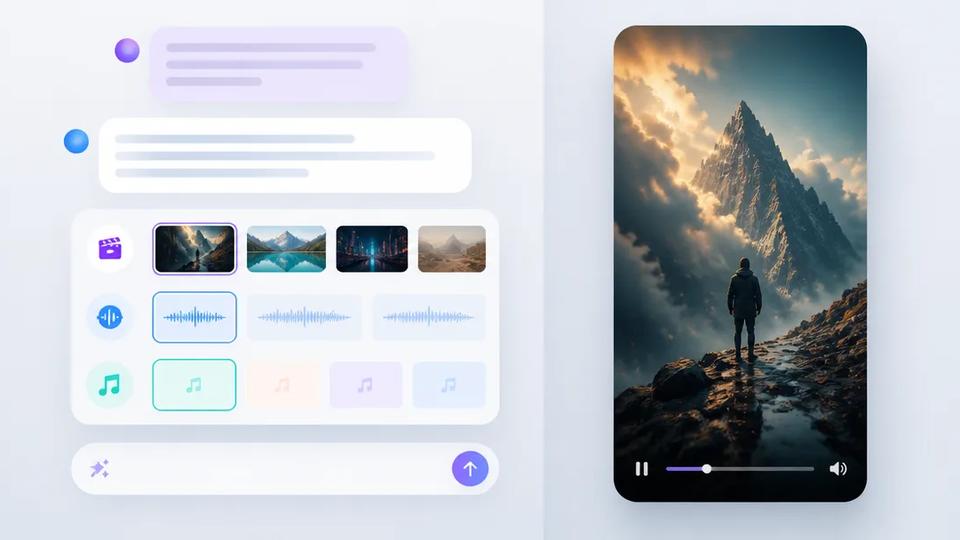
- Define Variety Pools: Autopilot allows establishing "variety pools" for voices, background music, caption styles, and visual styles. This provides a selection Autopilot chooses from for each episode, ensuring variety within defined aesthetic boundaries, preventing identical episodes while adhering to brand guidelines.
- Automated Production and Publishing: Crealix plans ideas, produces each episode ahead of its scheduled slot, awaits your approval (by default), and publishes it at the scheduled minute. This ensures a steady stream of content adhering to chosen styles without daily manual intervention.
Using AI Assistants for Controlled Production
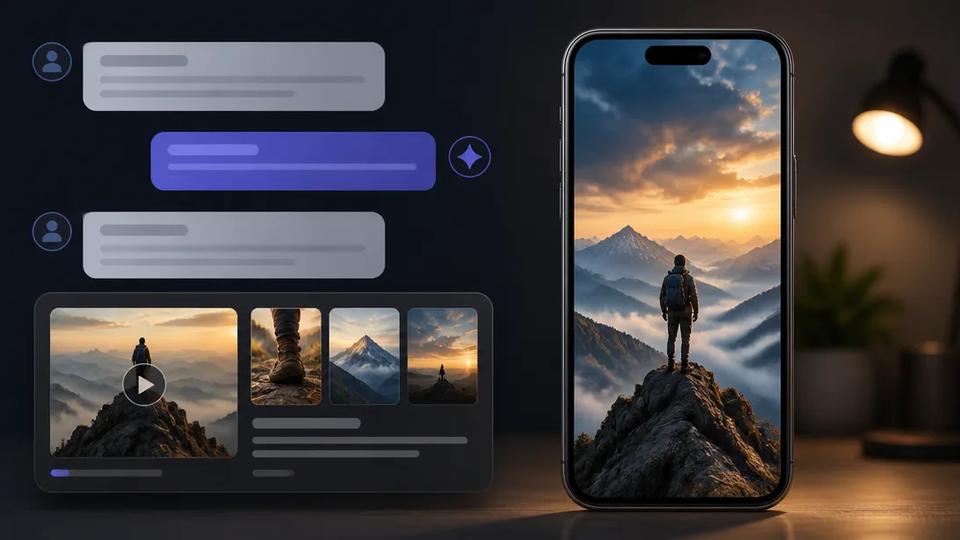
Crealix integrates with AI assistants like Claude and ChatGPT via its MCP connector, allowing conversational video creation with explicit style guidance.
- Connect Crealix: Link your Crealix account to your preferred AI assistant.
- Chat Your Way to Consistency: Ask the assistant to create videos with specific visual styles, voices, and music. The assistant presents options as interactive cards (e.g., visual styles with images, voices to play, caption styles). Approve the proposal before creation.
- Review and Refine: Review generated scenes directly in the chat, make changes, or animate them with different models, ensuring the final output matches your style guide before rendering and publishing.
Maintaining AI Video Branding: Best Practices
- Regular Audits: Periodically review content to ensure alignment with your style guide. AI model evolution might subtly change output.
- Feedback Loop: Provide clear feedback when content deviates from the established style, especially when working with teams or AI assistants.
- Iterate and Refine: Your style guide is not static. Update it as your brand evolves or new AI capabilities emerge.
By proactively defining and enforcing a visual style guide, and leveraging automation and control features of platforms like Crealix, you can overcome inconsistent AI video styles and build a strong, recognizable brand for your short-form content.
Ready to create consistent, high-quality short-form videos at scale? Start free with Crealix today.