How to Avoid AI Video Generation Errors & Failures
Prevent AI video failures. Learn best practices for prompts, structured workflows, and leveraging tools with built-in safeguards to reduce errors and wasted credits.

AI video generation can feel unpredictable: sometimes a masterpiece, other times a failed production. These errors waste time, credits, and creative momentum. The most effective way to prevent them is to adopt a structured workflow and use tools designed with built-in checks and balances. Most failures aren't random; they stem from predictable issues like vague prompts, model limitations, or account problems.
This guide breaks down common causes of AI video errors and provides actionable best practices to achieve a higher success rate, ensuring your ideas consistently make it to a finished video.
Common Causes of AI Video Generation Errors
Understanding why AI video productions fail is the first step to preventing it. Most issues fall into a few categories, from prompt quality to platform status.
- Vague or Ambiguous Prompts: The leading cause of poor results. AI models are not mind readers. A prompt like "make a video about dogs" is too broad, forcing the AI to guess your intent, often leading to generic or irrelevant scenes. The principle of "garbage in, garbage out" is fundamental.
- Model Limitations and Inconsistency: Every AI model has strengths, weaknesses, and inherent biases. Some struggle with complex actions, maintaining character consistency, or understanding nuanced concepts. Pushing a model beyond its capabilities can result in distorted visuals, nonsensical scripts, or outright production failures.
- Technical Glitches and Platform Overload: Sometimes, the problem isn't your prompt but the service itself. High user traffic can lead to slow processing or timeouts. APIs can experience temporary outages, and background processes can fail. A reliable platform will have status indicators and robust error handling.
- Credit and Subscription Issues: A simple but common failure point is running out of generation credits or having a lapsed subscription. In many systems, a production will simply fail without a clear explanation, leaving you to diagnose the problem.
Best Practices to Minimize Failed Productions
While you can't eliminate every potential error, you can dramatically reduce their frequency by being methodical. A proactive approach to quality control is more effective than trying to fix a broken video after the fact.
1. Start with a Clear Creative Brief
Before you write a single word of your prompt, define your video's core elements:
- Topic: What is the video about?
- Angle: What is your unique take or story?
- Audience: Who are you making this for (e.g., TikTok scrollers, industry professionals)?
- Format: Is it a talking head, a narrative story, a listicle?
- Key Message: What is the one thing you want the viewer to take away?
A clear brief makes writing a specific, effective prompt much easier.
2. Write Detailed, Structured Prompts
Invest time in prompt engineering. Instead of a short phrase, provide detailed instructions.
- Vague: `A faceless video about financial freedom.`
- Specific: `A 60-second faceless video for TikTok explaining the 'snowball method' for paying off debt. Use an encouraging and motivational tone. The visuals should be symbolic and clean, like a small snowball growing larger as it rolls downhill. End with a clear call to action: 'Start your journey today.'`
This level of detail guides the AI, leaving less room for misinterpretation.
3. Iterate and Refine in Stages
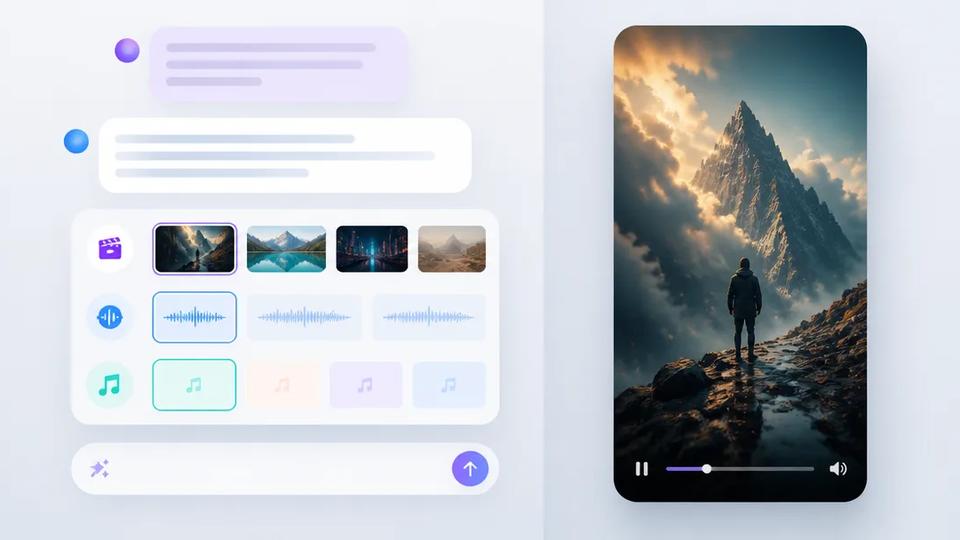
Don't try to generate the entire video in one shot. The most reliable workflow is iterative. A professional-grade AI video tool should allow you to review and approve assets at each stage:
- Generate the Script: Review the text for tone, accuracy, and flow. Make edits here; it's the easiest and cheapest stage to change.
- Generate the Visuals: Once the script is locked, generate static images for your scenes. Review them for consistency and relevance. Regenerate any scenes that don't fit.
- Generate Voiceover & Animate: With the script and visuals approved, generate narration and animate scenes into video clips.
- Render the Final Video: This final step assembles all approved elements with captions, music, and effects.
This multi-step process catches errors early, saving expensive video rendering credits on a flawed concept.
How Crealix Proactively Prevents Video Failures
Crealix is built for creators who need to produce content at scale, where reliability is non-negotiable. The platform has several features specifically designed to prevent errors, manage costs, and ensure a smooth production pipeline.
Approval-Based Workflows
By default, Crealix does not generate a final video from a single click. Whether you're making a faceless video or a complex AI Movie, the process is staged. You first see the AI-generated script and scenes (as images), allowing you to review, edit, or regenerate any element *before* you commit to the final render. This puts quality control in your hands and ensures render credits are only spent on videos you've already approved.
Built-in Safeguards for Automated Series
For creators running automated channels, silent failures are a major risk. Crealix's Autopilot feature includes robust, automatic safeguards. If an automated video series encounters a critical issue, it doesn't just fail silently and keep trying.
Instead, Autopilot will automatically pause the entire series and email you if:
- Your account runs out of credits.
- Your social media accounts (TikTok, Instagram, YouTube) become disconnected.
- Three consecutive video productions fail for any reason.
This system prevents wasted credits and ensures you're always aware of your channel's operational status.
Controlled Generation in AI Assistants
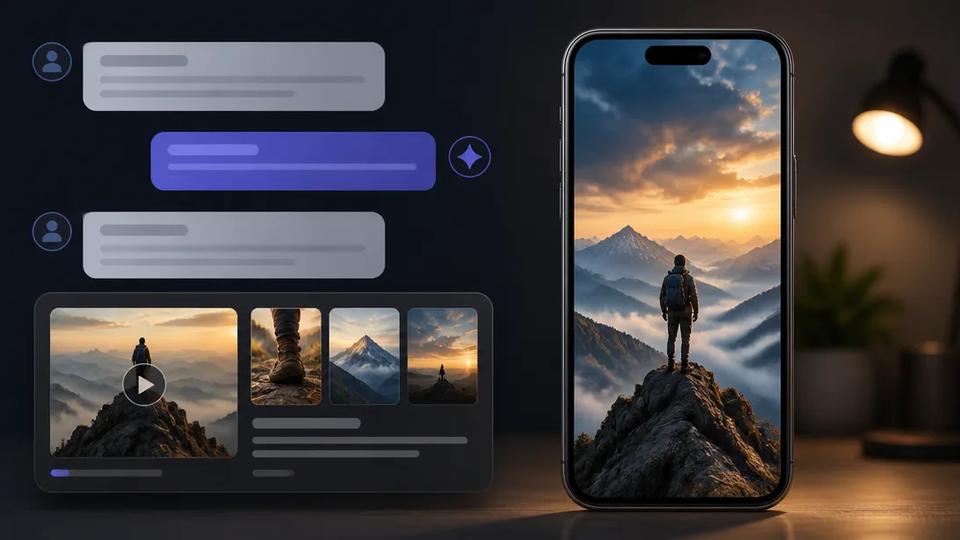
When using Crealix inside AI assistants like Claude or ChatGPT, you retain full control over spending and production. The Crealix MCP connector requires you to approve a clear proposal—outlining the script, style, and exact credit cost—before anything is generated. You can review and even regenerate individual scenes directly within the chat interface. Furthermore, you can set daily spending caps and per-action approval thresholds for each assistant, eliminating the risk of unexpected costs.
Model Selection
If a particular visual style or video model isn't delivering the results you want, Crealix allows you to switch between different AI models for your project. This flexibility provides a built-in fallback, empowering you to find the best technology for your specific creative vision rather than being locked into a single, underperforming option.
By combining thoughtful prompting with a platform designed for reliability, you can move past the frustration of failed productions and focus on what matters: creating great content, consistently.
Ready to experience a smoother AI video workflow? Start creating for free on Crealix.