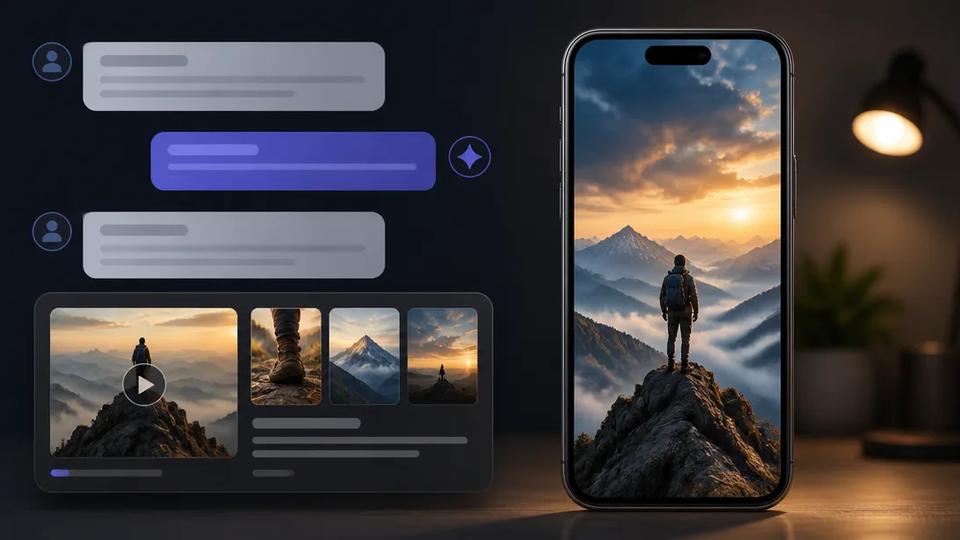
Automate YouTube Shorts for Product Reviews with AI
Automate and scale product review content on YouTube Shorts using AI for scripting, visuals, and voiceovers. This guide details the process.
You can fully automate YouTube Shorts for product reviews using AI video generators. For creators aiming to scale content, AI tools handle scripting, voiceovers, visuals, and captions, transforming a product idea into a publish-ready video in minutes without manual editing.
Why Automate Product Review Shorts?
Product reviews on YouTube Shorts drive affiliate sales, e-commerce traffic, and brand awareness. Manual production of a 60-second Short can take hours for scripting, filming, editing, and captioning. Automation provides a competitive edge.
- Scalability: Produce multiple high-quality review videos daily, not weekly. This is crucial for "cash cow" channels relying on consistent output for audience engagement and algorithm favor.
- Speed: Go from a product name or feature list to a completed video in minutes. Capitalize on trending products instantly.
- Cost-Effectiveness: Eliminate expensive camera gear, editing software, and freelance editors. An all-in-one AI platform offers a fraction of the cost.
- Consistency: Maintain a uniform style, voice, and quality across all videos, strengthening your channel's brand identity.
How to Automate Product Review Shorts with AI: A Step-by-Step Guide
The AI-automated workflow replaces manual tasks with a prompt-driven process.
Step 1: Generate the Script
Provide an AI tool with the product name and key features. The AI scriptwriter generates a concise, engaging script optimized for short-form video, including a hook, key points, and a call-to-action.
Step 2: Create the Voiceover
AI text-to-speech engines convert your script into a natural-sounding voiceover in seconds. Platforms like Crealix integrate high-quality AI voices (e.g., ElevenLabs), allowing selection of a consistent narrator or varied voices for different review styles.
Step 3: Produce the Visuals
AI automation eliminates the need for physical products or filming skills. Options include:
- AI-Generated Scenes: Describe desired scenes (e.g., "sleek new smartphone on a minimalist desk"). The AI generates custom images or video clips.
- Stock Footage: AI automatically selects and assembles relevant, high-quality stock video clips from libraries like Pexels, matching the review script's context.
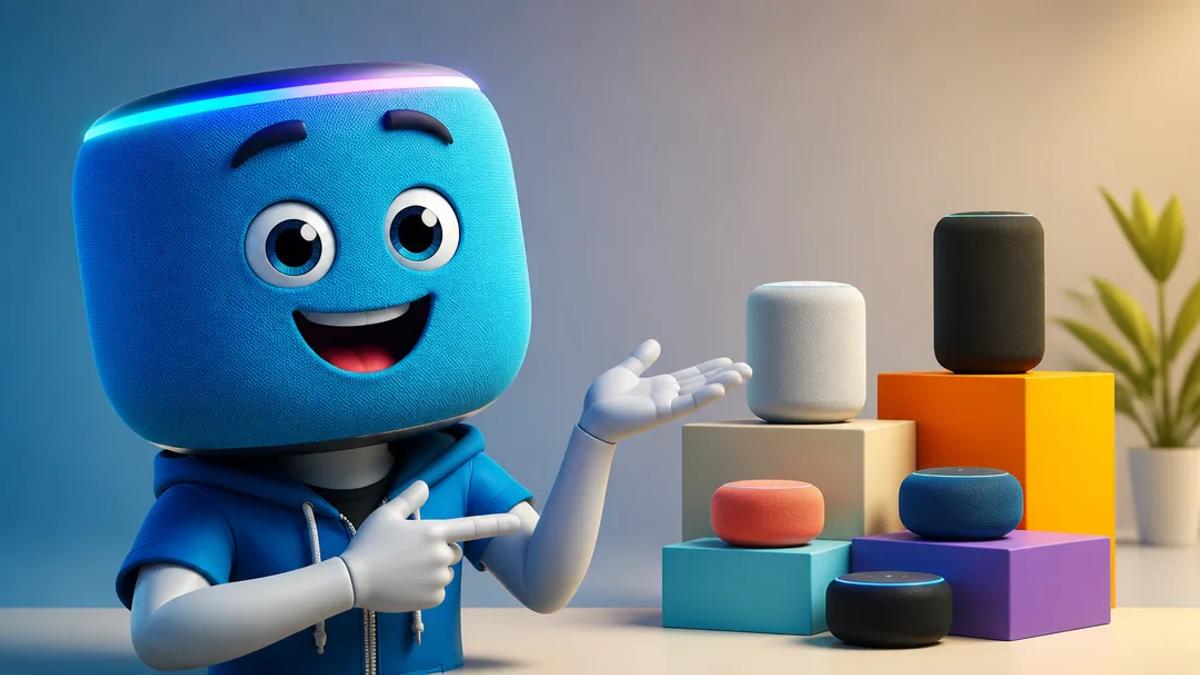
- Animated Characters: Create unique, viral-style reviews with animated characters. Formats like Talking Objects allow the product to review itself, while the AI Skeleton places a consistent character in various scenarios to test a product.
Step 4: Assemble and Finalize
An integrated AI video generator syncs the AI voiceover with visuals, adds dynamic, word-by-word captions for silent viewing, and layers in royalty-free background music and sound effects. The final, rendered video is ready for download and publishing.
Popular Formats for AI Product Review Shorts
AI enables creation of diverse engaging review formats from a single platform.
Faceless "Cash Cow" Reviews
This common format for scaled channels uses a narrator's voiceover with AI-generated visuals or stock footage. It's ideal for reviewing digital products, services, or physical items not physically owned. Crealix's Script-to-Video or Stock Video generators create these in bulk. Provide a topic or script; the AI handles the rest.
Creative Talking Object Reviews
Imagine a coffee mug reviewing coffee beans. The Talking Objects generator in Crealix creates animated, 3D cartoon characters where the product is the star. Provide the idea, and Crealix generates the character, script, voice, and scenes for a shareable review.
Dynamic Split-Screen Reviews
This format suits comparisons or software demonstrations. A split-screen video can feature a screen recording of an app on one side and an AI-generated avatar or feature list on the other. Crealix combines any two videos (including other AI-generated projects, screen recordings, or uploads) into a single Short, with unified AI narration and captions.
The All-in-One Solution for Scaling Product Reviews
Effective automation requires avoiding fragmented tools for scripting, voice, visuals, and editing. This piecemeal approach is slow and expensive.
Crealix AI is an all-in-one video generator for short-form creators. One subscription provides the entire production stack. From idea to finished, narrated, and subtitled review videos, Crealix offers the speed and volume serious creators need.
Ready to scale your product review channel? Start creating automated YouTube Shorts for free with Crealix AI.