AI Product Demo Videos: An E-commerce Guide | Crealix
Leverage AI to produce high-converting product demo videos for your online store. Automate faceless explainers, talking objects, and lifestyle demos to boost sales.
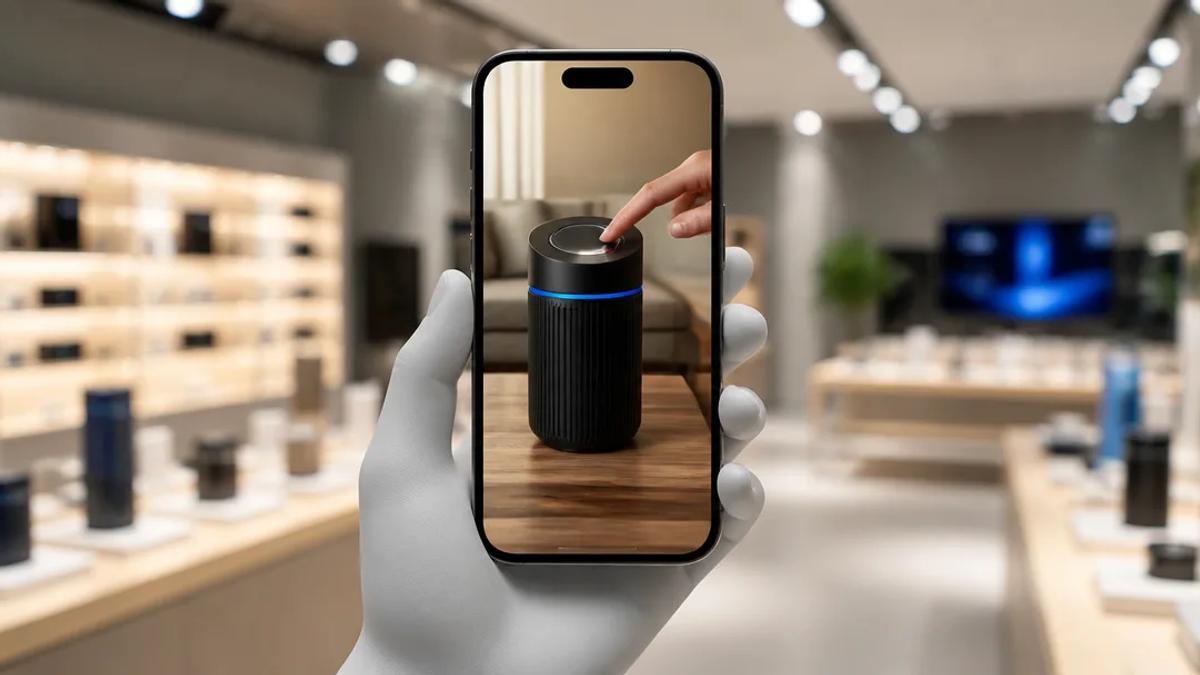
AI video generators enable e-commerce brands to produce high-quality product demonstrations at scale, eliminating the need for film crews, expensive software, or video editing expertise. By providing a text prompt or script, AI automatically generates a complete, narrated, and captioned video showcasing product features and benefits, optimized for TikTok, Instagram Reels, and YouTube Shorts.
Why Use AI for E-commerce Product Videos?
For direct-to-consumer (DTC) brands and online stores, short-form video is crucial for discovery and conversion. AI video generation removes traditional barriers of cost and complexity, allowing brands to produce video content at the pace of social media.
- Speed & Scale: Generate multiple video variations for different products or campaigns in minutes, significantly faster than manual editing.
- Cost-Effective: Eliminates expenses for camera gear, actors, studio rentals, and freelance video editors. A single subscription can replace an entire production workflow.
- No Editing Skills Required: The process is driven by prompts and ideas, not timelines or keyframes. If you can write an email, you can create a product video with AI.
- A/B Test Creatives: Rapidly produce multiple video ad versions by altering the hook, call-to-action, or visuals. Test audience engagement and scale winning creatives.
Types of AI Product Videos for E-commerce
AI tools generate various video styles ideal for product showcasing. Select a format that aligns with your brand and narrative.
Faceless Product Explainer Videos
This direct format features a clear, authoritative voiceover explaining product value, key features, and use cases, accompanied by relevant AI-generated visuals or stock footage. These videos are effective for top-of-funnel awareness and product page explanations.
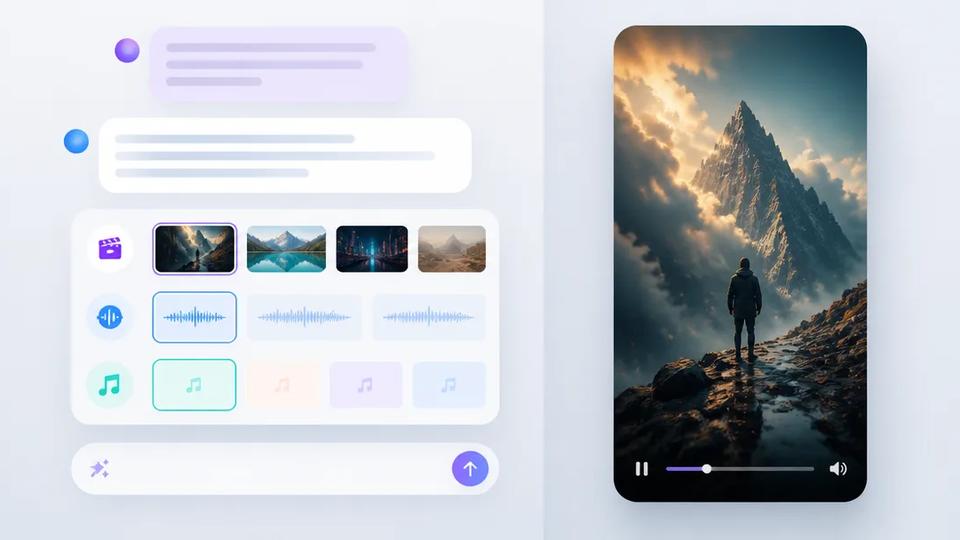
Crealix automatically generates these videos. Provide a topic or product description, and the AI drafts a script, generates a human-like voiceover, adds relevant scenes, and applies animated captions. Learn more about Crealix's Script-to-Video generator.
Stock Video Lifestyle Demos
Showcase your product in real-world contexts. Instead of custom filming, AI can assemble compelling narratives from extensive stock footage libraries. This is ideal for conveying the lifestyle or feeling associated with your product—e.g., a cozy blanket, high-performance running shoes, or a time-saving kitchen gadget.
Crealix's Stock Video generator takes your product brief and automatically selects and edits relevant clips from Pexels, adding voiceover, music, and captions to create a finished lifestyle ad.
Animated Talking Objects
For viral, scroll-stopping content, make your product (or a related object) the central character. This style uses AI to create a cartoon character where an object, fruit, or food item acts as the head, narrating a story or explaining its benefits. It's highly effective for capturing attention on crowded social feeds.
Crealix's Talking Objects feature automates this process. Provide an idea, and the AI generates a glossy 3D cartoon character, writes a script, and produces a complete animated video with voice and captions, without manual animation or lip-syncing.
Split-Screen Videos (Product in Action + UGC)
Split-screen is a classic format for demonstrating value. One side can display a screen recording of your app or product in use, while the other features an AI avatar, text overlay with benefits, or user-generated content (UGC). This is highly effective for reaction-style videos or direct comparisons.
Crealix's Split Videos feature combines any two video clips—including product uploads, AI-generated clips, or gameplay footage—into a single split-screen short. Add an AI narration, captions, and music for cohesion.
How to Create an AI Product Demo Video: Workflow
While AI tools vary, the core workflow for generating a product video is consistently simple.
- Define Goal and Script: Establish a clear objective (feature explanation, use case, sales conversion). Write a brief script or bullet points. Many AI tools can also generate a script from a simple topic, e.g., “benefits of our new coffee blend.”
- Choose AI Video Format: Based on your objective, select the desired video type (e.g., Faceless Explainer, Talking Object, Stock Video montage).
- Generate with an AI Tool: Within a platform like Crealix, input your script or idea. The AI then generates the voiceover, creates or sources visual scenes, adds music, and synchronizes animated captions, eliminating manual editing.
- Review and Publish: Watch the generated video. For adjustments, regenerate specific scenes or edit the script and re-render. Once satisfied, download and publish to your social channels and product pages.
Get Started with AI Video for Your Store
Integrating AI into your e-commerce video marketing is a practical strategy for increasing content production, customer engagement, and sales. By automating video production, you can focus on business growth.
Ready to create your first AI-powered product video in minutes? Start creating for free with Crealix.