Turn YouTube Comments into Viral Shorts with AI
Convert YouTube comments into engaging, viral short-form videos using AI tools like Crealix. Automate content creation from user-generated content (UGC) to boost engagement and visibility.
Turning YouTube comments into viral short-form videos is an effective strategy for content creators to leverage user-generated content (UGC) and boost engagement. This method taps into existing discussions, providing endless content ideas and a direct connection with your audience.
AI tools streamline this process, automating script generation, voiceovers, and visual creation. This enables high-volume content production without extensive editing skills.
Why Turn YouTube Comments into Shorts?
YouTube comments are a goldmine of content ideas, audience insights, and direct engagement opportunities. Converting them into Shorts offers several benefits:
- Endless Content Ideas: Comments provide a constant stream of topics, questions, and reactions, ensuring continuous material.
- High Engagement: Videos based on comments directly address your audience, fostering community and encouraging further interaction.
- Social Proof: Featuring real comments adds authenticity and credibility.
- Time-Saving: Leveraging existing discussions reduces the need for extensive research and brainstorming.
- Algorithm Boost: Shorts are highly favored by YouTube's algorithm, offering increased visibility and reach, especially when they drive engagement.
How AI Transforms YouTube Comments into Viral Shorts
AI video generators automate the entire production pipeline, from idea to finished video. For turning comments into Shorts, AI can:
- Generate Scripts: AI crafts cohesive scripts from single comments or comment threads.
- Create Voiceovers: Realistic AI voices narrate content, eliminating the need for recording equipment.
- Produce Visuals: AI generates relevant scenes, animations, or assembles stock footage to support the narrative.
- Add Captions and Music: Automatic captions ensure accessibility, while AI-generated music sets the mood.
This automation is crucial for creators aiming for high-volume publishing, allowing significant content output scaling.
Step-by-Step: Turning YouTube Comments into Shorts with AI
Here's a general workflow for transforming YouTube comments into viral Shorts using AI tools:
1. Identify Engaging Comments
Browse your YouTube videos for comments that are:
- Thought-provoking: Questions, debates, or unique perspectives.
- Humorous: Funny remarks or relatable observations.
- Controversial: Comments that spark discussion (handle with care).
- Highly engaged: Comments with many likes, replies, or requests for more information.
Look for comments that can form a narrative or address a specific point resonating with your audience.
2. Choose Your AI Video Generator
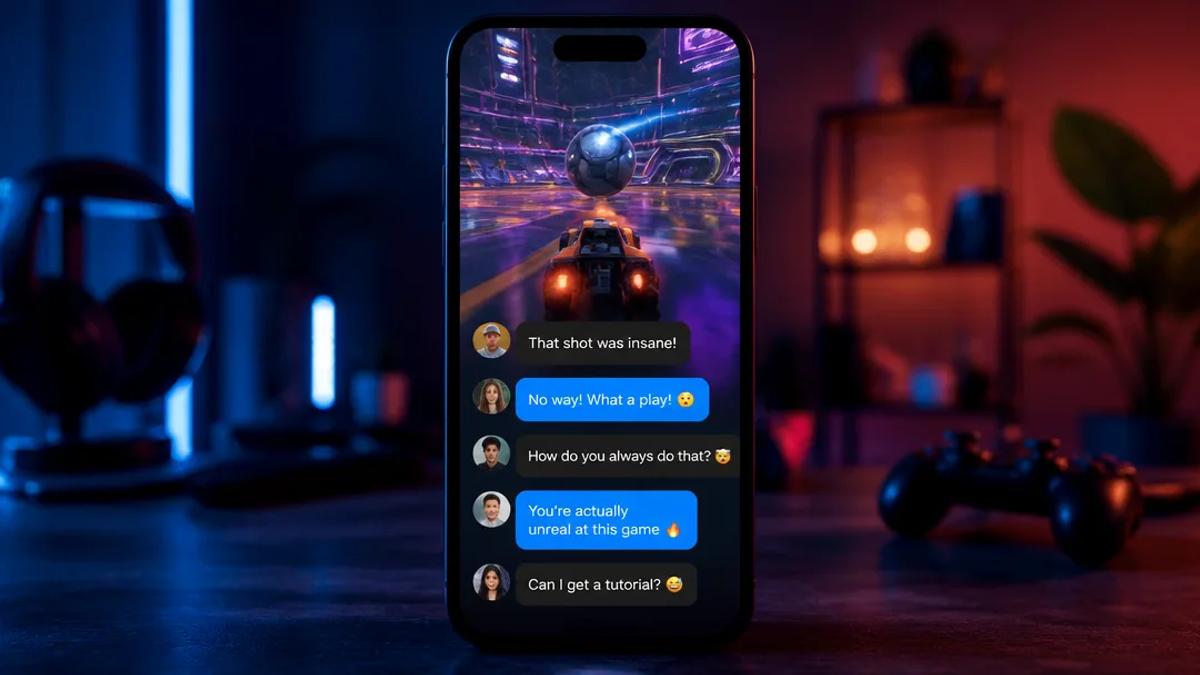
Select an AI video generator that supports your desired short-form content. For comment-driven videos, consider formats like faceless videos, animated stories, or a "fake text message" style for conversational comments.
Crealix AI offers an all-in-one platform. Generate various short-form video formats from a prompt or script. For instance, use the Faceless Video generator by pasting comment text as a script, or opt for an Animated Story for a visual, character-driven narrative.
3. Generate the Video with AI
Once you have selected comments and an AI tool, the creation process is straightforward:
- Input Idea/Script: Paste selected YouTube comment(s) into the AI video generator. Describe the core idea or desired reaction.
- Select Visual Style and Voice: Choose a visual style fitting your brand and a narrator voice. Crealix allows you to clone your own voice or design a new one for consistent branding.
- Review and Refine: The AI generates a script (if needed), voiceover, and visual scenes. Review and adjust the generated content.
- Add Music and Captions: Most AI tools automatically add captions and allow background music selection.
- Render and Export: Render the video. Download or publish it directly to your social media platforms.
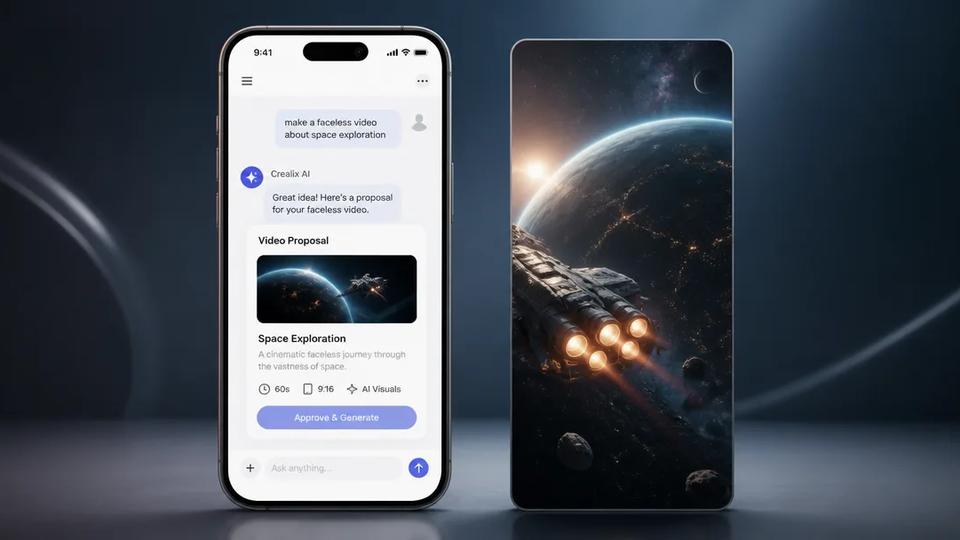
For creators using AI assistants, Crealix connects to Claude, ChatGPT, Cursor, and other tools. Simply ask your assistant to "make a short video about this YouTube comment" and guide the creation process through natural language, reviewing proposals and scenes directly in the chat. Learn more about the MCP connector.
Automating YouTube Shorts from Comments at Scale
For creators running faceless channels or managing multiple clients, automating comment-to-Shorts conversion is essential for high-volume content production.
Crealix's Autopilot feature is designed for this. Set up a recurring video series by defining a creative brief (e.g., "make a short video reacting to a top YouTube comment from my last upload"), specifying the video format (like a Faceless Video or Talking Objects), and setting a weekly schedule.
Autopilot will then:
- Plan Ideas: Maintains a queue of planned ideas, ensuring variety and relevance.
- Produce Episodes: Each episode uses different voices, music, caption styles, and visual styles from your chosen pools.
- Seek Approval: By default, it waits for your approval before spending credits and publishing.
- Publish Automatically: Once approved, it publishes the video at the scheduled time to your connected TikTok, Instagram, or YouTube accounts.
This enables a consistent content stream from user comments without daily manual intervention.
Best Practices for Viral Comment Shorts
To maximize the viral potential of your YouTube comment Shorts:
- Keep it Short and Punchy: Shorts thrive on quick, impactful content. Get straight to the point.
- Add a Hook: Start with a compelling question or statement to grab immediate attention.
- Visual Appeal: Use dynamic visuals, animations, or engaging stock footage to entertain viewers.
- Clear Call to Action: Encourage viewers to leave comments, subscribe, or check out your main channel.
- Consistent Branding: Maintain a consistent visual style and voice across all Shorts for brand recognition.
- Respond to Trends: Use comments related to current trends or popular topics to increase discoverability.
Start Creating Viral Shorts from YouTube Comments Today
Leveraging YouTube comments with AI is a powerful way to generate engaging, high-volume short-form content. Tools like Crealix AI provide the automation and creative flexibility needed to turn audience interaction into a consistent stream of viral Shorts.
Ready to transform your YouTube comments into captivating videos? Start creating your first short-form video with Crealix AI for free.