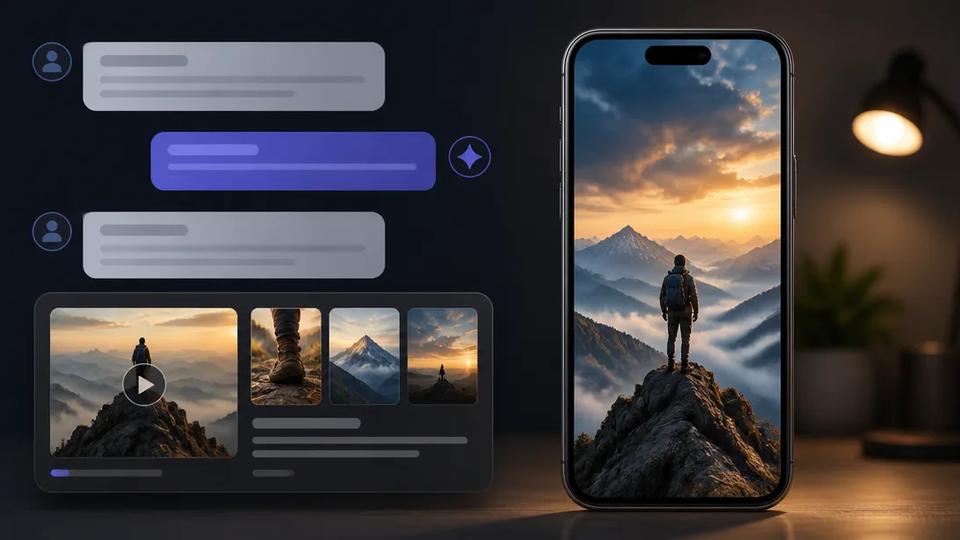
Connect Crealix to ChatGPT: Create Videos from Chat
Generate videos directly from ChatGPT, Claude, or any AI assistant using the Crealix MCP connector. Plan, produce, and publish short-form video with AI.
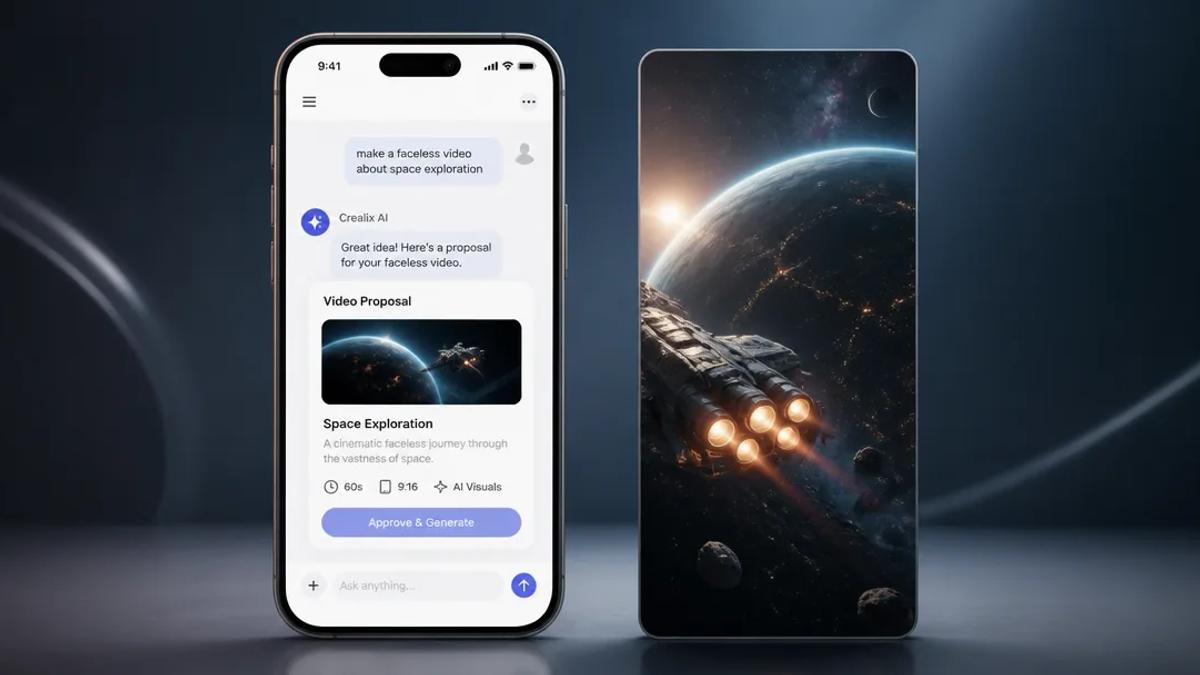
Making videos directly from a chat interface like ChatGPT is now a practical workflow for creators. By connecting Crealix AI to your preferred AI assistant, you can plan, produce, and even publish short-form videos without ever leaving your chat window. This method streamlines content creation, making it faster to generate ideas and execute them into finished, shareable videos.
What is a ChatGPT Video Generator?
A ChatGPT video generator is a system that allows video creation through interaction with an AI chatbot. Instead of traditional video editing, you describe your video idea in natural language. The AI assistant, powered by a connected tool like Crealix, handles scriptwriting, visual generation, voiceover, and final rendering. This transforms a conversational prompt into a complete video, often tailored for platforms like TikTok, Instagram Reels, and YouTube Shorts.
How to Make Videos with ChatGPT and Crealix AI
Connecting Crealix AI to your AI assistant—whether ChatGPT, Claude, Cursor, or another MCP client—enables a seamless chat-to-video workflow. Here's how it works:
1. Connect Crealix to Your AI Assistant
First, establish the connection between Crealix and your AI assistant. This is a one-time setup:
- For Claude: Use the one-click link in Crealix settings.
- For Terminal Agents (Claude Code, Codex, Gemini CLI): Use the provided one-line command.
- For Any Other MCP Client: Use the server URL `https://mcp.crealix.ai/mcp`.
After connecting, sign in to Crealix (your assistant never sees your password) and set specific limits for that assistant. These limits include a daily credit cap, a cost threshold requiring approval, and whether the assistant is allowed to publish videos directly to your connected social accounts. Manage these settings and disconnect any assistant at any time from Crealix's Connected Apps page.
2. Plan Your Video by Chatting
Once connected, ask your AI assistant to make videos. Simply describe your idea in plain language:
- "Make a 60-second faceless video about the benefits of morning routines."
- "Create a talking objects video about a talking coffee cup sharing productivity tips."
- "Draft a Twitter thread video about common misconceptions in AI, then turn it into a short."
The AI assistant will follow Crealix's guidelines for the chosen video type, presenting options as interactive cards where the chat supports them. This includes visual styles with example images, voices and music to preview, and caption styles. The assistant will then draft a proposal, including the script or scenes, chosen voice, visual style, captions, music, format, and estimated credit cost.
3. Review and Generate Scenes
Nothing is created until you approve the proposal. After your approval, Crealix begins the generation process through the same pipeline as the web app, with live progress updates visible in your chat. Review the generated scenes directly within the chat interface:
- Open a scene to inspect it.
- Animate it using a chosen video model.
- Generate a new image for a scene.
- Change a line of dialogue or narration.
- Retry a failed generation.
- Revert to an earlier version of a scene.
Alternatively, switch to the Crealix web editor to continue refining your project, as it's the same underlying project.
4. Render and Publish Your Video
The final video is rendered only when you explicitly ask for it. If publishing is enabled for that assistant and you approve, the video can be published directly to your connected TikTok, Instagram, or YouTube accounts. Every paid action reports its spending, and any action exceeding your set threshold will await your explicit approval, ensuring you stay within budget. The daily credit cap you set is never exceeded.
This integration leverages Crealix's full video generation capabilities directly from your chat, including faceless videos, talking objects, AI movies, AI skeleton videos, split videos, Twitter videos, fake text messages, and music videos.
Benefits of AI Assistant Video Production
Integrating Crealix with your AI assistant offers several advantages for short-form creators:
- Streamlined Workflow: Move from idea to finished video entirely within a conversational interface, reducing context switching.
- Rapid Prototyping: Quickly generate multiple video concepts and variations by simply adjusting prompts.
- Accessibility: Create professional-quality videos without complex editing skills or software.
- Volume Production: Ideal for creators managing multiple channels or publishing daily, as AI handles much of the heavy lifting.
- Cost-Effective: Leverage your existing Crealix subscription and credits without needing separate tools or per-feature upsells.
For creators aiming to scale content output or manage faceless channels, the Crealix Autopilot feature can further automate recurring video series. Set up a series once, defining the format, brief, sources, variety pools for voices and styles, and a weekly schedule. Crealix then plans ideas, produces each episode for your approval, and publishes it at the scheduled time, ensuring consistent content without daily manual intervention. Learn more about Autopilot.
Start Making Videos with Your AI Assistant
Connecting Crealix to your AI assistant like ChatGPT offers a powerful new way to produce short-form video content. It brings the full power of AI video generation directly into your conversational workflow, making content creation faster and more accessible than ever.
Ready to try it? Connect Crealix to your AI assistant today.