How to Warm Up a New Account Before Posting AI Videos
Don't post your first AI video the second you create an account. Here's a simple warm-up plan to avoid 0 views and shadowbans — then scale with Crealix.

Do not post your first video the second you create a TikTok, Instagram, or YouTube account — especially if you plan to automate. Spend a few days acting like a real human first so the algorithm trusts the account, then scale your output with Crealix AI. This is the warm-up, and skipping it is the fastest way to get stuck at 0 views.
Why warming up matters
A brand-new account that immediately starts auto-posting looks like a bot, and platforms quietly limit (or shadowban) accounts that behave unnaturally. Warming up sends the opposite signal: a real person is here — scrolling, engaging, and posting at a human pace. The same applies if you are reviving an old account or switching niches.
Day 1–3: Be a human, don't post
- Let the account sit for at least 24 hours after creating it. No uploads yet.
- Follow 10–15 accounts in your niche. If the app blocks the follow, don't worry — just move on.
- Scroll your feed 20–40 minutes a day. Watch videos fully, like them, and leave genuine comments.
- Treat it as guilt-free research: notice which hooks and formats are working in your niche.
Day 4–6: One video a day, posted by hand
- Start posting one video per day — no more.
- Upload from your phone manually for these first few. Don't automate yet.
- Keep engaging like a normal user between posts.
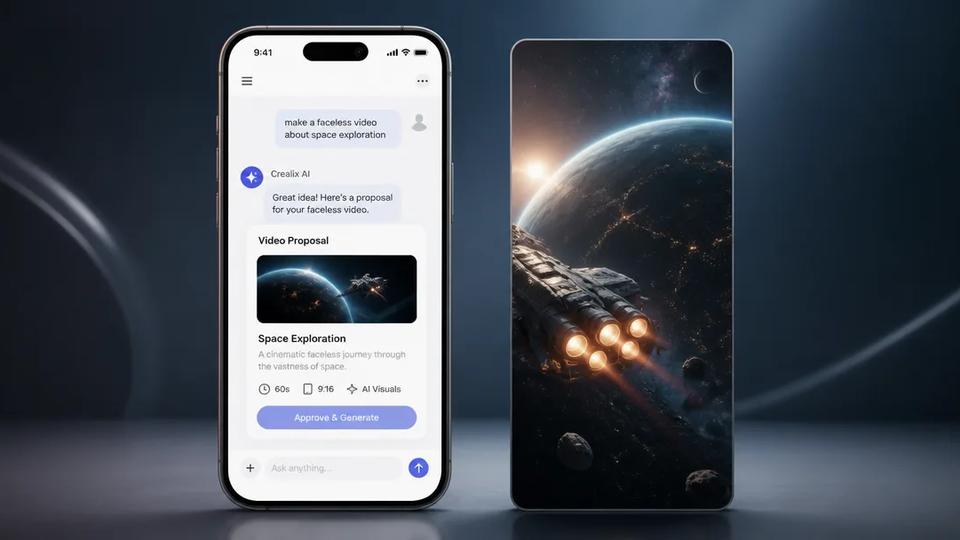
- You can already use Crealix AI to produce the videos — describe your idea and it generates the script, voiceover, scenes, and captions for you. Just publish them by hand for now.
Day 7 and on: scale with Crealix
- Now ramp up: produce daily (or more) and publish at volume.
- Because Crealix turns an idea into a finished faceless video, a daily cadence becomes realistic instead of exhausting.
- Keep liking, commenting, and following a few times a week — stay a real user, not just a publisher.
- Start here: create your first faceless video.
Stuck at 0 views? Don't panic
It is normal for your first 5–7 videos to get very few or zero views while the platform figures you out. Keep going. But if you are past ~15 videos and still flat at 0, you may be shadowbanned:
- Take a 2–3 day break from posting.
- Engage with content like a normal user.
- Come back with a manual post and watch the numbers.
- If it is still dead, it is usually faster to start fresh with a new account — and warm it up properly this time.
Warm up once, automate after
Warming up is a one-time tax for a long-term payoff. Do it right, don't skip steps, and your automated short-form will reach far more people. Once the account is trusted, let Crealix handle the heavy lifting — idea to finished video — so you can post consistently without burning out.
Ready to scale? Start free with Crealix AI.