AI Animated Story Prompts: Idea to Animated Video
Transform ideas into animated videos with AI. Explore effective story prompts, script generation, and create animated content for education or entertainment.
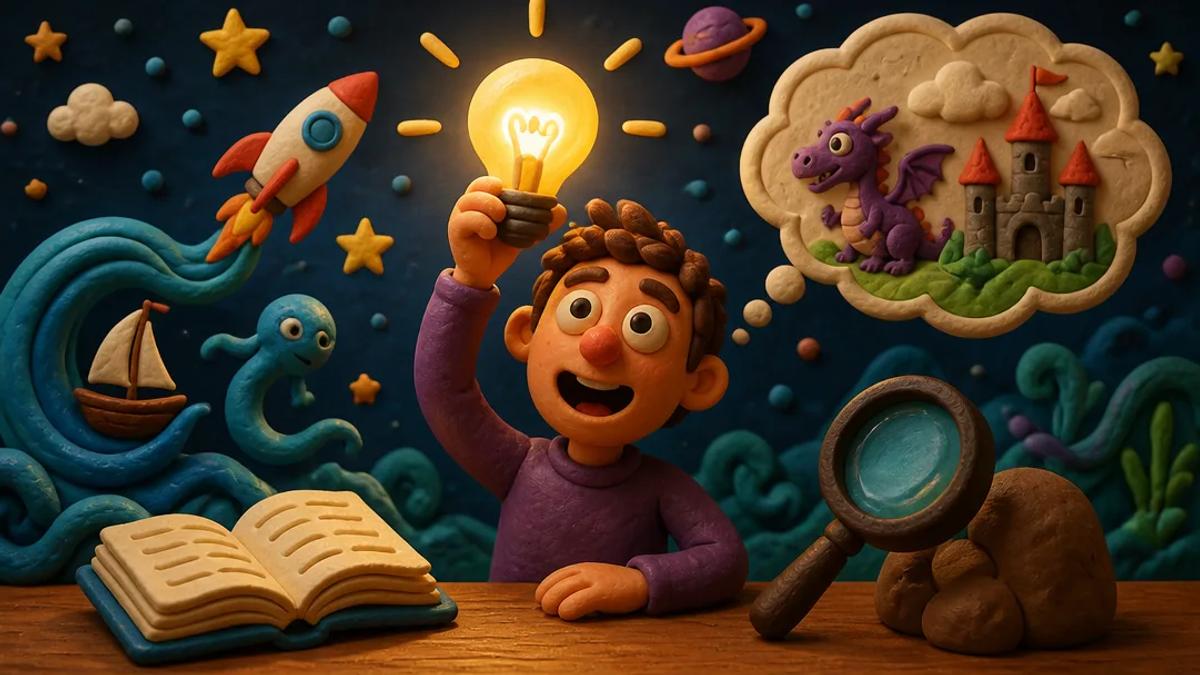
Turning a simple idea into a fully animated video once required a team and significant budget. Today, AI tools transform prompts into narrated, animated stories, making video creation accessible for educators, marketers, and content creators.
This guide details how to generate compelling animated story prompts and leverage AI to bring these ideas to life, whether for educational content, marketing explainers, or engaging short stories.
What Makes a Good Animated Story Prompt?
A strong animated story prompt provides enough detail for an AI to generate a coherent narrative and visual style, while allowing for creative interpretation. Consider it the blueprint for your video.
Key Elements of Effective Prompts
- Clear Concept: What is the core idea or message? Is it an explainer, a moral lesson, a "what if" scenario, or a character-driven narrative?
- Target Audience: Who are you trying to reach? This influences tone, complexity, and visual style.
- Desired Length: Short-form videos (30 seconds to 3 minutes) require concise prompts; longer stories accommodate more detail.
- Visual Style Preference: Do you envision 2D cartoons, 3D low-poly, pixel art, or another style? Specifying this helps the AI generate appropriate visuals.
- Key Characters/Objects (Optional): If specific characters or objects are crucial, describe them briefly.
- Emotional Tone: Is it humorous, serious, inspiring, or suspenseful?
- Call to Action/Purpose (for explainers/education): What should the viewer do or learn?
Examples of Strong Animated Story Prompts
- "Explain the water cycle to elementary school children using a friendly cloud character and simple, colorful 2D animation. Keep it under 60 seconds." (Educational Explainer)
- "A 'what if' scenario: What if gravity suddenly reversed for five minutes in a bustling city? Show the chaos and unexpected humor in a voxel art style. 90 seconds." (Creative Narrative)
- "A short animated story about a shy robot who learns to make friends by sharing its unique talent for creating beautiful light patterns. Use a cel anime style, 2 minutes." (Character-driven Story)
- "A countdown of the 'Top 5 Tips for Boosting Creativity' for young adults, presented by an energetic stickman character in a bright, modern style. 1 minute." (Informative List)
Generating Animated Video Script Ideas with AI
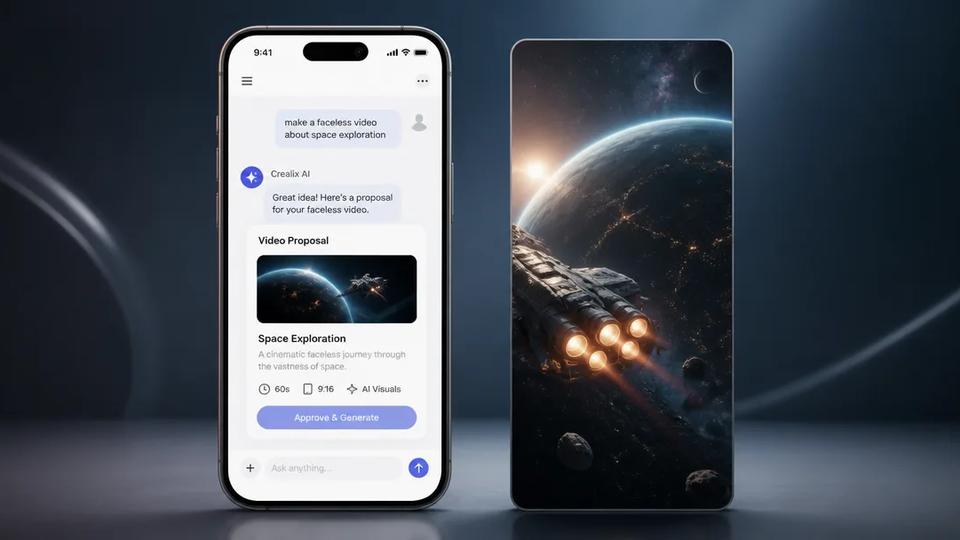
Once you have a core prompt, AI can expand it into a full script, complete with scene breakdowns and dialogue or narration. Tools like Crealix AI offer an "Animated Stories" feature that directly supports this workflow.
How AI Transforms Your Idea into a Script and Video
With Crealix AI's Animated Stories module, you provide your idea or script. The AI then takes over:
- Story Generation: Based on your input, Crealix AI's Claude-powered engine writes the story beat by beat, designing the world, characters, objects, and events.
- Visual Style Selection: Choose from 22 distinct visual styles, ranging from 2D (stickman, cel anime) to 3D (clay, low-poly, voxel, pixel art, hologram, blueprint).
- Story Shape (Optional): Guide the narrative with 10 story shapes like explainer, what if, countdown, rules, POV, versus, timeline, you decide, levels, or twist.
- Narration and Animation: Crealix records narration using a chosen voice (from its library or your cloned voice). Its custom code animation engine animates every beat in sync with the words. Captions and background music are also added.
- Review and Export: The video plays immediately in the editor, allowing you to add text overlays, adjust sound effects, or design the cover before exporting the MP4.
This process eliminates the need for manual drawing, rigging, or keyframing, making it ideal for creators without animation skills.
Short Animated Story Ideas for Various Platforms
Short-form platforms like TikTok, Instagram Reels, and YouTube Shorts thrive on engaging, concise content. AI-generated animated stories are perfect for this format due to their rapid production and visual appeal.
Animated Video Content Ideas for Short-Form
- Educational Snippets: "A 45-second animated explainer in a whiteboard style on how photosynthesis works." (Example prompt: "Explain photosynthesis using a friendly plant character and a whiteboard animation style. 45 seconds.")
- "What If" Scenarios: "What if humans could fly? Show a day in the life of a flying person in a whimsical 2D style." (Example prompt: "A 'what if' scenario: What if humans could fly? Show a humorous day in the life of a flying person in a whimsical 2D cartoon style. 1 minute.")
- Life Hacks/Tips: "3 quick tips for better sleep, animated with a sleepy character in a cozy, low-poly style." (Example prompt: "Provide 3 quick tips for better sleep, presented by a sleepy character in a cozy, low-poly animation style. 30 seconds.")
- Mini-Dramas/Moral Tales: "A short animated drama about a talking squirrel who learns the importance of sharing. Claymation style." (Example prompt: "A short animated drama about a talking squirrel who learns the importance of sharing its nuts. Use a claymation style. 1 minute.")
- Product Explainers: "An animated explainer for a new productivity app, highlighting its key features in a clean, modern 2D style." (Example prompt: "Explain the core features of a new productivity app called 'FocusFlow' using a clean, modern 2D animation style. 60 seconds.")
Animated Explainer Video Prompts
Animated explainers effectively convey complex information simply. AI animation templates streamline their creation.
- "Explain the concept of compound interest to a high school student using a visual metaphor of a growing money tree. Animated in a blueprint style, 2 minutes." (Financial Education)
- "How does a blockchain work? An animated explainer for beginners, using simple shapes and a pixel art style. 90 seconds." (Technology Explanation)
- "The benefits of remote work for small businesses, presented as a 'versus' story shape comparing traditional vs. remote setups. Stickman style, 1.5 minutes." (Business Benefits)
Creating Animated Stories with AI: The Workflow
The AI animated story creation process prioritizes efficiency and accessibility. No animation or video editing skills are required.
- Formulate Your Idea: Start with a clear concept, target audience, and desired length. Refer to the [animated story prompts](#what-makes-a-good-animated-story-prompt) discussed earlier.
- Input into AI: Use an AI video generator like Crealix AI's Animated Stories. Type your idea or paste a script.
- Customize Visuals and Voice: Select your preferred visual style (e.g., cel anime, voxel, low-poly), story shape, and narrator voice (you can even use your own cloned voice).
- Generate and Review: The AI generates the story, animates it in code, adds narration, captions, and music. Review the video instantly in the editor.
- Refine (Optional): In the Crealix editor, make minor adjustments like adding text overlays, moving sound effects, or designing a custom cover.
- Export and Publish: Once satisfied, export your animated video and publish it to your target platforms.
This entire pipeline, from idea to finished video, is significantly faster than traditional animation methods, enabling creators to produce content at scale.
Automating Animated Video Series with Autopilot
For creators aiming to publish animated content daily or weekly, Crealix AI offers an Autopilot feature. This allows you to set up recurring animated video series that run themselves.
How Autopilot Works for Animated Stories
- Series Setup: Define a new series in Autopilot, selecting "Animated Stories" as the format. Provide a creative brief (e.g., "daily animated facts about animals for kids") and optional sources (URL, free-text note, or idea list).
- Variety Pools: Specify variety pools for voices, background music, caption styles, and visual styles (from the 22 available animated styles). This ensures each episode is unique.
- Schedule and Destinations: Set your weekly publishing schedule (days and times in your timezone) and connect your TikTok, Instagram, or YouTube accounts.
- Automated Production: Crealix AI maintains a queue of planned ideas, never repeating themes. For each scheduled slot, it produces an episode using a unique combination from your variety pools, then awaits your approval.
- Approval and Publishing: By default, each episode pauses for your review. Render credits are only spent on approved videos. Once approved, Crealix publishes the video at the exact scheduled minute.
Autopilot is ideal for running faceless channels, educational series, or any content calendar requiring consistent, high-volume animated video production without daily manual effort. The entire process uses the same credits and pipeline as manual video creation, ensuring transparency and control.
Ready to transform your ideas into animated stories? Start creating animated videos with Crealix AI today.