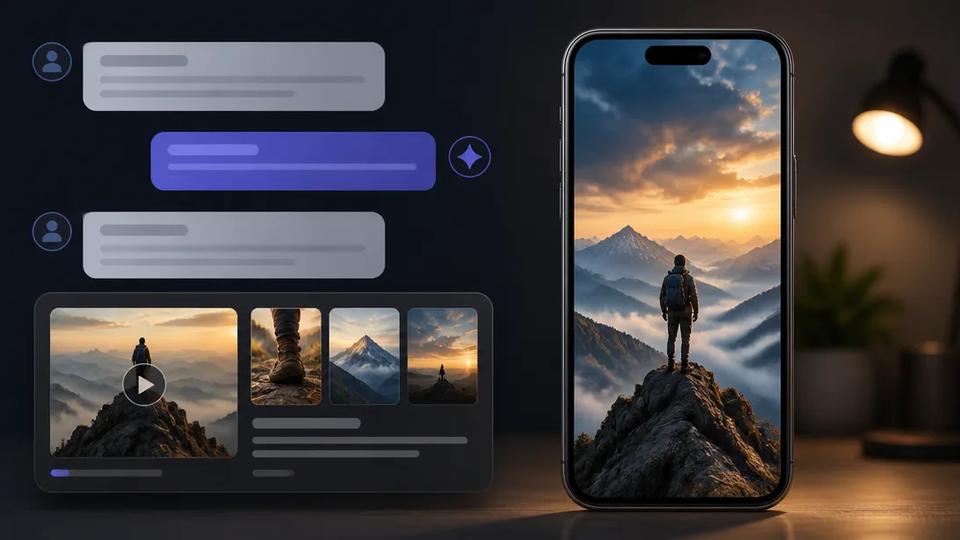
Turn Text Messages into Viral Story Videos with AI
Instantly create viral fake text message videos and texting story shorts using AI tools. Convert chat conversations into engaging video content effortlessly for TikTok, Reels, and YouTube Shorts.
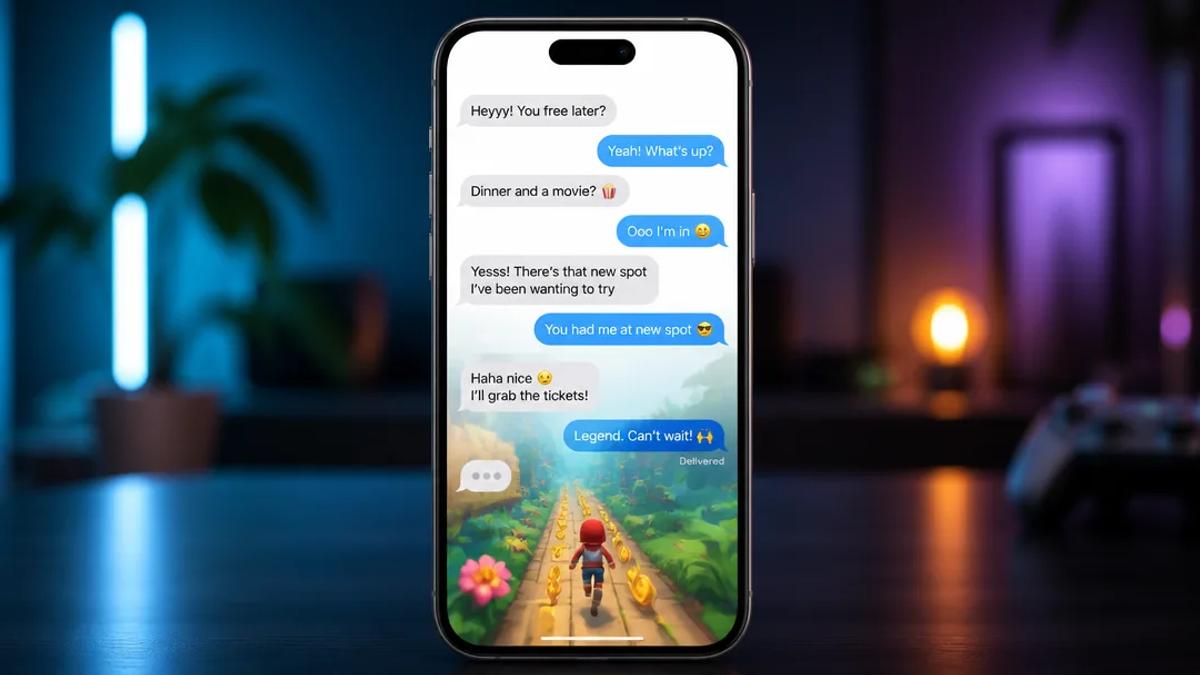
Turning text message conversations into engaging, viral story videos is a popular content format on platforms like TikTok, Instagram Reels, and YouTube Shorts. These "fake text videos" or "texting story videos" leverage the familiarity of chat interfaces to deliver narrative content in a highly consumable way. AI tools are now making it faster and easier than ever to transform simple text exchanges into fully produced video shorts.
What are Fake Text Message Videos?
Fake text message videos are short-form videos displaying a simulated text message conversation unfolding on screen, often accompanied by narration, background music, and sound effects. They typically tell a story, share a humorous exchange, or present a dramatic scenario, making them highly shareable and engaging. The visual style often mimics popular messaging apps like Apple Messages, WhatsApp, or Instagram DMs.
Why Texting Story Videos Go Viral
Texting story videos resonate with audiences for several reasons:
- Relatability: The text message format is instantly recognizable and easy to follow.
- Storytelling: They offer a concise and dynamic way to tell a story, often with unexpected twists or comedic timing.
- Engagement: The unfolding conversation keeps viewers hooked, anticipating the next message.
- Shareability: Their short, impactful nature makes them ideal for sharing across social platforms.
- Low Production Barrier: AI significantly lowers the production barrier, enabling high-volume content creation.
How AI Text Story Makers Work
AI text story makers streamline the entire video creation process. Instead of manually animating text bubbles, recording voiceovers, and adding effects, AI handles the heavy lifting. Here's a general workflow:
- Input the Conversation: Provide the text message conversation, either by typing it or letting the AI generate one from a prompt.
- Define Characters and Voices: Assign names and distinct AI voices to each participant in the chat.
- Choose Visuals and Sound: Select a messaging app skin (e.g., Apple Messages, WhatsApp), a background video or image, and optional background music and sound effects for individual messages.
- AI Generation: The AI narrates each message with the assigned character's voice, animates text bubbles appearing on screen in sync, and combines all elements into a finished video.
Creating Viral Text Message Shorts with Crealix AI
Crealix AI offers a dedicated feature for turning text message conversations into narrated short-form videos, making the process efficient and scalable for creators. Here's how it works:
- Start a New Project: Go to the Crealix AI app and select the Fake Text Message video generator.
- Define Your Cast: Name up to four characters and assign a unique ElevenLabs voice to each. Each character's voice remains consistent throughout the video.
- Write or Generate the Story: Manually type your text message conversation, message by message, assigning each to a character. Alternatively, use the AI writer: provide a one-line premise, and the AI drafts an entire viral conversation. Enabling "With images" also generates casual smartphone photos for certain messages, adding authenticity.
- Customize the Look: Choose your preferred chat skin (Apple Messages, WhatsApp, Instagram, or X DMs) and select a light or dark theme. Pick a looping gameplay background video.
- Add Audio and Effects: Incorporate optional background music and sound effects. Assign specific sound effects to individual messages to highlight key moments.
- Generate and Render: Crealix AI records narration for each message, animates text bubbles synchronously over the background, and renders your complete video. The chat itself serves as captions.
This process allows quick creation of high-volume, engaging content without manual editing or animation, ideal for text message storytelling channels.
Tips for Viral Text Story Videos
- Keep it Short and Punchy: Aim for videos under 60 seconds, ideally under 30.
- Hook Viewers Early: The first few messages must grab attention and set the stage.
- Use Engaging Dialogue: Write natural, humorous, or dramatic conversations. Pacing is key.
- Incorporate Visuals: If your AI text story maker supports images, use them strategically to enhance the narrative or provide "proof."
- Sound Effects and Music: These boost engagement and emotional impact. Use sound effects to punctuate jokes or dramatic reveals, and background music to set the mood.
- Clear Character Voices: Ensure each character's AI voice is distinct and easy to follow.
- Consistent Theme/Niche: Maintain a consistent theme (e.g., horror stories, funny texts, relationship drama) to build a loyal audience.
Beyond Simple Texts: Advanced Storytelling with AI
While text message videos are a great starting point, AI tools like Crealix AI offer a range of capabilities for diverse storytelling formats:
- **AI Movies:** Create cinematic AI short films with scene-to-scene continuity and native dialogue.
- **AI Skeleton:** Produce viral "survival" or "what if" shorts featuring a recurring stylized skeleton character in photorealistic scenes.
- **Talking Objects:** Generate animated talking objects, a format known for its viral potential.
- **Twitter Videos:** Turn tweets or entire X threads into narrated short videos, recreating the platform's UI in-app.
Leveraging AI allows creators to experiment with various narrative styles and produce high-quality, engaging content at scale, without advanced editing skills.
Ready to turn your text message ideas into viral video stories? Start creating your first fake text message video with Crealix AI today.