Turn Script to Short-Form Video with AI
Convert scripts into engaging short-form videos for TikTok, Reels, and Shorts using AI. Automate video creation from text with tools like Crealix AI.

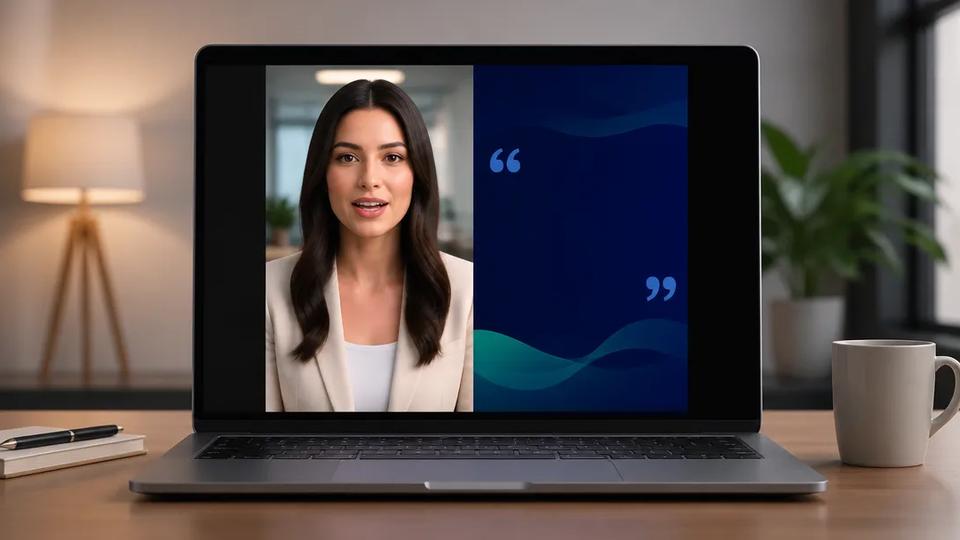
Turning a script into a short-form video involves using AI to generate visuals, voiceovers, and captions from your text. This process automates production, accelerating content creation for platforms like TikTok, Instagram Reels, and YouTube Shorts.
What is Script to Video AI?
Script to Video AI refers to artificial intelligence tools that automatically convert written text into a complete video. This includes generating spoken narration (voiceover), selecting or creating relevant visual scenes, and adding synchronized captions. The goal is to streamline video production, especially for creators needing to produce content at scale without manual editing.
How AI Transforms Scripts into Videos
AI video generators analyze your script to understand its context and key themes. Based on this analysis, the AI performs several tasks:
- Script Enhancement (Optional): Some AI tools refine or expand initial scripts, optimizing them for video narration and engagement.
- Voiceover Generation: Text-to-speech technology converts the script into natural-sounding audio narration.
- Visual Scene Generation: The AI either generates new visual content (e.g., animated scenes, AI-generated images) or selects relevant stock footage that matches each script segment's narrative.
- Captioning: Subtitles are automatically generated and synchronized with the voiceover, enhancing accessibility and engagement for viewers watching without sound.
- Assembly and Rendering: All elements—voiceover, visuals, and captions—are combined into a finished video file.
Benefits of Using AI for Script-to-Video Production
Automating video creation from scripts offers significant advantages for short-form content creators:
- Speed: Produce videos in minutes, not hours, enabling high-volume content output.
- Cost-Effectiveness: Reduce or eliminate the need for expensive equipment, actors, voice artists, or video editors.
- Scalability: Easily create multiple script variations or generate videos across diverse topics quickly.
- Consistency: Maintain a uniform style and quality across all videos.
- Accessibility: Lowers the barrier to entry for creators lacking video editing skills or resources.
Step-by-Step: Generating a Short-Form Video from a Script with AI
Here’s a general workflow for using AI to turn your script into a short-form video:
1. Develop Your Script or Idea
Start with a clear script or topic idea. For short-form content, aim for concise, engaging narratives that capture attention quickly. Tailor script length and style to your target platform (TikTok, Reels, Shorts).
2. Choose an AI Video Generator
Select an AI platform specializing in script-to-video capabilities. Look for tools offering integrated voiceovers, visual generation, and captioning. Crealix AI, for instance, provides an all-in-one solution for short-form video creation.
3. Input Your Script or Prompt
Most AI video generators are prompt-driven. You'll typically either:
- Paste your complete script: The AI analyzes it for scene breaks and content.
- Provide a topic or idea: The AI can generate a script for you based on your prompt, which you can then refine.
For example, using Crealix AI's Script-to-Video feature, input your text directly.
4. AI Generates Video Elements
The AI platform takes your input and automatically generates the core components of your video:
- Voiceover: A natural-sounding voice reads your script aloud.
- Visuals: AI-generated scenes, images, or stock footage are selected or created to match the script's narrative.
- Captions: Subtitles are automatically added and synced with the audio.
5. Review and Refine (Optional)
While AI automates much of the process, you often have options for adjustments. This might include:
- Changing the voiceover style or speaker.
- Swapping visual scenes for AI-generated alternatives.
- Editing caption text for accuracy or style.
Crealix AI provides a unified editor for review and adjustments before final rendering.
6. Render and Export Your Video
Once satisfied, the AI platform renders your video. You can then download it in the appropriate format for your chosen social media platform.
Advanced AI Video Creation from Scripts
Beyond basic script-to-video, advanced AI tools offer more creative possibilities:
- Faceless Videos: Create engaging content without needing to appear on camera. The AI handles all visual elements, ideal for educational content, storytelling, or niche channels. Learn more about Faceless Video creation.
- Talking Objects: Generate viral-style videos where everyday objects animate and speak your script. The AI creates a cartoon character with the object as the head, then animates it to deliver your message. Explore Talking Objects videos.
- AI Dramas: Produce short, cartoon-style narrative videos based on your script, perfect for engaging storytelling. Find out more about AI Drama generation.
- Stock Video Integration: For scripts requiring real-world footage, some AI tools assemble relevant stock video clips from libraries like Pexels to match your narrative. Crealix AI offers a Stock Video feature.
Automate Your Short-Form Video Creation Today
AI-powered script-to-video tools are transforming how creators produce short-form content. By automating script analysis, voiceover generation, and visual creation, these tools enable rapid, high-volume video production for TikTok, Reels, and Shorts.
Ready to turn your scripts into engaging videos without traditional editing? Start creating with AI today.