AI Split-Screen Reaction Videos: A Creator's Guide
Create dynamic split-screen reaction videos for TikTok, Reels, and Shorts using AI. Generate UGC-style content efficiently with automated tools.
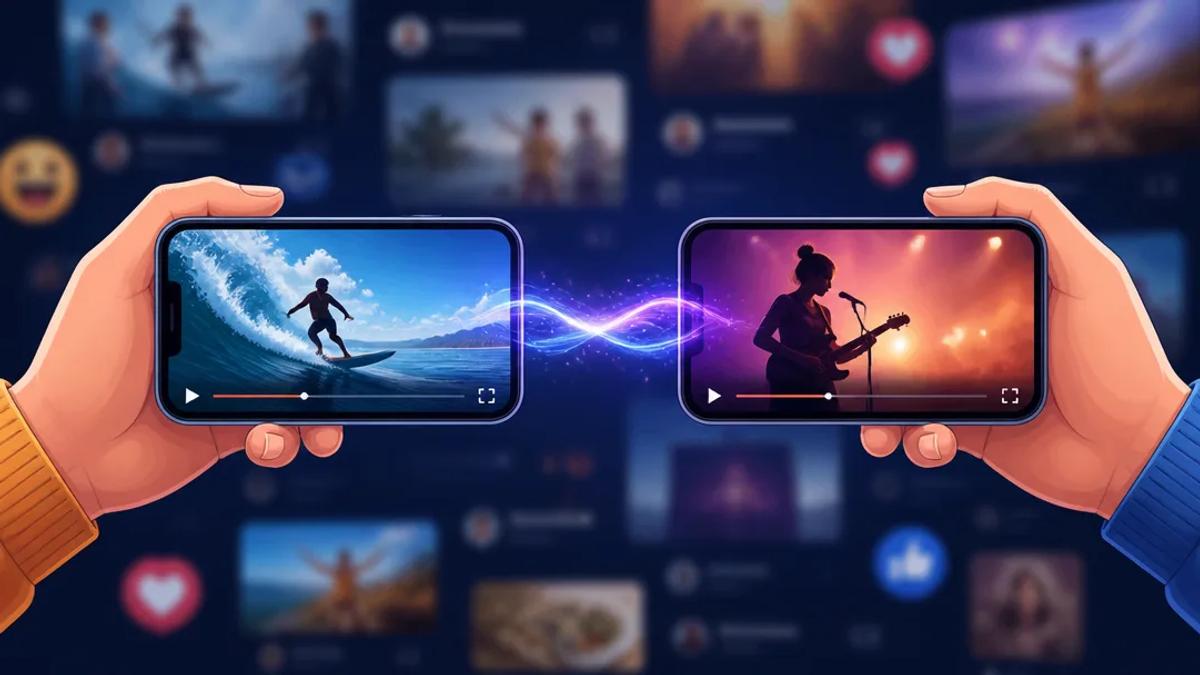
Engaging split-screen reaction videos for TikTok, Instagram Reels, and YouTube Shorts are a popular method for generating user-generated content (UGC) and fostering audience interaction. These videos combine two or more visual elements, typically showing a creator's reaction alongside another video, gameplay, or tutorial. AI tools simplify this process, enabling creators to produce high-quality split-screen content without complex manual editing.
What is a Split-Screen Reaction Video?
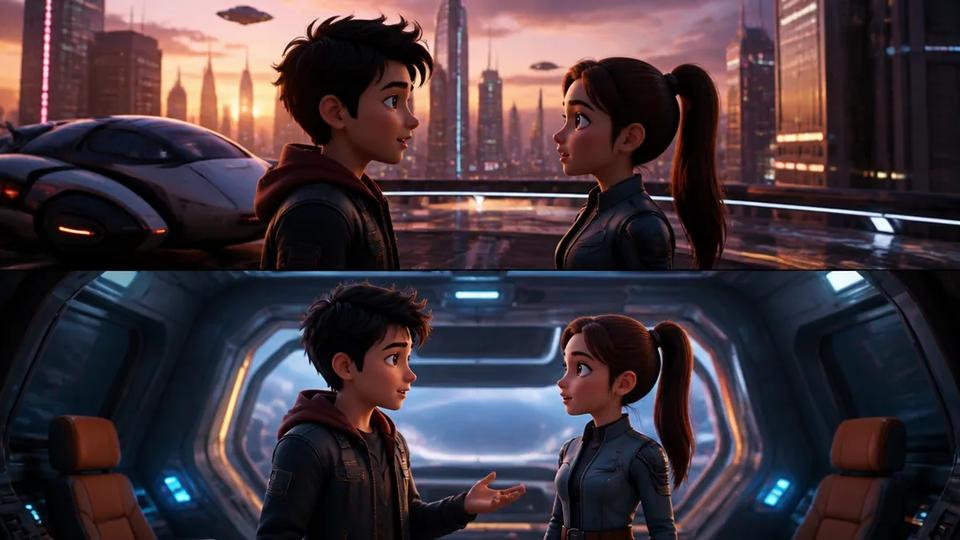
A split-screen reaction video simultaneously displays two or more video clips within a single frame. One clip usually features the primary content (e.g., a viral video, game footage, or tutorial), while the other showcases a creator's live reaction, commentary, or a related visual. This format effectively drives engagement by presenting both original content and a creator's perspective in real-time.
Why Use Split-Screen for Short-Form Content?
- Increased Engagement: Dual perspectives often encourage viewers to compare their reactions with the creator's.
- Contextualization: Creators can add immediate commentary, analysis, or humor to existing content, personalizing it.
- Efficiency: Reacting to existing content reduces the need to generate all original footage, streamlining production.
- Viral Potential: Reaction content frequently leverages trending topics, accelerating its reach and potential for virality.
How AI Simplifies Split-Screen Video Creation
Traditional split-screen video creation involved manual editing software, precise timing, and multi-track rendering. AI tools automate composition, narration, and captioning, streamlining the entire process.
AI video generators can combine two distinct video sources, manage their layout, and add AI-generated voiceovers and auto-captions. This significantly reduces the time and skill required, allowing creators to prioritize content ideas and reactions over technical editing.
Step-by-Step: Making a Split-Screen Reaction Video with AI
Using an AI-powered platform like Crealix AI, you can generate a complete split-screen reaction video with minimal effort. The process involves selecting source videos, defining the layout, and optionally adding AI-generated narration and effects.
1. Choose Your Source Videos
For a split-screen video, you need two distinct video clips. These can be:
- Existing Crealix Projects: Any video previously generated with Crealix AI (e.g., a faceless video, Talking Objects video, or AI Skeleton video).
- AI Avatar Videos: Clips featuring AI-generated talking avatars.
- AI Video Clips: Short video segments generated by AI.
- Curated Gameplay Clips: Pre-recorded gaming footage.
- Uploaded Content: Any video file from your device, such as a screen recording, personal video, or downloaded content.
2. Select Layout and Split Ratio
Once you have your two videos, define their on-screen appearance:
- Orientation: Choose between top/bottom stacking or side-by-side placement.
- Split Ratio: Adjust the draggable split to determine each video's screen real estate, allowing emphasis on one video if desired.
3. Add AI-Generated Narration and Captions (Optional)
AI significantly accelerates content creation in this step:
- Generate Narration: Provide a prompt or script; AI will write and generate a voiceover for your entire reaction video. This voiceover plays over your combined video.
- Auto-Captions: Based on the generated narration (or any audible content from your selected clips), AI automatically creates captions, enhancing accessibility and engagement for viewers watching without sound.
4. Enhance with Music, Sound Effects, and Text Overlays (Optional)
Customize your split-screen video further:
- Background Music: Add an AI-generated original music track or select from a library.
- Sound Effects (SFX): Incorporate sound effects to highlight specific moments or reactions.
- Text Overlays: Add on-screen text for emphasis, calls to action, or additional commentary.
5. Utilize "Spotlight" Moments
For dynamic storytelling, AI tools enable "spotlight" moments. During these segments, one split-screen video can temporarily expand to full-frame, drawing viewer attention before returning to the split-screen layout. This effectively emphasizes key reactions or important details in the source content.
6. Render and Share
After configuring all elements, the AI platform renders your complete split-screen reaction video. You can then download or publish it directly to your preferred social media platforms.
Benefits of Using Crealix AI for Split-Screen Videos
Crealix AI offers an all-in-one solution for creating split-screen reaction videos, integrating seamlessly with other AI video generation tools. This provides a unified workflow, eliminating the need for multiple applications:
- Unified Workflow: Combine AI-generated content (like a Talking Object video) with uploaded footage directly within the platform.
- Automated Production: From script generation to voiceovers and captions, AI handles the heavy lifting, ideal for creators publishing daily.
- No Editing Skills Needed: Focus on content ideas and reactions, not complex timelines or keyframes.
- Volume Production: Designed for creators requiring high-volume production of engaging short-form content quickly.
To begin creating your own split-screen reaction videos, explore the Split Videos feature in Crealix AI and leverage AI for efficient content creation.