Automate TikTok Shop Product Comparison Videos with AI
Rapidly create engaging product comparison videos for TikTok Shop using AI video generators. Automate split-screen reviews to boost sales and scale content.
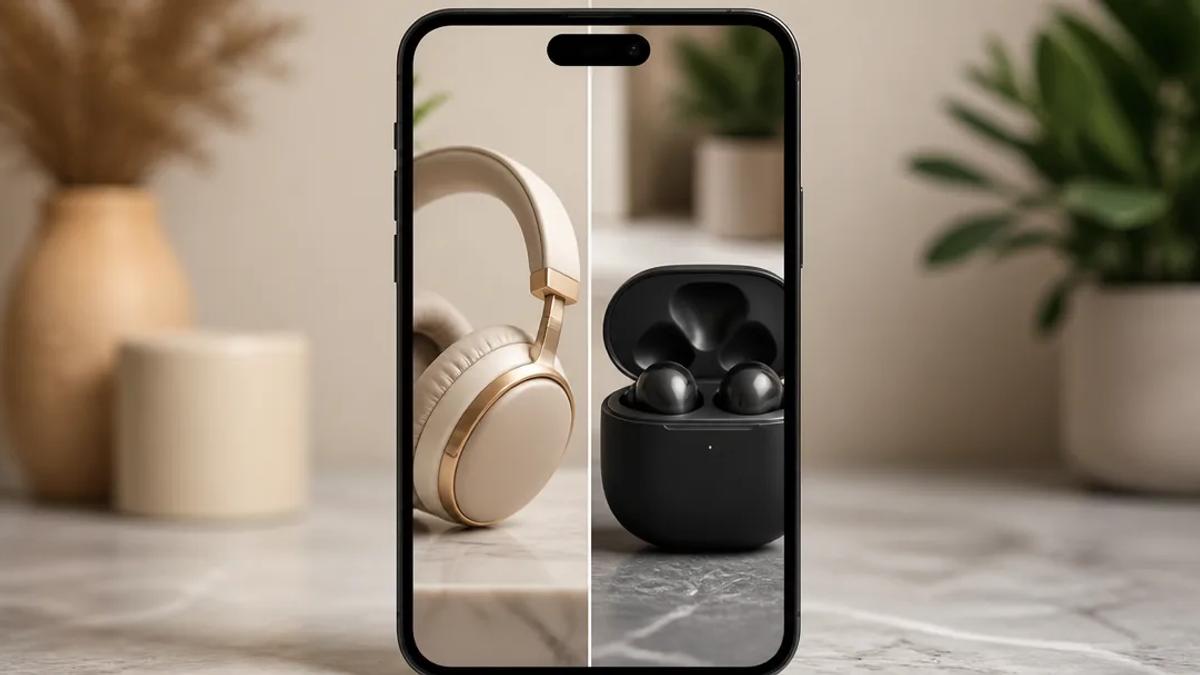
AI video generators enable rapid creation of product comparison videos for TikTok Shop, directly addressing customer queries and driving sales. By automating the production of split-screen reviews, e-commerce businesses can scale their content strategy efficiently.
Why Product Comparison Videos Excel on TikTok Shop
TikTok Shop thrives on concise, engaging content. Product comparison videos are ideal because they:
- Answer direct customer questions: "Which product is superior?" or "What are the key distinctions?"
- Highlight unique selling propositions: Clearly define why one product surpasses alternatives.
- Build consumer trust: Presenting balanced comparisons, even with a subtle preference, enhances credibility.
- Incentivize immediate purchases: Clear comparisons facilitate confident buying decisions.
Traditional video editing for split-screen comparisons is time-consuming and skill-intensive. AI video generators eliminate these barriers for e-commerce marketers.
Automating Split-Screen Product Comparisons with AI
AI video generators streamline the creation of high-quality, split-screen product comparison videos at scale, without requiring extensive editing expertise. The process involves inputting product information or a script, and the AI handles visual and auditory production.
Crealix AI offers a dedicated Split Video Generator feature for product comparisons. The workflow is idea-driven and automated:
- Select Content: Choose two existing videos for comparison. These can be Crealix projects, AI avatar videos, AI video clips, curated gameplay, or uploaded media. For product comparisons, select one video for Product A and one for Product B.
- Define Layout & Ratio: Configure videos to stack vertically or display side-by-side. Adjust the split ratio to emphasize a specific product if desired.
- Add Narration & Captions: Crealix generates AI-written narration based on your input, providing a voiceover. Auto-captions are then created from this narration for accessibility and engagement, even with sound off.
- Integrate Music & SFX: Enhance production quality and viewer engagement with background music and sound effects.
- Spotlight Key Moments: Optionally, set "spotlight" moments where one video temporarily occupies the full screen to draw attention to specific features or benefits before returning to the split view.
- Render & Publish: Crealix renders the complete split-screen comparison video, ready for download and direct upload to TikTok Shop.
This workflow converts product features into compelling visual comparisons, making it an optimal AI video generator for TikTok Shop content.
Crafting Effective Product Comparison Scripts for AI
Video quality from AI generation depends heavily on input. A well-structured script is critical for product comparison videos. Include:
- Introduction: Briefly introduce products being compared and video objective.
- Key Features/Benefits: Compare specific attributes (e.g., price, durability, performance, design, target audience).
- Use Cases: Illustrate scenarios where each product excels.
- Pros and Cons (Optional): Acknowledge minor drawbacks for a balanced perspective.
- Conclusion/Recommendation: Summarize findings and guide viewers toward the best choice for their needs.
- Call to Action: Direct viewers to your TikTok Shop for purchase.
With Crealix, you can paste a pre-written script or provide a prompt for AI narration. For example, "Compare 'EverGlow Serum' with a traditional Vitamin C serum, focusing on absorption speed and anti-aging results" generates a detailed script for AI narration and visualization.
Beyond Split Screens: AI Video Formats for Product Reviews
While split-screen comparisons are highly effective, other AI video formats enhance product reviews for TikTok Shop:
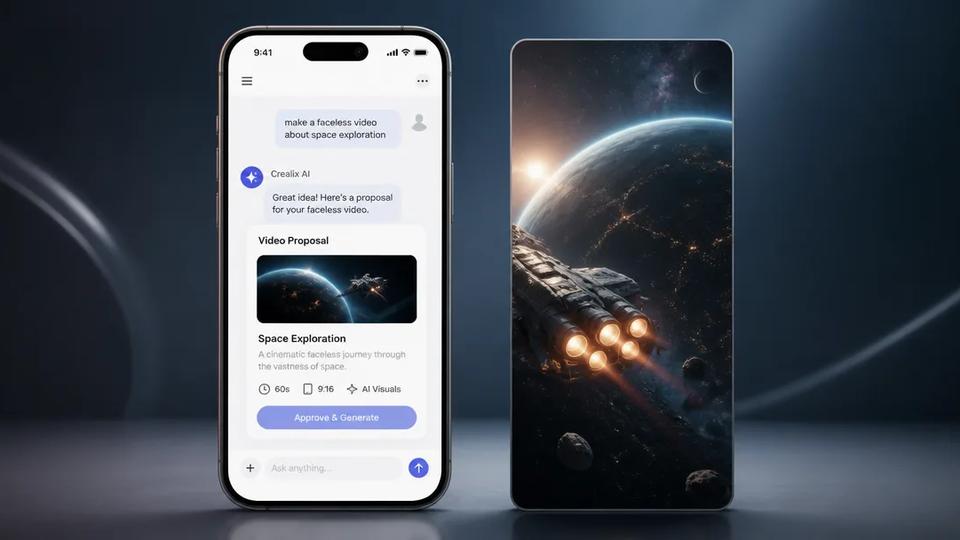
- Faceless Videos: Create automated, narrated videos detailing product benefits or features without an on-screen presenter. Ideal for quick overviews or explainers. Learn about Faceless Videos.
- Talking Objects: Animate your product or related objects to speak directly, explaining features engagingly. Explore Talking Objects.
- Script-to-Video: Paste a detailed product review script, and Crealix automatically generates voiceover, visuals, and captions. Create a Script-to-Video.
- Stock Video: For products benefiting from real-world footage, Crealix assembles professional stock videos based on your brief, eliminating filming needs. Generate Stock Videos.
Leveraging these AI tools significantly boosts TikTok Shop marketing efforts, enabling diverse, compelling short-form product comparison content that resonates with the platform's audience.
Start automating your product comparison videos and scale your TikTok Shop content strategy. Try Crealix AI for free and explore its full suite of AI video generation tools.