Automate LinkedIn Videos for Coaches with AI
Coaches can automate LinkedIn short video creation using AI to boost engagement and scale content without complex editing. Learn how with Crealix AI.
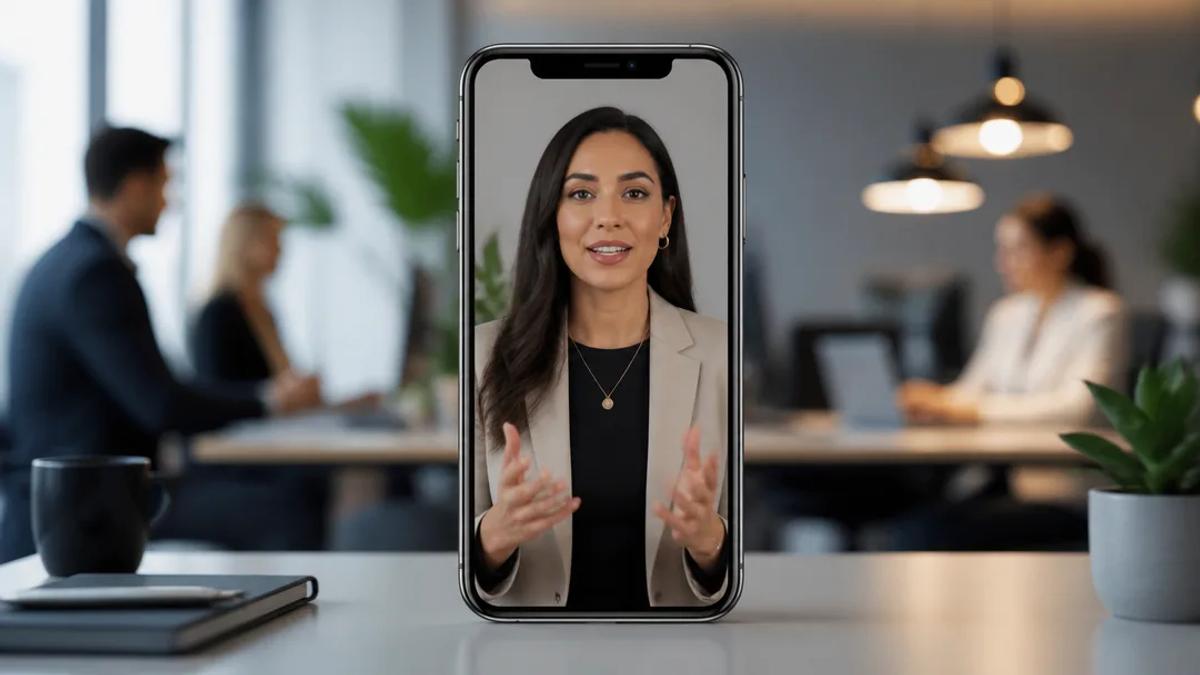
Coaches can automate LinkedIn short video creation using AI by leveraging platforms that generate scripts, visuals, voiceovers, and captions from a simple idea or text. This approach allows coaches to consistently produce high-quality, engaging content for LinkedIn without needing video editing skills, significantly boosting their professional presence and lead generation efforts.
Why LinkedIn Video Marketing is Crucial for Coaches
LinkedIn has evolved beyond a simple resume platform to a powerful content hub, especially for professionals. For coaches, video content on LinkedIn offers several distinct advantages:
- Increased Visibility and Engagement: Videos typically receive higher engagement rates than text or image posts. LinkedIn's algorithm often favors video, leading to greater reach within your professional network and beyond.
- Builds Trust and Credibility: Seeing and hearing you speak, even through AI-generated content, helps establish a personal connection. It allows potential clients to get a sense of your expertise and personality, fostering trust.
- Showcases Expertise: Short videos are ideal for sharing quick tips, insights, case studies, or answering common questions, positioning you as an authority in your niche.
- Lead Generation: Engaging video content can drive traffic to your profile, website, or lead magnet, converting viewers into prospects.
- Adaptability to Trends: Short-form video is the dominant content format across social media, and LinkedIn is no exception. Adapting to this trend ensures your content remains relevant and competitive.
Automating LinkedIn Short Video Creation with AI
Creating consistent video content can be time-consuming and require specific skills. AI video generators streamline this process, making it accessible for coaches who want to scale their content efforts. Here’s how AI can automate your LinkedIn video strategy:
1. Idea to Script Generation
Instead of spending hours brainstorming and writing, AI can assist in generating compelling scripts tailored to your coaching niche. You can provide a topic, a key takeaway, or even a few bullet points, and the AI will draft a full script for your short video. This ensures a consistent message and frees up your time for coaching.
2. Automated Visuals and Voiceovers
Once the script is ready, AI tools can automatically generate relevant visuals and high-quality voiceovers. This eliminates the need for filming, finding stock footage, or hiring voice actors. The AI selects scenes that match the script's context, creating a cohesive and professional-looking video.
3. Instant Captions and Subtitles
LinkedIn videos are often watched on mute. AI automatically generates accurate captions and subtitles, ensuring your message is accessible and understood even without sound. This significantly increases watch time and engagement.
4. Consistent Branding and Style
AI video platforms allow you to maintain a consistent brand identity across all your videos. You can often select specific visual styles, voice types, and even recurring characters (like a faceless narrator or an AI skeleton character) to make your content instantly recognizable.
Crealix AI: Your Solution for Automated LinkedIn Videos
Crealix AI is an all-in-one AI video generator designed for short-form creators, including coaches looking to scale their LinkedIn presence. It simplifies the entire video production pipeline, allowing you to go from an idea to a finished, narrated, and subtitled short-form video without any editing skills.
Here are several ways coaches can use Crealix AI to automate their LinkedIn video marketing:
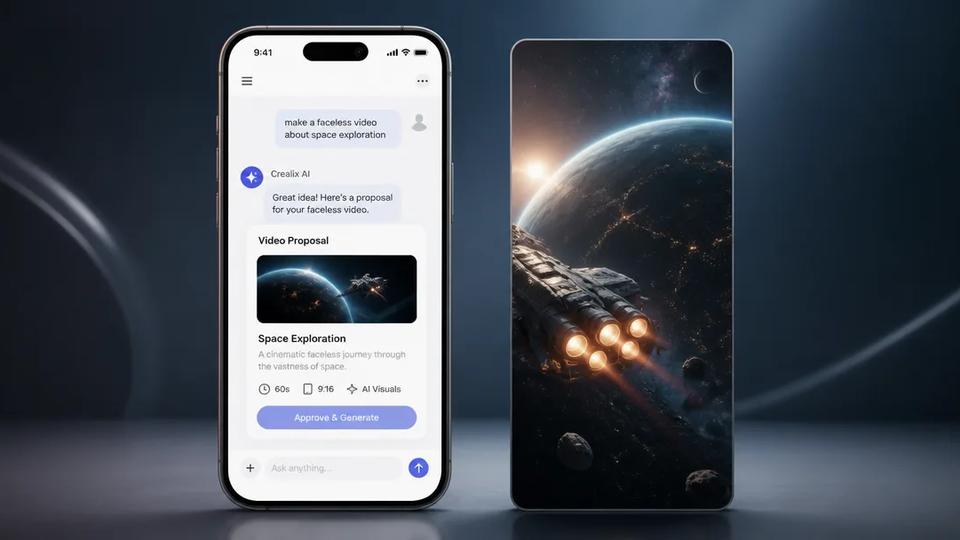
- Faceless Videos for Coaches: Create engaging explainer videos or thought leadership pieces without appearing on camera. Simply provide your topic or script, and Crealix AI will generate the voiceover, AI scenes, and captions for a polished, professional video. This is ideal for coaches who prefer to focus on their message rather than their on-screen presence. Make a faceless video
- Script-to-Video Transformation: If you already have written content, such as blog posts, newsletters, or coaching frameworks, you can paste your script directly into Crealix AI. It will then generate a complete video with appropriate visuals, narration, and captions. Turn your script into a video
- Talking Objects for Unique Engagement: For a more creative and viral approach, use Talking Objects. Imagine a relevant object (e.g., a book, a whiteboard, or a cup of coffee) animated to speak your coaching insights. Crealix AI generates a Pixar-style 3D cartoon character where the object is the head, then creates the script, voiceover, and scenes. Create a Talking Objects video
- AI Skeleton for 'What If' Scenarios: Engage your audience with hypothetical coaching scenarios using the AI Skeleton feature. Choose a stylized skeleton character (e.g., crystal glass, gold) and narrate a story about overcoming challenges or exploring possibilities relevant to your coaching niche. Crealix AI generates photorealistic scenes with your chosen skeleton consistently present, along with narration and captions. Generate an AI Skeleton video
- Twitter Videos for Thought Leadership: Turn your impactful tweets or entire X threads into narrated short videos. Crealix AI recreates the tweet cards, narrates each tweet, and adds looping gameplay, captions, and music. This is excellent for repurposing your written thoughts into an engaging video format for LinkedIn. Make a Twitter video
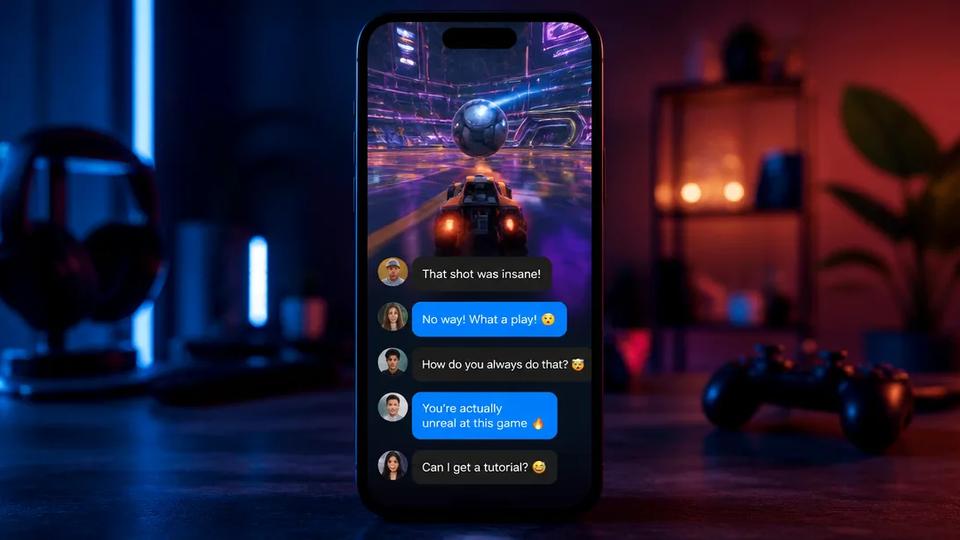
- Fake Text Messages for Storytelling: Create engaging text-message story videos to illustrate coaching concepts, client success stories (anonymized), or common client dilemmas. Crealix AI generates the chat, assigns voices to characters, and adds optional AI-generated photos and sound effects. Create a fake text message video
- Stock Video for Professional Content: For more traditional, real-footage videos, Crealix AI can assemble stock video clips based on your brief, complete with narration and captions. Create a stock-footage video
Crealix AI's unified platform means you don't need to stitch together multiple tools. You get access to the latest AI models and a streamlined workflow for high-volume content production, making it an ideal partner for coaches looking to scale their presence on LinkedIn.
Getting Started with AI Video for Your Coaching Business
To effectively implement AI video marketing on LinkedIn, consider these steps:
- Identify Your Core Message: What key insights, tips, or value do you want to share with your audience? Each short video should focus on one clear message.
- Choose Your AI Tool: Select an AI video generator like Crealix AI that offers the features you need for your desired video style.
- Start with a Topic: Input your idea or script into the AI platform. Let the AI handle the complex parts of video creation.
- Review and Refine: While AI automates much of the process, always review the generated video for accuracy, tone, and alignment with your brand.
- Publish and Analyze: Share your AI-generated short videos on LinkedIn. Pay attention to engagement metrics to understand what resonates best with your audience.
By embracing AI video generation, coaches can efficiently create a steady stream of high-quality, engaging content for LinkedIn, significantly enhancing their visibility, credibility, and lead generation efforts. It's about working smarter, not harder, to build your coaching empire.
Ready to automate your LinkedIn video content? Start creating videos for free with Crealix AI.