Record Your Voice for AI Videos: Best Practices & Setup with Crealix AI
Learn to record your voice for AI videos with Crealix AI. Master high-quality audio, optimize setup, and ensure consistent voice cloning for authentic content.
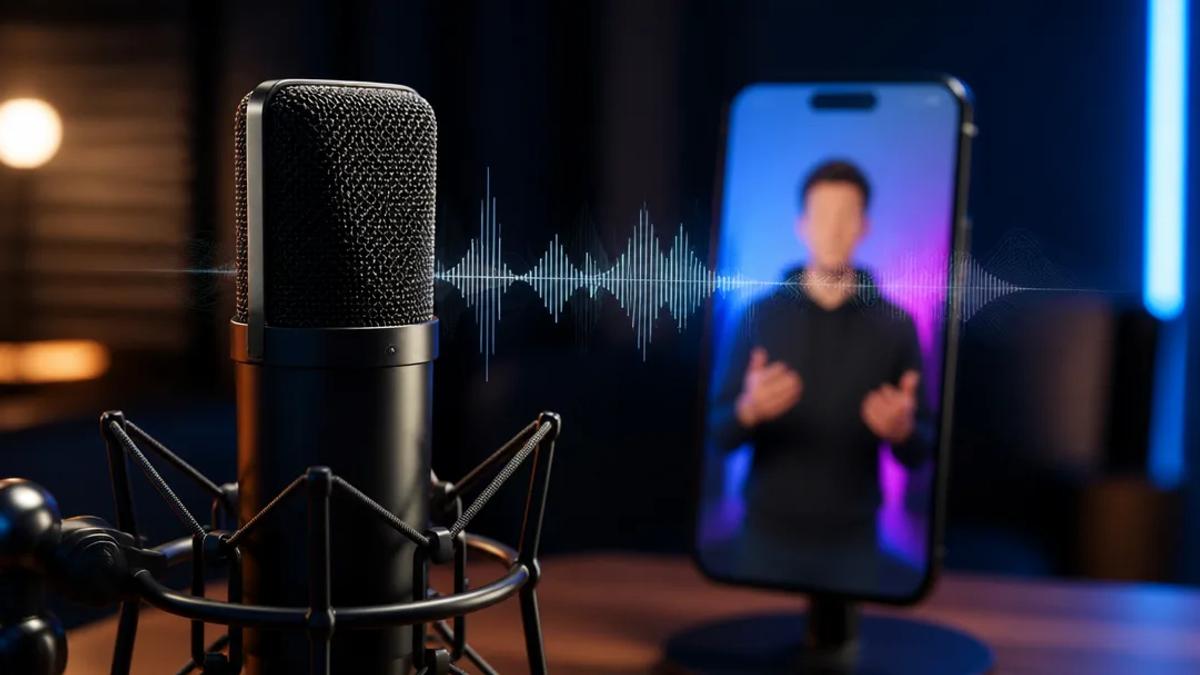
Recording your own voice for AI videos ensures brand consistency, adds authenticity, and maintains a personal connection. With AI voice cloning advancements, capturing your unique vocal identity for automated video production is more accessible than ever. This guide covers best practices for recording high-quality audio, optimizing your environment, and leveraging Crealix AI to integrate your custom voice into AI-generated videos.
Why Use Your Own Voice for AI Videos?
Integrating your voice into AI-generated videos offers distinct advantages:
- Authenticity & Connection: Your unique voice builds trust and a stronger audience connection, making content more relatable than generic AI voices.
- Brand Consistency: Maintain your established personal brand across all content, ensuring a signature tone and style whether manually recorded or AI-generated.
- Unique Identity: Differentiate your channel or brand in a crowded content landscape from those relying solely on standard AI voices.
- Emotional Nuance: Convey subtle emotional nuances and inflections that current AI models struggle to replicate perfectly, especially in narrative content.
Best Practices for Recording Your Voice for AI Cloning
High-quality source audio is paramount for effective AI voice cloning. Follow these best practices for optimal results:
1. Optimize Your Recording Environment
- Minimize Background Noise: Record in a quiet space. Turn off all noise-emitting devices (AC, fans, refrigerators, notifications). Even subtle hums degrade cloning quality.
- Reduce Room Echo/Reverb: Dampen echoes. Record in rooms with soft furnishings like carpets, curtains, and upholstered furniture. A clothes-filled closet can effectively absorb sound.
- Distance from Walls: Avoid recording too close to walls to prevent sound reflections. Aim for a central spot in a treated room.
2. Use the Right Equipment
- Microphone Choice: Invest in a quality microphone. USB microphones (e.g., Blue Yeti, Rode NT-USB Mini) are excellent for beginners, offering clear sound with simple setup. For professional quality, an XLR microphone with an audio interface is recommended.
- Pop Filter: Essential for preventing harsh "p" and "b" sounds (plosives) from distorting audio. Position it a few inches from the microphone.
- Headphones: Use closed-back headphones to monitor audio and detect unwanted noise. Avoid open-back headphones, as sound can leak into the microphone.
3. Recording Techniques
- Consistent Distance: Maintain a consistent distance from the microphone (typically 4-8 inches, depending on the mic) to prevent volume and tone fluctuations.
- Clear, Natural Speech: Articulate words clearly at your natural pace and tone. Avoid shouting or whispering for accurate cloning.
- Control Breathing: Practice quiet, natural breathing. Avoid breathing directly into the microphone. Pause as needed.
- Varied Script: For cloning, read a script with a range of phonemes, tones, and speaking styles for a versatile cloned voice. Crealix AI provides suggested scripts for comprehensive coverage.
- Record in Mono: Most voice cloning services prefer mono audio files. Configure your recording software to record in mono.
4. Audio File Specifications
- File Format: Common formats include MP3, WAV, M4A, OGG, or WEBM. WAV is often preferred for uncompressed quality.
- Sample Rate: Aim for 44.1 kHz or 48 kHz.
- Bit Depth: 16-bit or 24-bit is ideal.
- Duration: Adhere to service-specific requirements. Crealix AI requires a 15-60 second recording for effective voice cloning.
Setting Up Your Audio for AI Video Narration with Crealix AI
Crealix AI simplifies integrating your voice into AI-generated videos:
- Record Your Voice: Follow the best practices above to record a high-quality audio sample. Record directly in-browser or upload an existing file.
- Clone Your Voice in Crealix AI: Navigate to "My Voices" in Crealix AI settings. Record a 15-60 second sample directly using a suggested script, or upload an existing audio file (MP3, WAV, M4A, OGG, WEBM) between 5 seconds and 5 minutes. Name your voice and confirm consent. The process typically completes in under a minute.
Clone or design your own voice (My Voices)
- Use Your Cloned Voice in Any Video Format: Once cloned, your voice appears as an option under "My voices" in every voice picker across Crealix AI. Use it for:
- Faceless Videos: Narrate automated no-face videos. Make a faceless / script-to-video
- Talking Objects: Animate objects with your unique vocal flair. Make a Talking Objects video
- AI Movies & Dramas: Add a personal touch to cinematic shorts and cartoons. Make an AI Movie
- Animated Stories: Bring animated explainer videos to life. Make an Animated Story
- Reddit Stories & Fake Text Messages: Assign your cloned voice to characters. Make a Reddit / fake-text story or Make a fake text message / texting-story video
- Autopilot Series: Set up recurring video series that automatically produce and publish episodes using your cloned voice, ensuring content consistency. Set up an automated series (Autopilot)
- Crealix in AI Assistants: Your cloned voice is available when creating videos via Claude, ChatGPT, or other AI assistants. Use Crealix inside Claude, ChatGPT, Cursor or any AI assistant (MCP connector)
Crealix AI preserves your voice's pace, accent, and timbre, maintaining perfect sync between word-level captions and narration across all video formats.
Maintaining Voice Consistency in AI Videos
Once cloned, Crealix AI ensures consistent voice use across multiple AI videos:
- Single Source Voice: Using your single cloned voice ensures every video sounds like you, maintaining brand consistency.
- Autopilot for Series: For daily or weekly creators, Crealix AI's Autopilot feature allows setting up recurring series using your cloned voice. The system plans ideas, produces, and publishes episodes on schedule, all narrated in your voice, with per-episode variety in visuals, music, and captions.
- Consistent Credit Pricing: Using your cloned voice costs the same as using a library voice, making it an accessible option for all AI video narration needs.
By following these recording best practices and leveraging Crealix AI's voice cloning capabilities, you can infuse your AI-generated videos with your unique vocal identity, creating more engaging and authentic content for your audience.
Ready to put your voice into your AI videos? Start free with Crealix AI and clone your voice today.