Drag a post to any day and time
The time follows your pointer. A moment that's over turns red.
MonTueWedThuFri
9 AM
2 PM
6 PM
 Tue 9 AM
Auto posting
Select your finished videos and set your posting times: a month of posts, ready in a minute.
Included in every plan · change or cancel any post until it goes out
This week
Ready to post


One, ten or all of them, straight from Ready to post.
The days and hours they go out, in your timezone.
Each network gets its own text, posted at the exact minute.
Change anything until the minute it posts.
The time follows your pointer. A moment that's over turns red.
Tue 9 AMA hook for TikTok, a caption for Reels, a title for Shorts.
Views, likes and comments, by day and by network.
If an account disconnects, its posts wait and take the next free times.
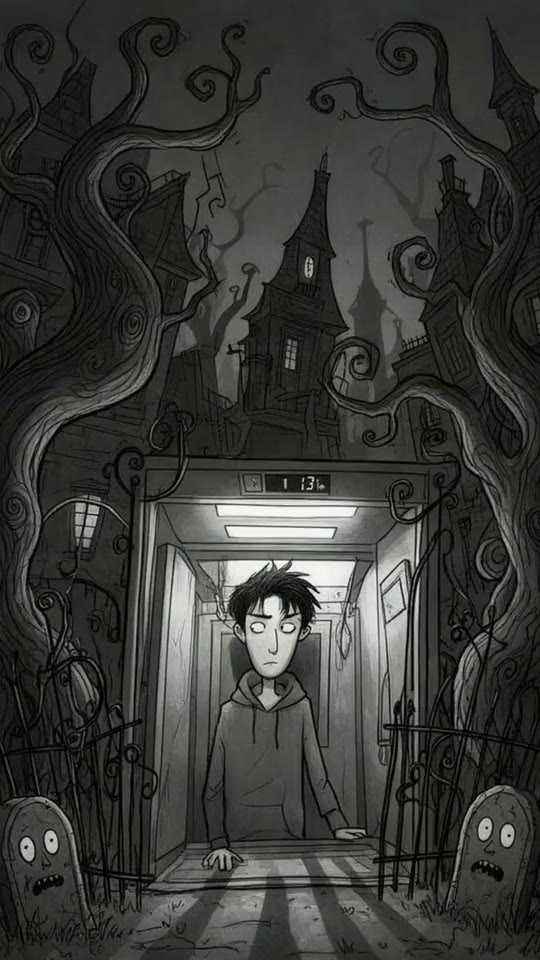
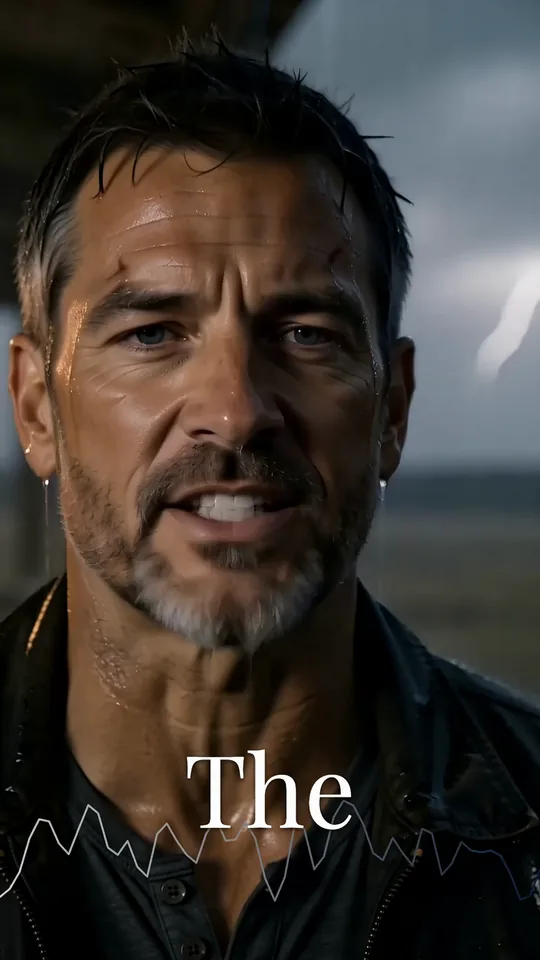
5 facts about the deep oceanOn holdThe night the lights went outOn holdThree habits before 8 a.m.On hold3 posts moved to your next free times.
Two posts a day on every network, without opening TikTok, Instagram or YouTube.
0
posts scheduled
0
hours spent posting
Videos in your queue: Starter 30 · Creator 100 · Pro 300 · Studio 1,500 · Enterprise 5,000
Want the videos made for you too? See AutopilotMarch
0 posts
Questions
What people ask before they hand their posting to a queue.
Connect your TikTok, Instagram and YouTube accounts in Crealix, select your finished videos and press Schedule. Each video takes the next free posting time you set and goes out to every channel you picked at that minute. One selection covers all three networks.
Yes. Select as many finished videos as your plan's queue holds, from 30 on Starter to 5,000 on Enterprise, and schedule them in one step. At two posts a day, 100 videos fill 50 days. You see the first and the last date before you confirm.
Yes, when you choose Write for me. Crealix writes a caption and hashtags for TikTok and Instagram, and a title, description, hashtags and tags for YouTube, from each video's own script. You can edit any post until it goes out, or use one text for every video.
Nothing is lost. The posts of that account wait on hold and you get an email. When you reconnect it, they move to your next free posting times in their original order. Posts to your other accounts keep going out on time.
Yes, until the minute it posts. Drag it to another day, set an exact date and time, move it to the next free time, post it now, edit its text, add another channel or unschedule it. You can also pause the whole queue and resume it later.
The numbers each network shares with Crealix: views, likes and comments for YouTube, and likes and comments for Instagram. TikTok does not share numbers through this connection, so its posts are listed without them. Every total says which networks it adds up.
It depends on the plan. Starter: 3 accounts and 30 videos, Creator: 5 accounts and 100 videos, Pro: 10 accounts and 300 videos, Studio: 20 accounts and 1,500 videos, and Enterprise: 30 accounts and 5,000 videos. A video counts once in the queue, however many channels it goes to, and it frees its place when it is posted.
Auto posting schedules the videos in your Crealix library: everything you create in Crealix, in any of its formats. It does not import finished videos from other tools.
Auto posting publishes videos you already made, at the times you choose. Autopilot also makes them: you set up a series once and it produces and posts a new episode on schedule. Both appear in the same calendar.
Yes. Scheduling, the calendar, text suggestions and stats are included in every Crealix plan at no extra cost. Plans differ in the number of connected accounts and in how many videos can wait in the queue.