Automate YouTube Shorts with AI Gameplay Videos | Crealix
Automate YouTube Shorts production using AI to create engaging, faceless gameplay videos at scale. Generate high-volume content efficiently.
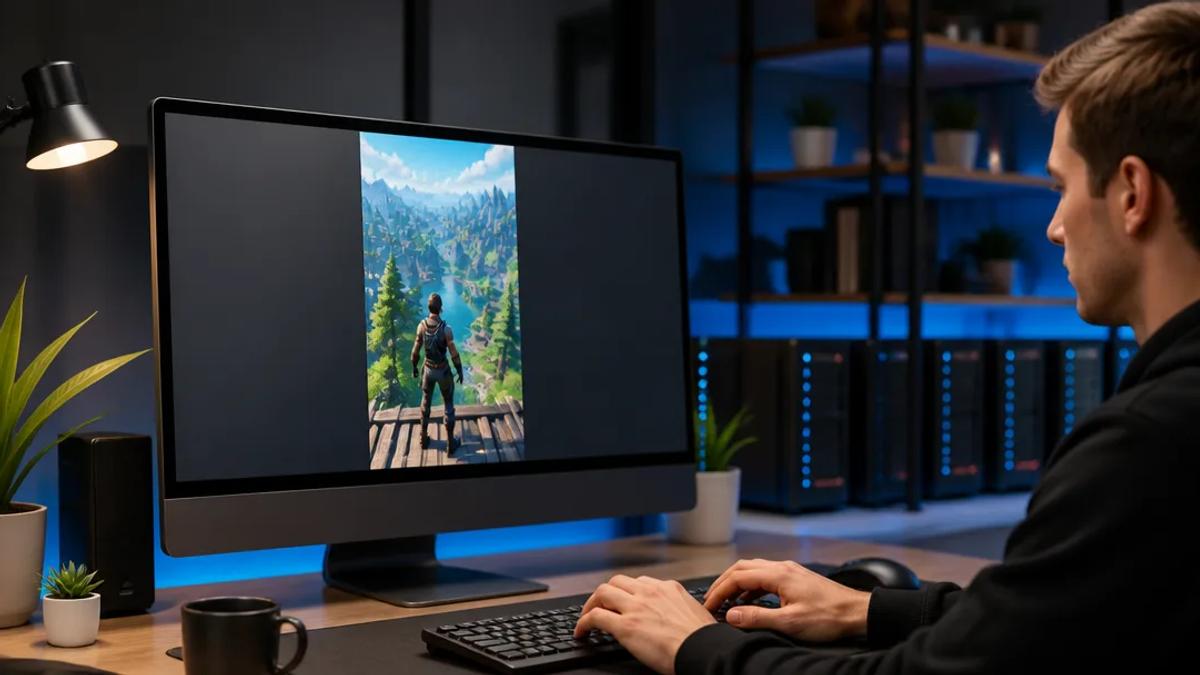
Automate your YouTube Shorts strategy by using AI to generate videos combining narration with looping gameplay footage. This method enables creators to produce high volumes of engaging, faceless content without manual gameplay or recording, significantly reducing production time and facilitating a consistent, high-frequency posting schedule.
AI video generators now manage the entire workflow: from script generation based on your idea, to voiceover creation, background gameplay sourcing, dynamic captioning, and final Short rendering. This accelerates channel growth beyond manual editing capabilities.
Why Use AI Gameplay for YouTube Shorts?
Gameplay footage provides constant visual stimulation, effectively holding viewer attention in short-form video. Paired with compelling narratives, facts, or commentary, it creates a highly effective and repeatable content format. The benefits of automation for creators include:
- Massive Scalability: The primary advantage is speed. By eliminating the need to personally play, capture, and edit hours of footage, you can focus on content ideas and production volume. An AI tool can generate a finished video in minutes from a single prompt.
- High Engagement: Fast-paced, dynamic gameplay acts as a strong visual hook, reducing early drop-offs and maintaining viewer engagement with the narration. This is crucial for the YouTube Shorts algorithm.
- Ideal for Faceless Channels: This strategy is highly effective for "cash cow" and faceless YouTube channels. You can build and monetize a successful presence without showing your face or using your own voice, thanks to AI voice generation.
- Niche Versatility: Gameplay serves as a universally applicable background. Use it for storytelling, educational content, historical facts, hypothetical scenarios, news commentary, or opinions. The visual is the container; the narration provides the value.
How to Automate Gameplay Video Creation with AI
Modern AI video platforms streamline the process of creating gameplay-backed shorts into a simple, idea-driven workflow. Instead of integrating multiple tools for scripting, voiceovers, video clips, and captions, an all-in-one generator like Crealix automates the entire production stack.
Here are effective formats you can automate:
1. The Narrated Story or Fact Video
This classic faceless video format pairs a script—covering history, science, or a personal story—with engaging visuals.
The AI Workflow:
- Provide Idea or Script: Input a topic like "Three mind-blowing space facts" or paste a complete script.
- AI Generation: An AI tool like Crealix writes the script (if needed), generates a high-quality AI voiceover, and automatically selects looping gameplay footage.
- Final Touches: The platform adds synchronized, animated captions, background music, and sound effects before rendering the final, upload-ready video.
This process transforms a simple idea into a finished Short in minutes. Explore this workflow with Crealix's Script-to-Video generator.
2. The Viral Tweet Thread Video
This popular format on TikTok and YouTube Shorts displays a hypothetical tweet thread over gameplay, telling a story or posing a question in a familiar, shareable format.
The AI Workflow:
- Craft the Thread: Use a specialized tool to write the main tweet and replies. Crealix's Twitter Video generator includes an AI thread writer to assist in drafting viral scenarios from a single idea.
- Customize Appearance: Set the display name, @handle, avatar, and engagement numbers for an authentic look. No real X/Twitter account connection is required.
- Generate the Video: Crealix narrates each tweet, reveals text word-by-word synchronized with the voiceover, and overlays it on looping gameplay. Captions and music are automatically added.
3. The Split-Screen Commentary Video
Split-screen is ideal for reaction content, comparisons, or demonstrating a process with commentary. One half displays gameplay, while the other shows complementary visuals.
The AI Workflow:
- Select Videos: Choose a gameplay clip for one side. For the other, use another video, an AI avatar, or a screen recording.
- Compose Scene: Crealix's Split Video generator allows arranging clips top-and-bottom or side-by-side. Add new AI-generated narration covering both videos.
- Render and Publish: The tool combines clips, adds your voiceover, generates captions from the audio, and renders a single, cohesive short-form video.
A Scalable Strategy for YouTube Shorts Automation
Leveraging these AI-powered formats enables you to build a content machine for your YouTube channel. The strategy is:
- Batch Ideas: Dedicate time to brainstorming numerous video ideas or script outlines.
- Automate Production: Input ideas into an AI video generator like Crealix. Use features like the Twitter Video generator or the Script-to-Video tool to produce videos in parallel, without manual editing.
- Schedule and Publish: Maintain a daily or multi-daily posting cadence to maximize reach and feed the YouTube algorithm with fresh content.
This approach transforms YouTube Shorts creation from a time-consuming craft into a scalable system. An all-in-one platform replaces complex chains of separate tools and freelancers with a single, fast, cost-effective solution designed for high-volume production.
Ready to automate your channel? Start creating AI gameplay videos for free on Crealix.