Crealix MCP
Crealix MCP: AI videos from your chat
Connect Crealix to ChatGPT, Claude or any AI agent. Ask for a video in plain words and get it finished, short or long, without leaving the chat.
Free to connect · no credit card · you approve every credit
Works with
- Claude
- ChatGPT
- Cursor
- VS Code
- Claude Code
- Codex
- Gemini CLI
- Any MCP client
https://mcp.crealix.ai/mcp The Last Day of PompeiiPlanning the video
- Voice
- Brian
- Visual style
- Dark Comic
- Captions
- Bold · 2 words
- Music
- Slow piano
 CC
CC CC
CC CC
CC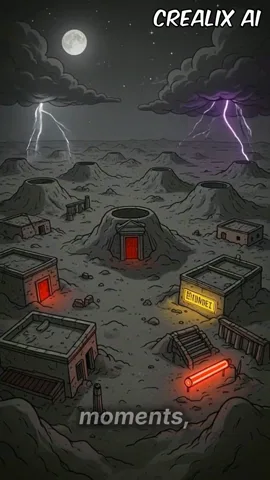 CC
CC14 credits to generate · 4 to render at 1080p
 9:16 · 0:44
✓Ready for TikTok · Reels · Shorts · 18 credits in total
- 12
- video formats from one chat
- 7
- assistants, one link each
- 20
- minutes of video, at most
- 0
- credits spent before you approve
One message. Twelve formats.
Ask in your own words or name the format. Your assistant writes it, casts it and shows you the proposal.

Topic to AI Story
- 100+voices
- 40+visual styles
- 48caption styles
- 200+music
It casts the whole catalog for you
Every voice, visual style, caption style and track Crealix has, weighed against this video, and picked with a reason. You change whatever you like.
- Adam
- Brian
- Hale
- Rachel
- Sam
Because: calm and low, for a story told slowly
 Anime
Anime- Dark Comic
 Stickman
 Kids Storybook
 Manga Horror
Because: heavy shadows for a city about to go dark
- Default
- Impact
- Bold
- Neon
- Elegant
Because: two words at a time reads with the sound off
- Cinematic rise
- Slow piano
- Lo-fi beat
- Epic drums
- Ambient pad
Because: under the voice, never over it
Brian · Dark Comic · Bold · Slow piano
Create video · 14 creditsAsk for changes in plain words
Say what you'd change. Crealix redoes only that part, shows the price when there is one, and can undo it.
- Make the narrator slowerRe-recording scenes 2 and 4…
- A new image for scene 3Drawing scene 3 again…
- Make an image for the coverGenerating the cover image…
- Animate scene 1Animating scene 1…
The Last Day of PompeiiDraftScene 1Scene 2Scene 3Scene 4THE SKY WENT DARKCoverClip to make
Scene 1 · 5 s · 1080p · 8 credits
Animate · 8 credits- 1
Change the voice, the words, the captions
Only the lines that changed are recorded again. The rest of the video stays as it is.
- 2
Redo one scene
A new image or clip for the scene you name, with the visual style kept.
- 3
Design the cover
A headline over the best frame, or over an image made for it.
- 4
Animate a scene
You see the model, the length, the quality and the price before any clip is made.
You approve before a credit is spent
Each assistant gets its own limits when it connects, and anything above them waits for your yes in the chat.
Daily credit cap
Ask me before spending more than
0 / 250 credits spent today
The price is on the button
Every proposal shows the script, the cast and the exact cost. Nothing is made until you press Create or say yes.
Clips are quoted first
Before a scene is animated, you see each clip's model, length, quality and price.
Limits for each app
A daily credit cap and the amount above which your assistant has to ask you first.
Disconnect anytime
Every connected assistant is listed in Settings › Connected Apps. Remove it in one click.
- TikTok
- YouTube
Render and publish, with your OK
The final MP4 in 720p, 1080p or 4K, and the post on your connected accounts, only after you approve exactly what goes where.
The Last Day of Pompeii
MP4 · 1080p · 0:44
Rendered- Live
TikTok
EveryoneFriendsOnly me - Live
YouTube
Public · The Last Day of Pompeii #history
- Live
Instagram
Reels · @crealix
- 1
Render
Ask for the final video and pick the quality. It renders in the cloud in a few minutes.
- 2
See what each network asks
TikTok's privacy level, YouTube's title and privacy, the Instagram account. Your assistant lays them out.
- 3
Approve exactly what goes where
Nothing is posted until you say yes to the full plan.
- 4
Watch them go live
Each post's link appears as it lands. Publishing can be turned off for any assistant.
Short-form or long-form
The same chat makes a 15-second hook for TikTok or a 20-minute story for YouTube. The script sets the length.
Short-form
15 to 90 seconds, vertical 9:16
For TikTok, Reels and YouTube Shorts
Long-form
Up to 20 minutes, horizontal 16:9
For YouTube, told as one continuous story
Long-form works with: Topic to AI Story · Reddit Stories · Twitter Videos · Split Videos · Stock Video
Connect in a minute
Pick your assistant and follow its steps. The first time, you sign in to Crealix and choose how much it can spend.
Your AI app
Claude
Web, desktop and mobile
- 1
Open Claude with Crealix already filled in.
- 2
Click Add, then Connect.
- 3
Sign in to Crealix and choose how much it can spend.
On Team and Enterprise plans, an owner adds it in Organization settings.
ChatGPT
Plus, Pro, Business, Enterprise and Edu · on the web
- 1
In ChatGPT, open Settings › Security and login and turn on Developer mode.
- 2
Go to Plugins and click +.
- 3
Name it Crealix and paste this server URL:
https://mcp.crealix.ai/mcp - 4
Create it, then sign in to Crealix and choose how much it can spend.
Cursor
Code editor
- 1
Open Cursor with Crealix ready to install.
- 2
Click Install in Cursor.
- 3
Sign in to Crealix when Cursor asks, or from Cursor Settings › MCP.
VS Code
GitHub Copilot agent mode
- 1
Open VS Code with Crealix ready to install.
- 2
Click Install in VS Code.
- 3
Sign in to Crealix when VS Code asks.
Claude Code
Terminal
- 1
Run this command in your terminal:
claude mcp add --transport http --scope user crealix https://mcp.crealix.ai/mcp - 2
In Claude Code, type
/mcp, choose crealix and sign in.
Codex
CLI, IDE extension and app
- 1
Run this command in your terminal:
codex mcp add crealix --url https://mcp.crealix.ai/mcp - 2
Then run
codex mcp login crealixand sign in. The Codex IDE extension and app use it too.
Gemini CLI
Terminal
- 1
Run this command in your terminal:
gemini mcp add --scope user --transport http crealix https://mcp.crealix.ai/mcp - 2
In Gemini CLI, run
/mcp auth crealixand sign in.
Any other agent
Any agent that supports remote MCP servers with OAuth sign-in can use this URL.
https://mcp.crealix.ai/mcpMade from a chat, in every format
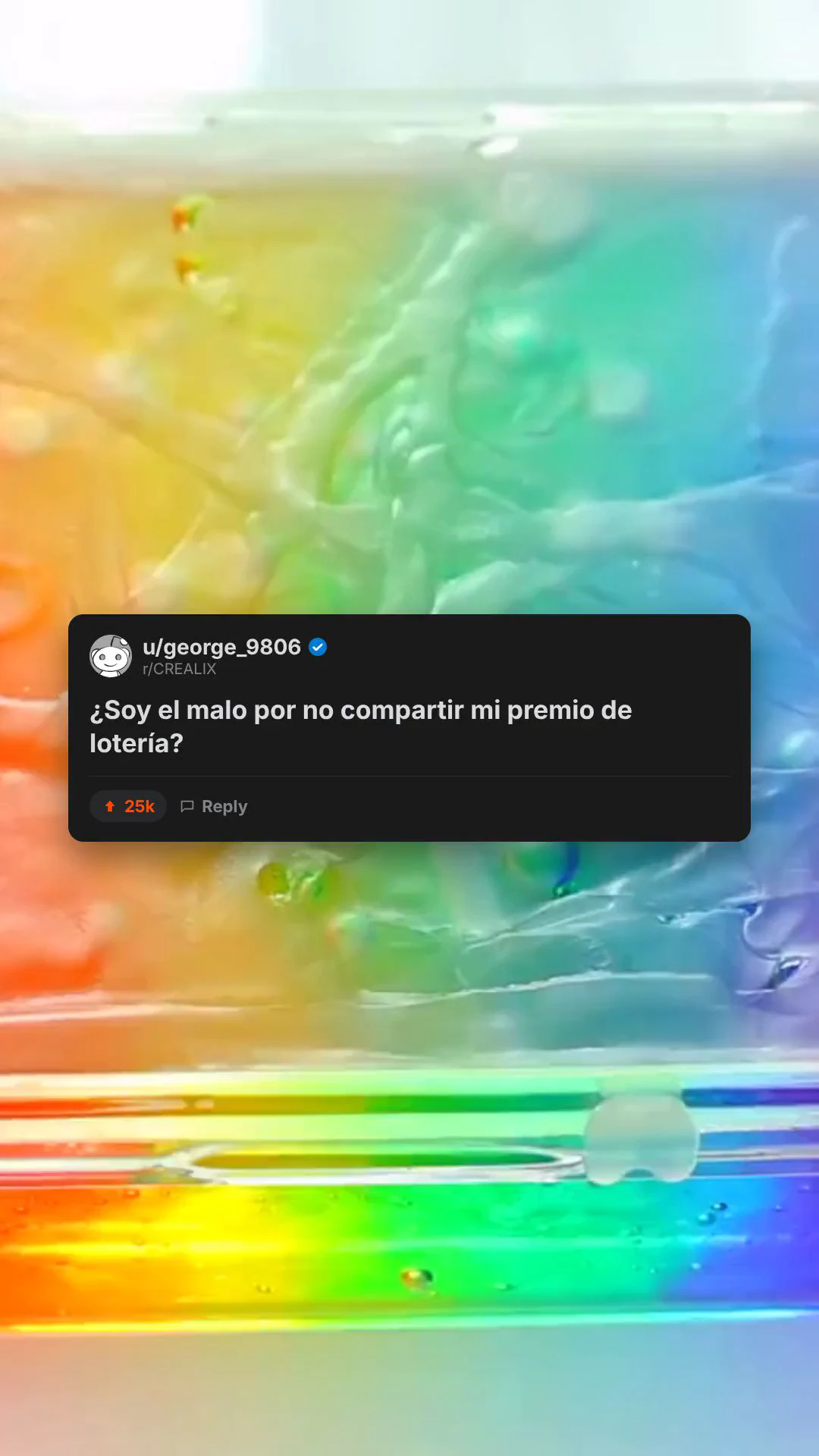
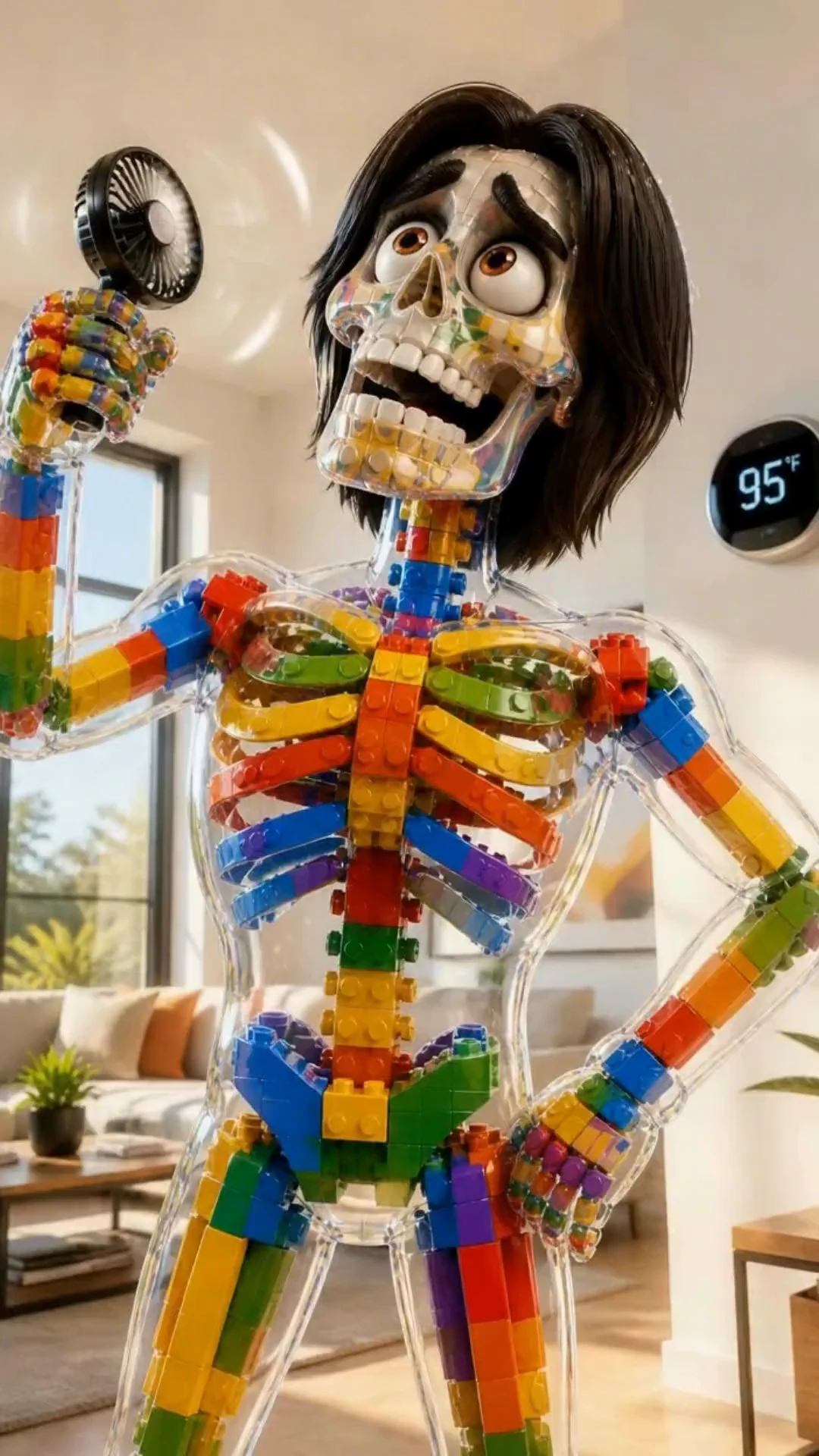
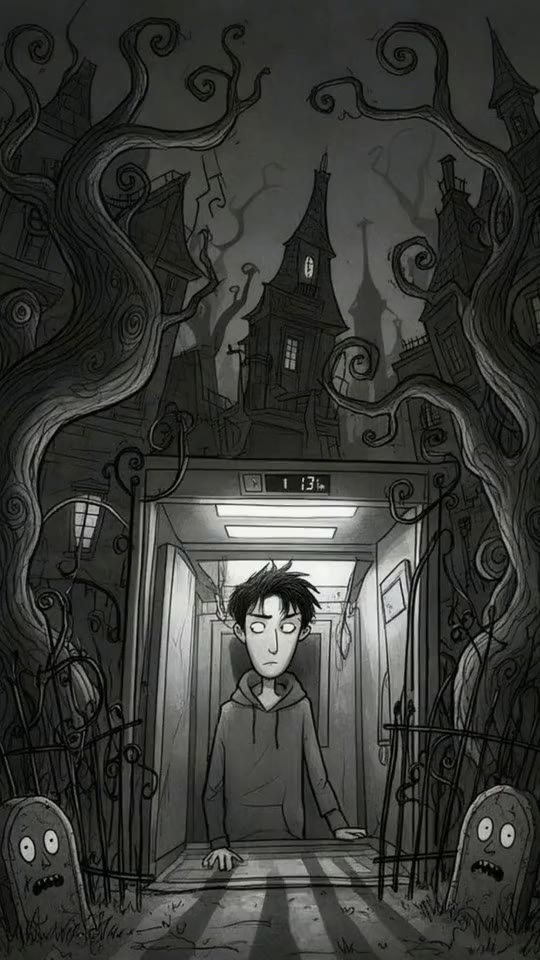
Real videos made with Crealix. Ask your assistant for any of them.
















Crealix MCP questions
What people ask before connecting their assistant.
What is the Crealix MCP?
It's a remote Model Context Protocol (MCP) server at https://mcp.crealix.ai/mcp. Once it's connected, your AI assistant can use Crealix: plan and create videos in 12 formats, edit them, render the final MP4, generate images, clips and music, and publish to your social accounts with your approval.
Which AI assistants work with Crealix?
Claude, ChatGPT, Cursor, VS Code, Claude Code, Codex and Gemini CLI, plus any assistant that supports remote MCP servers with OAuth sign-in. Claude, Cursor and VS Code install from one link; ChatGPT uses developer mode for now.
Does it cost extra?
No. Connecting is free, and your assistant uses the same credits as the Crealix app. Planning, proposals and edits are free; creating, animating and rendering cost what they cost in Crealix, and you see the price first.
Can it make long videos?
Yes. Faceless videos, stock footage videos, Reddit stories, tweet videos and split screens can run up to 20 minutes in 16:9 for YouTube. Short-form videos run from 15 to 90 seconds in 9:16.
Will my assistant spend credits without asking?
Only within the limits you set when you connect it: a daily credit cap and an amount above which it has to ask you first. Clips are always quoted before they're made, and you can change the limits or disconnect it in Settings › Connected Apps.
Can it publish to TikTok, YouTube or Instagram?
Yes, to the accounts you connected in Crealix, and only after you approve exactly what goes where. You can turn publishing off for any assistant.
Do I need a paid plan?
No. You can connect your assistant, create videos and preview them on any plan. Exporting the final MP4, and some formats such as Reddit stories, depend on your plan.
Is my Crealix account safe?
Your assistant connects through Crealix's own sign-in (OAuth), so it never gets your login or payment details. It can only use what the consent screen lists, and you can disconnect it at any time.
Your next video starts with a message
Connect Crealix to your assistant and ask for your first video.